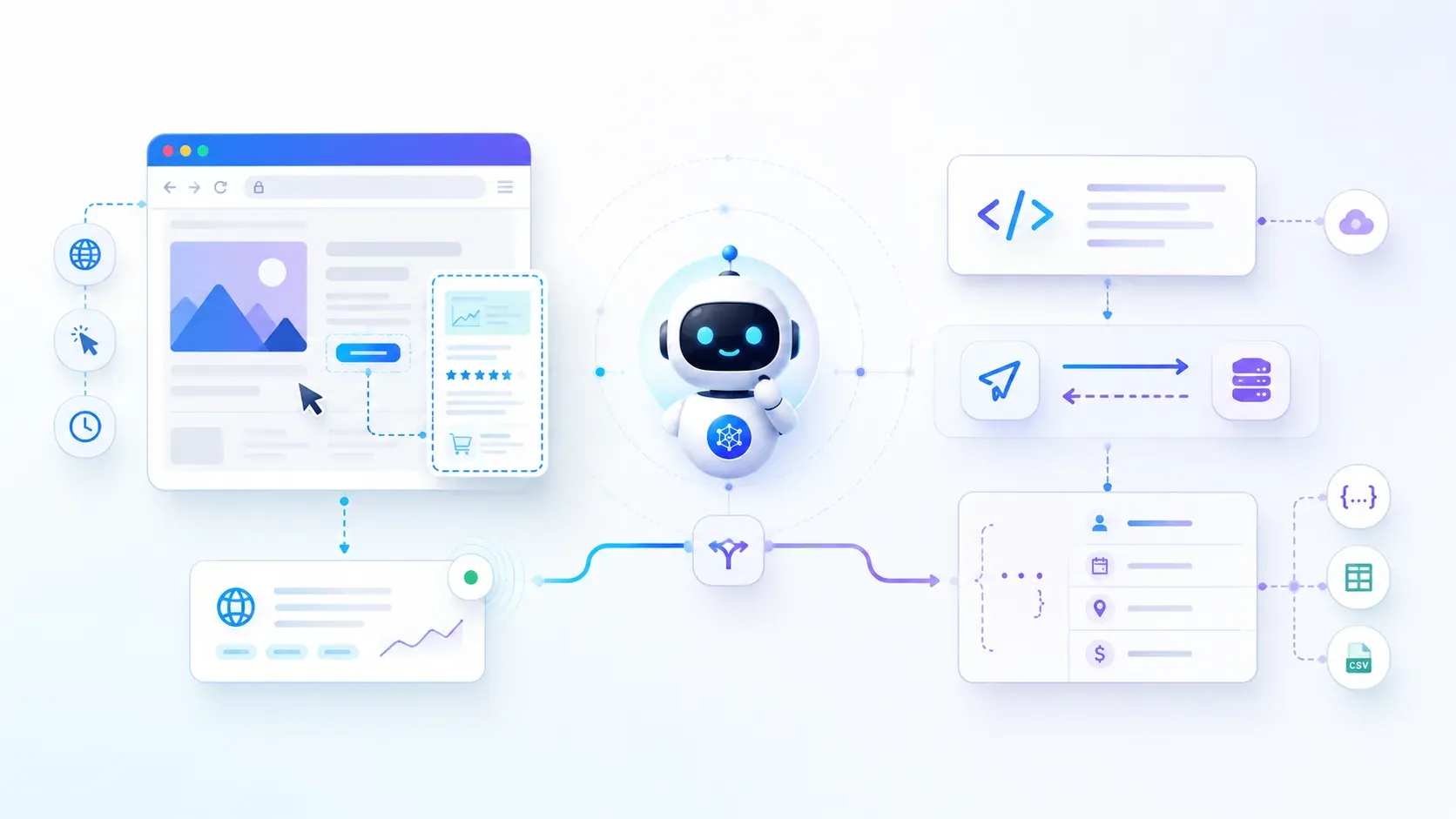
- Web fetch reads cached/indexed page data, fast, but it can miss anything that only appears after JavaScript runs, and often returns summaries instead of exact figures.
- Scrapling opens the actual live page in a browser-like session, executes JavaScript, and can bypass basic bot protection using its StealthyFetcher.
- Tested on Glassdoor: a normal request got blocked with an HTTP 403; Scrapling's StealthyFetcher got through and pulled the actual review content.
- Tested on MakeMyTrip: web fetch gave a rough price range from a different platform; Scrapling returned the exact flight, time, and live price on the actual booking page.
- Use web fetch for broad research and discovery, use Scrapling when the agent needs live, exact, actionable data from a specific page, the two are complementary, not competing.
What happens when an AI agent needs data that search results cannot reliably provide?
For broad research, cached pages and web fetches are often enough. But when the task depends on live prices, flight availability, job listings, reviews, or JavaScript-rendered pages, the agent needs data from the actual website.
That is where Scrapling helps. It opens the live page, renders JavaScript, handles modern website behavior, and extracts the data an AI agent needs.
In this article, we’ll compare Scrapling with traditional web fetch, where each one works best, and what happened when we tested Scrapling on real examples like Glassdoor reviews and MakeMyTrip flight data.
What Is Scrapling?
Scrapling is an open-source web scraping framework built for modern websites. It helps AI agents fetch live web data from pages that may be static, JavaScript-rendered, or protected by anti-bot systems.
Unlike basic web scrapers that only send HTTP requests, Scrapling gives you different fetching options based on how complex the target website is.
| Fetcher | What It Does | Best For |
Fetcher | Uses lightweight HTTP requests | Static websites |
DynamicFetcher | Uses Playwright to render full browser pages | React apps, SPAs, and JavaScript-heavy pages |
StealthyFetcher | Uses a stealth browser setup with Camoufox | Cloudflare-protected or bot-protected websites |
This layered setup matters because many modern websites do not show complete data in raw HTML. Some pages need JavaScript rendering, browser behavior, or stealth handling before the right data becomes visible.
How to Install Scrapling and Connect It to AI Agents?
One of Scrapling’s biggest strengths is how naturally it integrates into AI workflows.
Installation is straightforward:
pip install "scrapling[fetchers]"
scrapling install
Scrapling can also function as an MCP (Model Context Protocol) server, allowing tools like Claude Code to directly access it through natural language prompts.
pip install mcp
claude mcp add scrapling -s user "path/to/.exe" mcp
Once connected, an AI assistant can use Scrapling for live page fetching, JavaScript rendering, stealth scraping, screenshot extraction, and structured data retrieval.
This makes Scrapling useful not only as a scraping library, but also as a live data tool inside AI workflows.
Scrapling vs Web Fetch: Cached Results vs Live Browser Data
This is the main difference between traditional web fetch and Scrapling. Web fetch usually works with indexed or cached page data, while Scrapling opens the actual website in a browser-like environment and extracts live content.
| Traditional Web Fetch | Scrapling |
Reads indexed or cached page data | Opens the live webpage |
May miss recent updates | Extracts real-time data |
Often returns snippets or summaries | Can extract exact fields |
Limited JavaScript support | Executes JavaScript fully |
Struggles with dynamic websites | Handles JavaScript-rendered pages |
Often fails on protected pages | Can use stealth fetching for tougher sites |
This matters because many modern websites do not show all their content in the first HTML response. Prices, reviews, flight listings, dashboards, and job posts often appear only after JavaScript runs. In those cases, Scrapling gives AI agents access to the live page, not just a cached version of it.

Walk away with actionable insights on AI adoption.
Limited seats available!

Use Case 1: Glassdoor - Bypassing 403 Protection
The Problem
The test was to fetch reviews from this Glassdoor page:
https://www.glassdoor.co.in/Reviews/Google-Reviews-E9079.htm
A normal HTTP request failed immediately with:
HTTP 403 - Access Denied
This happened because Glassdoor blocks many unauthenticated scraping attempts and bot-like requests. A basic web fetch could reach the URL, but it could not access the review content.

What Scrapling Did Differently
Scrapling used StealthyFetcher to open the page in a browser-like session instead of sending a basic HTTP request. This allowed it to load the live page, handle the site’s protection layer, and retrieve the review content that normal web fetch could not access.
Output:

The key difference was behavior. Scrapling did not just request the page URL. It interacted with the website more like a real browser session, which made it more effective for protected and dynamic pages.
Use Case 2: MakeMyTrip - Real-Time Flight Data
The Problem
The goal was to find the cheapest direct flight from Chennai to Bangalore for the coming Friday, specifically on MakeMyTrip.
Traditional web fetch returned only broad price ranges from travel aggregators. It did not give enough useful details like flight number, departure time, direct flight confirmation, live availability, or active MakeMyTrip pricing.

The main issue was accuracy. The result pointed to a different travel platform, while the actual requirement was to check live flight data on MakeMyTrip.
What Scrapling Returned
Scrapling opened the live MakeMyTrip page, executed the JavaScript, waited for the flight listings to load, and extracted the exact results from the page.

It returned details that traditional web fetch missed, including the flight name, flight number, departure time, live price, and available discounts.
This changed the output from a rough estimate like “flights are around ₹4,000” to a specific recommendation such as “Air India Express IX 1887 at 08:55 for ₹4,249.”
That is the key difference. Scrapling did not give an approximate answer from search results. It extracted live, actionable data from the actual booking page.
When Should You Use Scrapling?
Scrapling is not a replacement for web fetch. It is useful when a normal search result or cached page cannot give the AI agent the exact data it needs.
Use Scrapling When:
- You need live prices
- You need flight availability
- The page is JavaScript-rendered
- The site blocks standard scraping
- You need exact structured data
- Timing matters
Use Traditional Web fetch When:
- You need broad research
- You want multi-source synthesis
- You are learning concepts
- You are fact-checking across domains
- You want historical context
Walk away with actionable insights on AI adoption.
Limited seats available!
The smartest workflow often combines both approaches:
- Use search engines for broad discovery
- Use Scrapling for precise live extraction
The best workflow is often a mix of both. Use web fetch to understand the topic and discover sources, then use Scrapling when the AI agent needs precise live data from a specific page.
Final Thoughts
Scrapling and Web Fetch solve different problems.
Web fetch works well for broad research, summaries, and general information. It is fast, lightweight, and useful when the answer does not depend on the live state of a page.
Scrapling becomes useful when the AI agent needs current, exact data from the actual website. The Glassdoor and MakeMyTrip tests, it showed why live browser scraping matters for protected pages, JavaScript-rendered content, and real-time information.
For AI agents, the best approach is not to choose one over the other. Use web fetch for discovery, then use Scrapling when the task needs live data that the agent can actually act on.
Frequently Asked Questions
1. What makes Scrapling different from traditional web scraping?
Scrapling can open live pages in a real browser, execute JavaScript, and handle dynamic content. Traditional scrapers usually fetch raw HTML and may miss modern website content.
2. Why is Scrapling slower than traditional scraping?
Scrapling may run browser sessions, render JavaScript, and use stealth fetching. These steps take more time than simple HTTP requests but return more complete page data.
3. Why do modern websites break traditional scrapers?
Many modern websites load content after JavaScript runs or use sessions, cookies, and anti-bot systems. Basic HTTP scrapers often miss this content or get blocked.
4. When should I use Scrapling instead of web fetch?
Use Scrapling when you need live prices, availability, reviews, JavaScript-rendered content, protected pages, or exact structured data from a specific website.
5. Should Scrapling replace web fetch?
No. Web fetch is better for broad research and summaries. Scrapling is better when an AI agent needs live, exact data from a real webpage.

Walk away with actionable insights on AI adoption.
Limited seats available!



