- Loop engineering shifts your role from prompting an AI agent at every step to designing the system that directs its work.
- The article explains four workflows: turn-based, goal-based, time-based, and proactive loops.
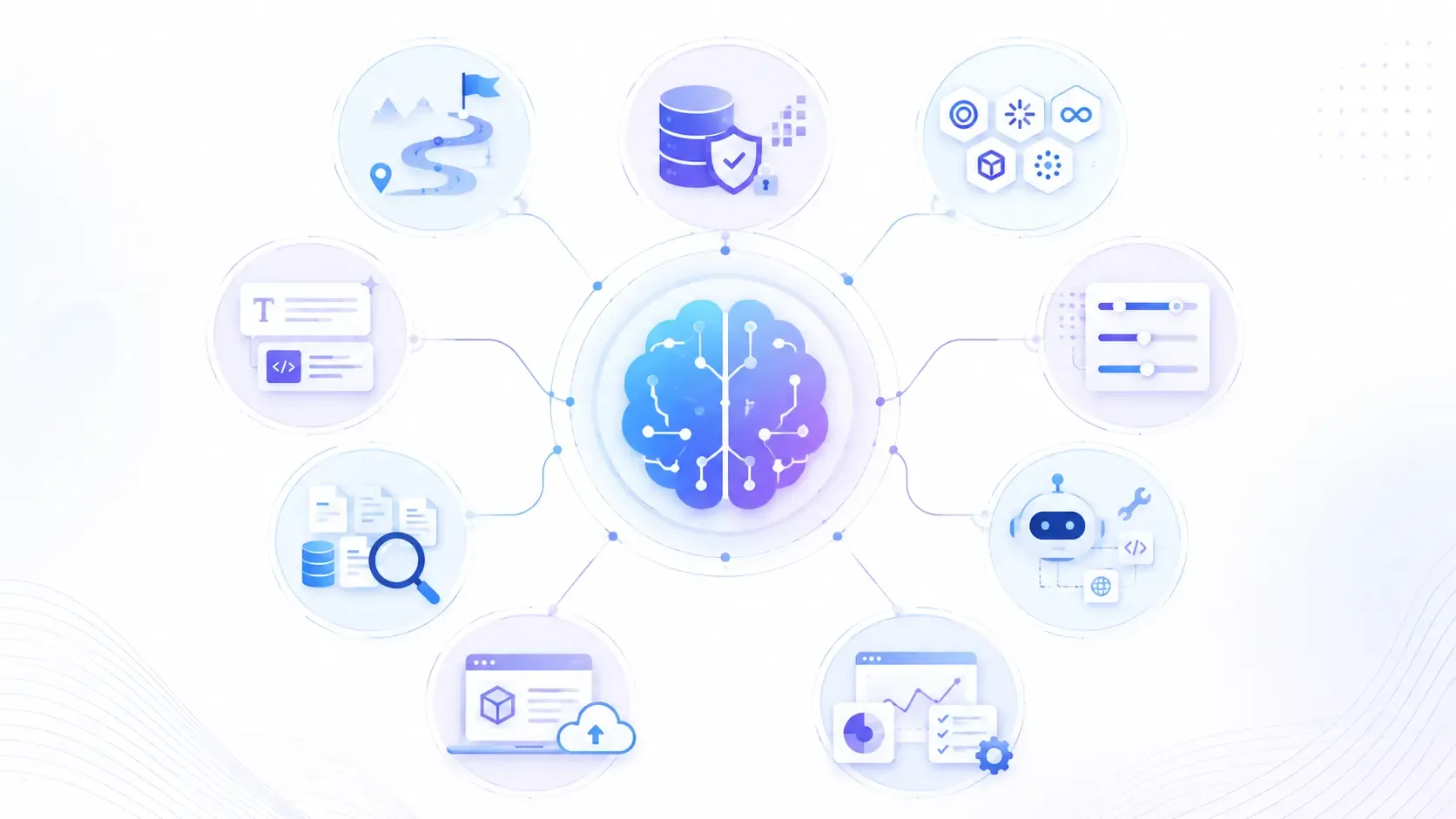
- A reliable setup combines triggers, isolated workspaces, project instructions, tool access, a separate checker, and persistent state.
- Meeting a goal doesn’t guarantee overall quality. Evaluation can miss requirements you never specified.
- Claude Code and Codex offer tools for goals, scheduling, parallel work, and review, though their implementations differ.
- Loops suit bounded, verifiable tasks and recurring work. Subjective tasks and decisions requiring unwritten context need closer human involvement.
AI coding agents can already write code, run tests, and fix their own mistakes inside a single conversation. The open question in 2026 isn't whether an agent can do a task. It's who decides when the agent runs again.
For most of 2023 through 2025, the answer was simple: you did. You sent a prompt, read the response, and decided the next step. That pattern is called a turn-based loop, and it's still how most people use tools like Claude Code or Codex today.
Loop engineering changes that pattern. Instead of prompting an agent yourself, you design a small system, a goal, a schedule, a checking step- that prompts the agent on your behalf. In this guide, we explain what loop engineering is, the two primitives behind it, the four kinds of loops in use today, and when the pattern is the wrong tool for the job.
Why Loop Engineering Is Becoming a Core AI Skill in 2026?
In June 2026, several engineers working closely with coding agents converged on the same observation within days of each other, without coordinating.
Independent developer Peter Steinberger argued that prompting agents turn by turn was no longer the highest leverage skill. Designing the loop that prompts them had become the more valuable one. Boris Cherny, who leads Claude Code at Anthropic, described his own workflow in almost identical terms: he had stopped prompting Claude directly and now spent his time writing loops that did the prompting for him.
Latent Space's newsletter grouped these observations under the name "loopcraft," and two influential engineering write-ups, one from Addy Osmani, one from the LangChain team, each published their own breakdown of the same shift within the same two weeks. By August 2026, the idea had moved out of personal experimentation and into two named, shipped commands inside real coding agent products: goal and loop.
This matters for any team running AI coding agents at scale. A developer directing one agent at a time hits a ceiling fast. A developer who has designed loops, with clear stopping conditions and a separate checking step, can run several agents in parallel without personally reviewing every turn.
What are Turn-Based Loops?
- Triggered by: You sending a message.
- Stops when: You're satisfied with the response.
- Best suited for: One-off tasks and everyday back-and-forth work.
Every prompt you send to a coding agent starts a turn-based loop. The agent gathers context, takes an action, checks its own work, and hands the result back to you. You read it, and you decide what happens next.
This is the loop most developers already know, and it's still the right default for anything you want to review closely: a sensitive refactor, a security-related change, or a first attempt at an unfamiliar part of a codebase.
In short, you're still holding the phone for every call. Loop engineering is about deciding which calls you can let the agent make on its own.
What are Goal-Based Loops?
- Triggered by: You writing a measurable success condition.
- Stops when: An evaluator confirms the condition is met, or a turn limit is reached.
- Best suited for: A single bounded task that benefits from more than one attempt.
A goal-based loop replaces "keep working until it looks done" with a condition a machine can actually check: a test suite passing, a specific score threshold, a metric improving by a set amount. After every attempt, a separate evaluator checks whether that exact condition holds. If it doesn't, and turns remain, the agent tries again.
Goal: reduce the checkout page's bundle size by 30% without changing any public component API. Stop if two attempts in a row show no improvement, or after 8 attempts total.
It's worth being precise about what this evaluator actually does. It checks whether your literal, written condition was met, not whether the result is good by every standard that matters. A goal can be satisfied while quietly missing something you never wrote down, which is exactly why a separate reviewing step still matters. More on that below.
What are Time-Based Loops?
- Triggered by: A fixed interval, similar to a cron job.
- Stops when: You turn it off, or its expiry window passes.
- Best suited for: Recurring checks against something that changes on its own, like a support queue or an open pull request list.

Walk away with actionable insights on AI adoption.
Limited seats available!

A time-based loop re-runs the same prompt on a schedule rather than driving toward one finish line. It's suited to "keep an eye on this," not "solve this once."
Loop every 2h: check the support inbox for tickets tagged urgent, draft a first pass reply, and flag anything involving billing for human review.
Time-based loops typically run on your own machine and stop the moment you close it. Moving one to run continuously in the cloud, so it survives your laptop going to sleep, is usually a separate step, often called a schedule.
What are Proactive Loops?
- Triggered by: An event or schedule, with nobody watching in real time.
- Stops when: The routine itself is switched off.
- Best suited for: Continuous, well-defined recurring work, such as issue triage, dependency upgrades, or routine migrations.
Proactive loops sit at the top of the stack. Nobody reviews each individual run; the system is simply left on. To keep this affordable, most implementations route routine work to a smaller, cheaper model and reserve the most capable model for genuine judgment calls.
This is the shape of loop engineering most people picture when they hear the term. It's also the shape with the least room for error, since nobody is watching each decision as it happens.
The Four Kinds of Loops: Quick Comparison
| Loop type | Triggered by | Stops when | Best for |
Turn based | You, each message | You're satisfied with the result | Everyday, one-off work |
Goal based | A written success condition | Condition verified, or turn limit hit | A single bounded task |
Time based | A schedule or interval | You turn it off, or it expires | Recurring checks on changing systems |
Proactive | An event, unattended | The routine is switched off | Continuous, well-defined recurring work |
The Building Blocks Behind Every Loop
A loop isn't one feature. It's five working pieces plus one connective thread:
- A trigger for a person, a schedule, or an external event that starts a cycle.
- Isolation: a separate working copy per agent, so parallel runs don't overwrite each other's changes.
- Codified knowledge: a written record of project conventions the agent can load, instead of re-guessing your team's standards every run.
- Real tools: access a standard way for the agent to reach the tools you actually use, such as an issue tracker or a database.
- A separate checker is a second agent, often with different instructions, whose job is verifying the first agent's work.
- Persistent state: a record living outside any single conversation, tracking what's been tried and what's still open.
None of these are exotic on their own. Most teams already have some version of code review, a style guide, or a project tracker. Loop engineering is treating all six as one deliberately designed system, instead of separate habits that happen to coexist.
Maker vs. Checker: Why the Agent Can't Grade Its Own Work
Almost every account of loop engineering converges on one rule: the agent that produced a piece of work shouldn't be the one deciding whether it's good. A model that just wrote some code is naturally inclined to believe its own code is fine.
A second agent, with separate instructions and ideally a different angle on the problem, catches what the first one talked itself into.
This is easy to underestimate, because a goal-based loop can feel like it already covers this. It doesn't, fully. The evaluator behind a goal command checks whether your literal, written condition was met, not whether the underlying work is good by every measure that matters.
A goal like "get this experience's performance score above 90" can be satisfied while quietly missing something you never wrote down, like whether the experience still holds up on mobile. A separate reviewing agent, or a person, is what catches gaps like that.
When Loop Engineering Is the Wrong Tool
Loop engineering works because it turns "is this done?" into a question a machine can check. That's exactly why it breaks down on tasks where "done" has no checkable answer.
- Subjective design or creative work. A goal like "keep iterating until this looks good" has no verifiable stopping condition.
- Judgment calls that depend on unwritten context. If the real success criteria live in someone's head rather than on paper, a loop can't check against them.
- One-off, unfamiliar work. Anything you'd want to review the first time closely is better run as a turn-based loop, at least initially.
If you can't write down, concretely, what "finished" and "acceptable" actually mean before you start, that's usually a sign to do the task yourself, or keep a much shorter leash on it, rather than handing it to a loop.
Claude Code vs. Codex: How the Primitives Compare
| Primitive | Job | Claude Code | Codex |
Bounded, iterate to done task | Drives one task forward until a written condition is verified | goal, with an independent evaluator checking the condition each turn | goal, working across turns until a verifiable condition holds |
Recurring, interval-based check | Re runs a prompt on a schedule | loop, plus a cloud-hosted schedule for anything that needs to outlive a session | An automations tab with configurable cadence, routing findings to a triage inbox |
Isolated parallel work | Keeps concurrent agents from overwriting each other | Git worktree support, including a per-agent isolation setting | Built-in worktree handling per active thread |
Codified project knowledge | Loads relevant conventions only when needed | Agent Skills, using a shared SKILL.md format | Its own Agent Skills support, using the same format |
Separate checking agent | Reviews the first agent's own work | Subagents and multi-instance Agent Teams | Subagents defined as config files, run in parallel and folded back together |
The commands differ, but the shape underneath is close enough that the actual design skill, deciding what "done" means, who checks the work, and where the state lives, transfers cleanly from one tool to the other.
Walk away with actionable insights on AI adoption.
Limited seats available!
Frequently Asked Questions
1. What is loop engineering?
Loop engineering is the practice of designing an automated system, a stopping condition, a schedule, a separate checking step, that runs and directs an AI coding agent, instead of a person prompting the agent turn by turn.
2. What's the difference between goal and loop?
Goal drives one bounded task toward a specific, checkable finish line and stops once that condition is verified true. A loop re-runs a prompt repeatedly on a fixed interval, closer to a scheduled check than a task with a single endpoint. The two are often combined, with a loop noticing something needs doing and handing the fix to a goal.
3. Does the evaluator behind goal check whether the work is actually good?
No. This is a common point of confusion. It only checks whether the literal condition you wrote was satisfied. Whether the result is good in every sense that matters is a separate question, usually handled by a distinct checking agent or a person reviewing the work.
4. What kinds of tasks are a bad fit for loop engineering?
Anything where "done" can't be written down as something checkable: subjective design taste, open-ended creative exploration, or judgment calls that depend on context a machine can't verify.
5. Does loop engineering remove humans from the process?
It removes a person from prompting each individual turn, not from oversight. A real checkpoint before sensitive actions, such as financial transactions or production data changes, should always remain part of the design.
6. How is this different from just using an AI coding agent normally?
Ordinary use of a coding agent is a turn-based loop: you send a message, read the response, and decide the next step yourself. Loop engineering is specifically about the other three shapes: goal-based, time-based, and proactive loops, where the system decides when to run again and when to stop.
Final Takeaway
Loop engineering doesn't change what an AI coding agent can do. It changes who decides when the agent runs again, and how many times it's allowed to try before someone has to look.
Start with a turn-based loop for anything unfamiliar. Move to a goal-based loop once you can write the finish line down as something checkable. Add a time-based or proactive loop only for recurring work you already do by hand on a schedule, and always put a separate checker in front of anything sensitive.
The teams getting the most out of this right now haven't removed themselves from the work. They've just changed what they're watching.

Walk away with actionable insights on AI adoption.
Limited seats available!