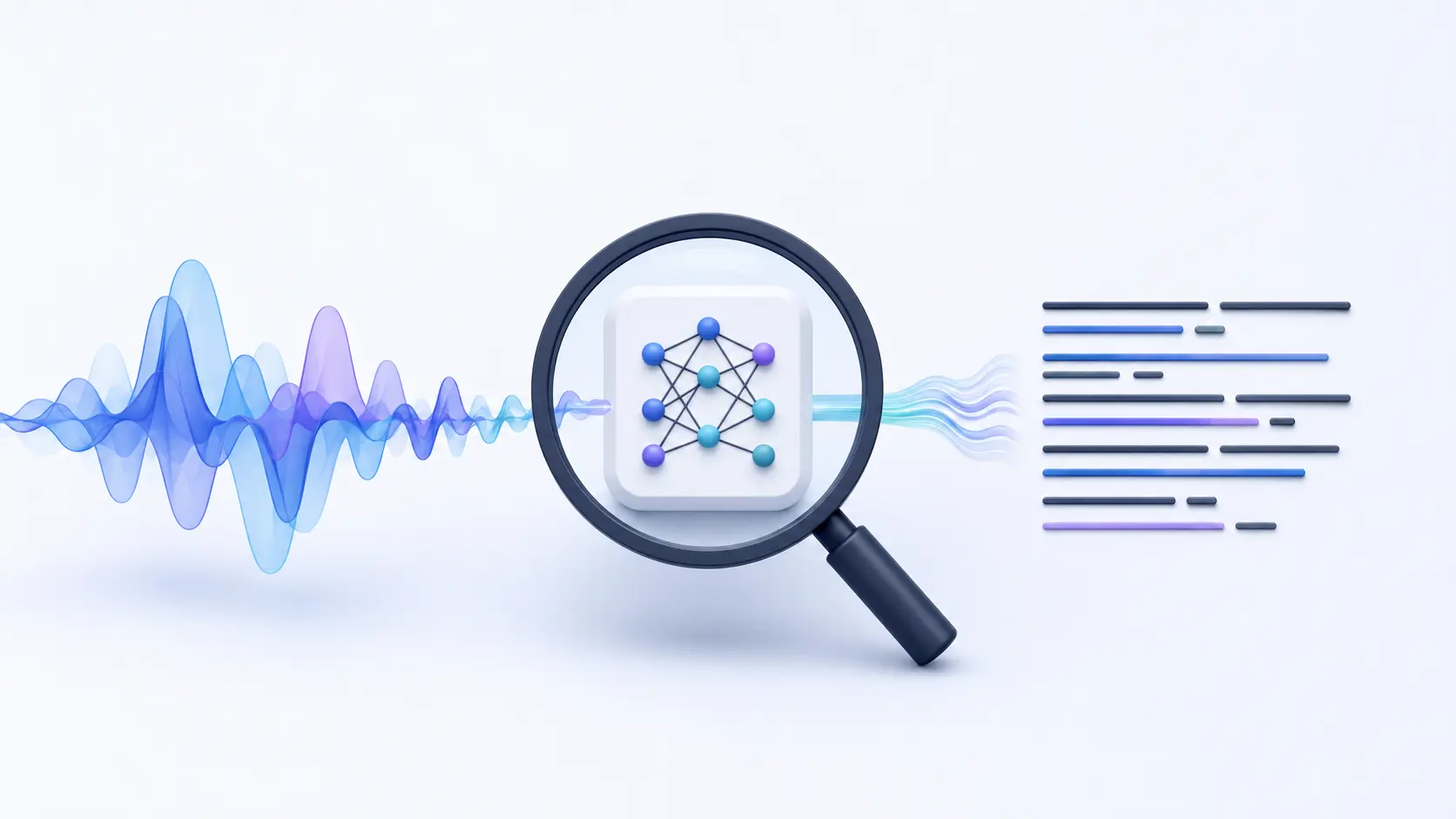
Before training anything, we wanted to understand where the existing model performed well and where it could improve. This blog explains how we evaluated Whisper Small on technical audio before writing a single line of fine-tuning code.
This is not a general guide to speech-to-text. It documents the first step we took while improving a real product. In our application, users speak to an AI agent in real time. A speech-to-text model converts their speech into text, allowing the agent to understand and respond.
Whisper Small handled common language well, but it was less consistent with the technical terms frequently used in our users’ conversations. Improving the accuracy of these terms was important because the transcript directly influenced the AI agent’s understanding and responses.
After testing different models and adjusting parameters, we found that domain-specific vocabulary still needed more focused training. This led us to evaluate the base model systematically and fine-tune it using our own data.
What Is Speech-to-Text, and Why Does Fine-Tuning Matter?
Speech-to-text (STT) converts spoken audio into written text. It is commonly used in voice assistants, automatic subtitles, and meeting transcription. Although the process appears simple, STT systems must account for different accents, speaking speeds, and background noise.
Whisper is a capable open-source STT model that supports multiple languages and performs well across different speaking styles and recording conditions. However, like many general-purpose models, it can become less reliable when processing technical or domain-specific vocabulary.
Fine-tuning continues the training of an existing model using a smaller, targeted dataset. Instead of training from scratch, it helps the model adapt to the vocabulary and context of a specific use case.
Before fine-tuning, however, it is important to identify where the base model performs well and where it needs improvement. This process is called base model evaluation, and it is the main focus of this article.
What Were We Trying to Fix in This Project?
The project involved transcribing audio content focused on Artificial Intelligence and software development. Users were talking about machine learning models, coding tools, and technical frameworks, not casual, everyday conversation.
The base Whisper Small model was producing transcripts, but the transcripts kept getting specific words completely wrong. These weren't minor spelling variations. There were meaningful errors in the most important words in the content.
The types of vocabulary causing problems:
- Model names
- e.g., meta-llama/Llama-3.2-3B, mistralai/Mistral-Small, GPT-4
- Framework names
- e.g., PyTorch, TensorFlow, Kubernetes
- Acronyms
- e.g., API, NLP, LLM, STT
- Tool names
- e.g., Hugging Face, LoRA, PEFT
Why this matters
When you're transcribing general conversation, a wrong word here or there may be manageable. But in a Voice AI agent built with Whisper and LiveKit, an incorrect technical term can change how the agent interprets the user’s request and affect the response it generates.
The goal of this project was not to make Whisper slightly better; it was to make it accurate on these specific terms.
How We Created the Whisper Small Evaluation Dataset
The first practical step was collecting audio that actually matched the problem. There is no point in testing a model on random general speech if the project is about technical AI content. The test data must reflect the real-world use case.
01 Record domain-specific audio
10 short audio samples were recorded personally. Each one focused on AI and software development topics: model names, training techniques, framework tools. Content that Whisper would actually encounter in a real project.

Walk away with actionable insights on AI adoption.
Limited seats available!

02 Write the ground truth transcripts
For each audio file, an exact transcript was written by hand, word for word, character for character. This is called the ground truth. Every technical term had to be spelled correctly and consistently across all 10 samples.
03 Verify and standardize
We reviewed the transcripts to maintain consistent formatting, for example, “PyTorch” instead of “pytorch” and “GPT-4” instead of “gpt4.” This step matters because the evaluation is only as reliable as its ground-truth transcripts. Formatting or transcription errors can distort the WER results and lead to incorrect conclusions about the model’s performance.
How We Evaluated Whisper Small Without Fine-Tuning
Test the Whisper Small with the 10 audio samples and their verified ground truth transcripts ready, the next step was to run them through Whisper Small exactly as it is, no modifications, no additional training. This gives us the baseline that tells us how bad the problem actually is.
Evaluation setup code
import torch
from transformers import AutoProcessor, AutoModelForSpeechSeq2Seq, pipeline

device = "cuda" if torch.cuda.is_available() else "cpu"
torch_dtype = torch.float16 if torch.cuda.is_available() else torch.float32

model_id = "openai/whisper-small"

# Load model
model = AutoModelForSpeechSeq2Seq.from_pretrained(
    model_id,
    torch_dtype=torch_dtype,
    low_cpu_mem_usage=True
).to(device)

# Load processor
processor = AutoProcessor.from_pretrained(model_id)

# Create pipeline (Whisper-specific)
pipe = pipeline(
    "automatic-speech-recognition",
    model=model,
    tokenizer=processor.tokenizer,
    feature_extractor=processor.feature_extractor,
    torch_dtype=torch_dtype,
    device=0 if device == "cuda" else -1,
)
audio_path = "your_adio_path"  # change to your file

result = pipe(audio_path, return_timestamps=True)

print("Transcription:")
print(result["text"])
Each audio file was passed through this model. The output transcript was placed side-by-side with the ground truth and compared carefully, word by word.
Whisper Small Output vs. Ground-Truth Transcript
| What was said | Whisper wrote | Status |
PyTorch | pi torch | Failed |
Kubernetes | cube ernities | Failed |
GPT-4 | G P T four (inconsistent) | Unstable |
NLP pipeline | and LP pipeline | Failed |
meta-llama/Llama-3.2-3B | meta llama llama 3.2 3 b | Failed |
Hugging Face | hugging face | Passed |
API | A.P.I / expanded wrong | Unstable |
How We Measured Whisper Small’s Word Error Rate (WER)
Visual comparison shows you what is wrong. But you also need a number, a single objective metric that tells you how bad the problem is. That metric is called Word Error Rate (WER).
How WER works (in plain English)
Let’s say you have the correct transcript; it has 100 words. The model makes three kinds of mistakes.
- Substitution: it replaces a word with a different word. "PyTorch" → "pi torch"
- Deletion: it forgot to add the word or skipped the word ( not included in it )
- Insertion: it adds a new word that was not in the audio
You count all those mistakes, divide by the total number of words in the correct transcript, and multiply by 100. That gives you the WER percentage.
WER formula
WER = (Substitutions + Deletions + Insertions) / Total Words × 100
A WER of 0% means the model does not make any mistakes the transcript is perfect. A WER of 30% means roughly 30 words in every 100 had some kind of error.
WER results across our 10 evaluation samples
- Sample 01 - 62%
- Sample 02 - 48%
- Sample 03 - 71%
- Sample 04 - 34%
- Sample 05 - 58%
- Sample 06 - 19%
- Sample 07 - 65%
- Sample 08 - 43%
- Sample 09 - 77%
- Sample 10 - 52%
Note: WER values are illustrative of the pattern observed. All results were documented in detail.
What We Learned from Whisper Small’s Transcription Errors
The WER number tells you how bad the transcript is. But the biggest question is, why is it failing, and on what specific words? That requires going through every error manually and looking for patterns.
Technical terms
Words like Transformer, Kubernetes, and PyTorch failed the most consistently. They're rare in everyday speech, so the model never properly learned them.
Walk away with actionable insights on AI adoption.
Limited seats available!
Model names & IDs
Complex model identifiers like meta-llama/Llama-3.2-3B were almost always wrong. The slash, version numbers, and compound structure completely confused the model.
Acronyms
Short technical terms like API, NLP, and LLM were unpredictable, sometimes expanded incorrectly, sometimes replaced, and never reliably correct.
Mixed sentences
Sentences that started with everyday language and ended with a technical term caused the model to handle the beginning well and then fall apart right at the keyword.
The model wasn't failing randomly. It was failing in very specific, identifiable situations, which meant the fix could be equally targeted.
How the Evaluation Shaped Our Fine-Tuning Dataset
Every error, every WER score, and every pattern were noted in a documentation file. This documentation became the foundation for every decision that followed. Without it, any fine-tuning work would be based on guesswork.
Searching for open-source datasets
Before building anything custom, we checked whether existing public datasets could solve the problem. The conclusion was straightforward:
- Most open-source speech datasets are built for general conversation
- None of them contained the density of AI and technical vocabulary needed
- Using them would improve general performance slightly, but wouldn't fix the actual failure points
The decision: build a custom dataset
The evaluation results made the path forward clear. We needed to build a custom dataset targeted specifically at the vocabulary and sentence patterns where the model failed. The next step was to prepare the dataset for Whisper Small fine-tuning by selecting suitable recordings, creating short audio clips, and reviewing their transcripts.
Conclusion
Base model evaluation is not optional. It is the step that determines whether your fine-tuning effort will succeed or waste your time.
- Always test your base model on the exact type of content you care about before touching any training code
- Write accurate, consistent ground truth transcripts; your entire evaluation depends on their quality
- Use WER to get an objective number, but always dig into the individual errors to understand the "why"
- Look for patterns in the failures, not just the count. Patterns tell you what data to collect
- Document everything. Our evaluation results will guide every fine-tuning decision you make
At F22 Labs, this evaluation-first approach is part of how we build and improve domain-specific AI systems for real-world products. You can learn more about our AI development services and how we support AI projects from evaluation through implementation.

Walk away with actionable insights on AI adoption.
Limited seats available!