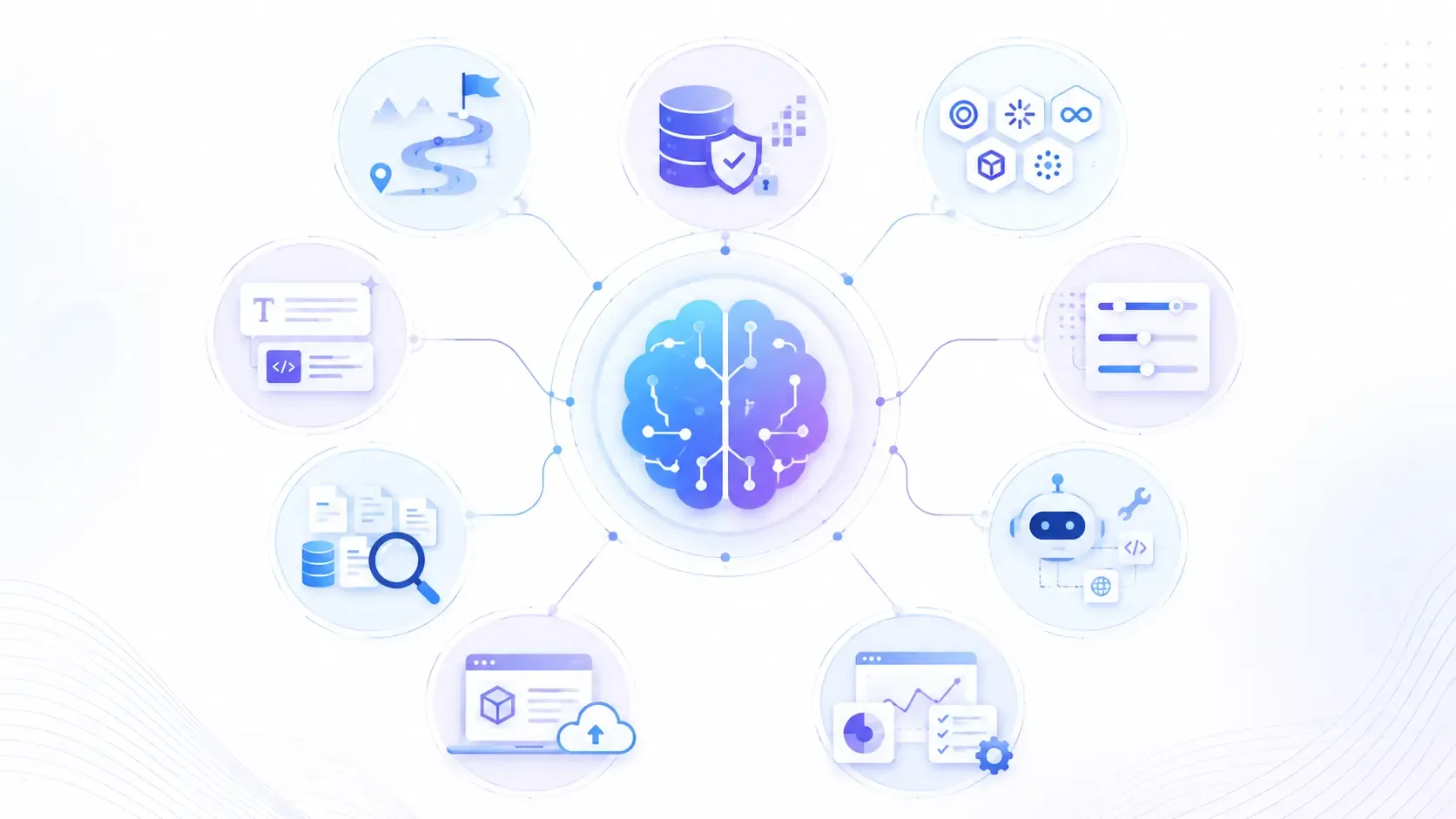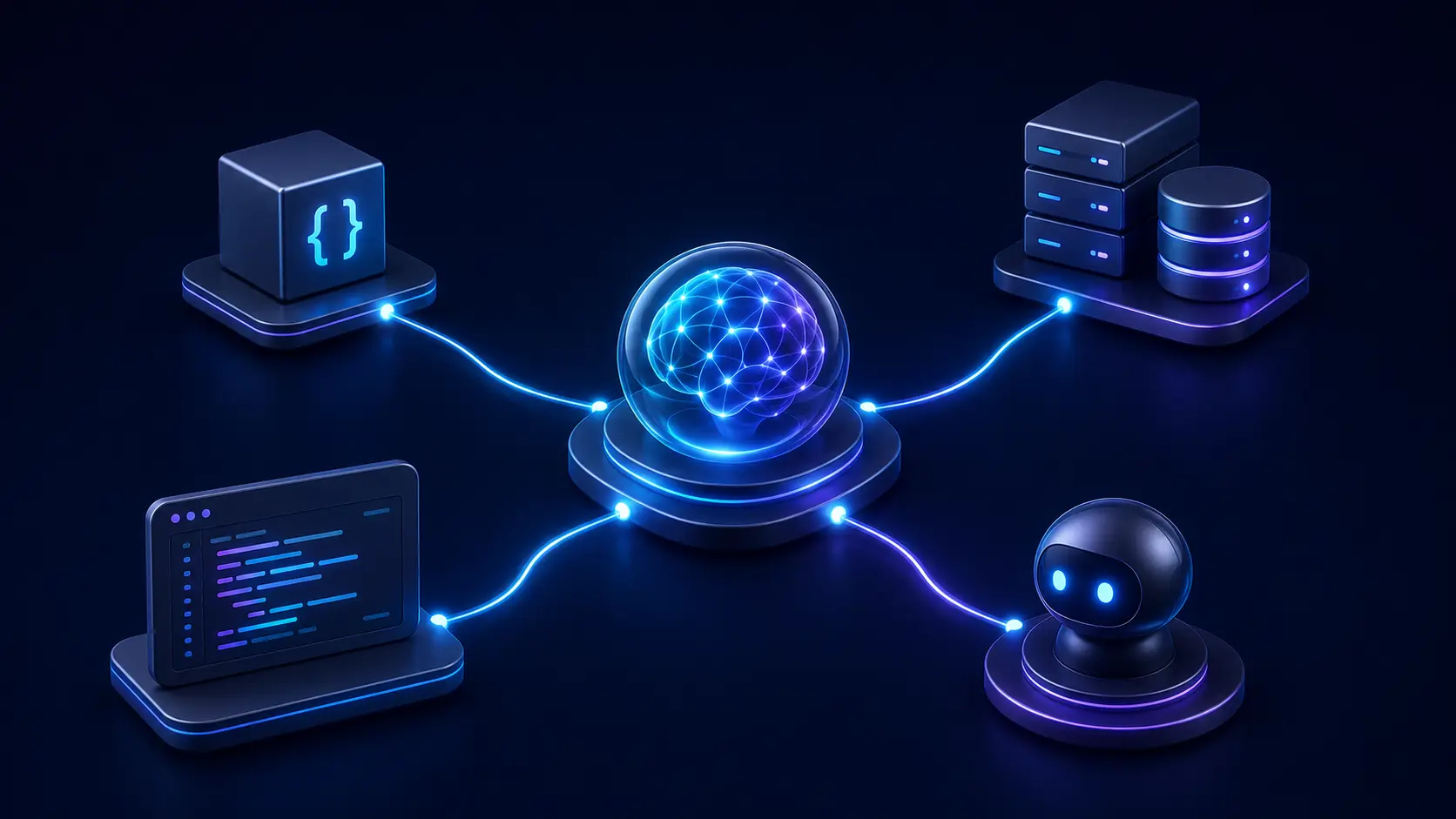
AI agents communicate with functions, external tools, development clients, and other agents. Although these interactions may look similar, each requires a different mechanism.
Function calling connects a model with functions defined inside an application, while MCP standardises how AI applications access external tools and data. Agent Client Protocol connects coding agents with editors and other development clients. A2A enables independent agents to communicate across systems.
The term ACP can create some confusion. Zed’s Agent Client Protocol and IBM’s Agent Communication Protocol are unrelated standards that share the same acronym. IBM’s protocol has since merged into A2A, while Zed’s Agent Client Protocol remains focused on coding-agent and editor integration.
These mechanisms are not direct competitors. They address different integration needs and can work together within the same AI system.
In this guide, we explain how function calling, MCP, both ACP protocols, and A2A work and when each is relevant.
Function Calling: Direct Model-to-Tool Communication
Function calling allows a model to request that an application run a predefined function. For example, if a user asks, “What’s the weather in Bangalore?”, the model can select a weather function and provide “Bangalore” as an argument. The application executes the function and returns the result to the model.
- Who communicates: Model → Function/API (in-app). The model outputs an instruction, and your code executes it.
- Use case: Single-model apps with simple tools (weather API, calculator, database lookup, JSON formatting).
- Limitation: Function calling can be used within complex workflows, but it does not provide workflow orchestration or agent-to-agent communication by itself.
from openai import OpenAI

client = OpenAI(api_key="YOUR_API_KEY")
resp = client.responses.create(
    model="gpt-4o-mini",
    # Give the model a function it can call
    tools=[{
        "type": "function",
        "name": "add",
        "description": "Add two numbers",
        "parameters": {
            "type": "object",
            "properties": {"a": {"type": "integer"}, "b": {"type": "integer"}},
            "required": ["a", "b"]
        }
    }],
    input="Calculate the sum of 2 and 3"
)
print(resp.output)  # The output will include the function call and its arguments
In short, the model picks up the phone and dials a local helper function. It’s like the AI says, “Go fetch this info and come back,” and your app does it.
Model Context Protocol (MCP): Connecting AI to Tools and Data
Model Context Protocol (MCP) provides a standard way for AI applications to connect with external tools, data sources, and reusable prompts through MCP servers. This avoids building a separate custom integration for every tool.
- Who communicates: Model/Agent → MCP Server → Tool/API. The model asks the MCP server, which then runs the actual tool.
- Use case: Standardizing how AI applications connect to reusable tools, data sources, and prompts across local or remote MCP servers.
- Not for: Simple one-off tasks. MCP is infrastructure – essentially middleware for agent–tool communication.
This shows using an MCP tool server with OpenAI's API. The model is instructed to use a safe tool over HTTP (an MCP server) to get the weather.
from openai import OpenAI

client = OpenAI(api_key="YOUR_API_KEY")
resp = client.responses.create(
    model="gpt-4o-mini",
    tools=[{
        "type": "mcp",
        "server_label": "weather_tool",
        "server_url": "https://example.com/mcp"
    }],
    input="What is the weather in Chennai?"
)
print(resp.output_text)
Think of MCP like an air traffic controller. The AI application can discover and use capabilities exposed by the MCP server through a standard interface. Security still depends on authentication, authorization, validation, user approval, and the server’s implementation.

Walk away with actionable insights on AI adoption.
Limited seats available!

Agent Client Protocol (ACP): Connecting Clients to AI Agents
Agent Client Protocol (ACP) standardizes communication between coding agents and compatible editors, IDEs, CLIs, and other development clients. ACP defines a standard interface for any client to send messages to an agent, without knowing the agent’s internals.
- Who talks: Client (UI/CLI) → Agent. The front-end just sends text/commands; the agent handles them with its own model and tools.
- Use case: Connecting a coding agent to development environments without creating a separate custom integration for every editor or client.
- Not for: Situations where only your code needs to call a tool (that’s function calling). ACP is designed for client-to-coding-agent interaction rather than model-to-tool execution.
This demonstrates a simple ACP client (e.g. a CLI or editor) talking to a local agent process (agent.py). It launches the agent via stdin/stdout, initializes a session, and sends a prompt.
import asyncio, subprocess, sys
from acp import connect_to_agent, text_block, PROTOCOL_VERSION
from acp.interfaces import Client
from acp.schema import ClientCapabilities

async def main():
    # Start the agent process
    proc = await asyncio.create_subprocess_exec(
        sys.executable, "agent.py",
        stdin=asyncio.subprocess.PIPE,
        stdout=asyncio.subprocess.PIPE,
    )
    # Connect our client to the agent's stdin/stdout
    conn = connect_to_agent(Client(), proc.stdin, proc.stdout)
    await conn.initialize(protocol_version=PROTOCOL_VERSION, client_capabilities=ClientCapabilities())
    session = await conn.new_session(cwd=".", mcp_servers=[])
    # Send a prompt to the agent and print its reply
    response = await conn.prompt(
        session_id=session.session_id,
        prompt=[text_block("Hello Agent")]
    )
    print("Agent:", response.output or response.stop_reason)

asyncio.run(main())
In other words, ACP treats the agent as a black box butler. The UI asks the agent to do things, without worrying how. It turns neat demos into usable products.
Agent Communication Protocol (IBM ACP): Now Part of A2A
Sometimes a single agent can’t do everything. Agent Communication Protocol lets multiple agents chat and collaborate. Imagine splitting work: one agent plans, another researches, a third executes, and they pass messages around.
- Who talks: Agent ↔ Agent (peer to peer). Agents send tasks and results to each other—there’s no human in the loop here.
- Use case: Complex workflows where roles are split. For example, Agent A gathers data and sends it to Agent B for analysis, then Agent C for validation.
- Not for: Simple tasks. If one agent can handle it, multi-agent coordination is overkill.
This shows one agent (an EchoAgent) using the Python A2A library. The agent simply echoes any text it receives. You would run this server and it would respond to incoming messages from peers or clients.
from python_a2a import A2AServer, Message, TextContent, MessageRole, run_server

class EchoAgent(A2AServer):
    def handle_message(self, message):
        return Message(
            content=TextContent(text=f"Echo: {message.content.text}"),
            role=MessageRole.AGENT,
            parent_message_id=message.message_id,
            conversation_id=message.conversation_id,
        )

if __name__ == "__main__":
    run_server(EchoAgent(url="http://localhost:8000"), host="0.0.0.0", port=8000)
Think of this as the AI world’s group chat. Each agent is a team member with a specialty, and they coordinate through standard messages.
Agent-to-Agent (A2A: Enterprise Workflow)
Agent-to-Agent (A2A) enables independently deployed agents to communicate and collaborate across frameworks, platforms, and organizational boundaries.
- Who talks: Agent ↔ Agent (over networks). Agents communicate across platforms and domains, often with formal APIs.
- Use case: Workflows in which independent agents need to discover one another, exchange messages, delegate tasks, or track long-running work.
- Not for: Internal tool calls or communication between one agent and its own sub-agents. A2A is most useful when independently deployed agents need a standard way to interoperate.
This shows a client sending a message to an agent using the A2A protocol. It posts a message to a planner or workflow agent endpoint.
from python_a2a import A2AClient, Message, TextContent, MessageRole

client = A2AClient("http://localhost:8000/a2a")
msg = Message(content=TextContent(text="Hello agents!"), role=MessageRole.USER)
response = client.send_message(msg)
print(response.content.text)
In practice, A2A is like having a project management layer for your agents. A Planner Agent might delegate tasks to Specialist Agents, with everything logged and tracked across the enterprise.
Function Calling, MCP, ACP, and A2A: A Quick Comparison
| Protocol | Use case | Who communicates | Status |
Function calling | Application-defined tools | Model → Application function | Active |
MCP | Standardized access to tools and data | AI application ↔ MCP server | Active |
Agent Client Protocol | Coding-agent integration | Editor/IDE/client ↔ Coding agent | Active |
Agent Communication Protocol | REST-based agent interoperability | Agent ↔ Agent/application | Merged into A2A |
A2A | Independent agent interoperability | Agent ↔ Agent across systems | Active |
Frequently Asked Questions
1. What is the difference between function calling and MCP?
Function calling lets a model request a predefined function within an application. MCP standardizes how AI applications connect to external tools, resources, and prompts through MCP servers. MCP does not automatically make tool execution safe.
Walk away with actionable insights on AI adoption.
Limited seats available!
2. When should you use ACP?
Use Agent Client Protocol when connecting coding agents to compatible editors, IDEs, or other development clients. ACP standardizes client–agent interaction without requiring the client to understand the agent’s internal implementation.
3. How can independent AI agents communicate?
Independent agents can use A2A to discover capabilities, exchange messages, delegate tasks, and track work across different platforms or frameworks.
4. What is A2A?
Agent2Agent, or A2A, is an open protocol for communication between independent AI agents. It supports agent discovery, structured tasks, updates, and results across systems.
5. Are the two ACP protocols the same?
No. Zed’s Agent Client Protocol connects coding agents with editors and development clients. IBM’s Agent Communication Protocol connected independent agents, but it merged into A2A in August 2025. They are unrelated protocols that happen to share the same acronym.
Final Takeaway
Function calling, MCP, ACP, and A2A solve different communication problems within AI systems. Function calling connects a model to application-defined functions, MCP standardizes access to external tools and data, ACP connects coding agents with compatible development clients, and A2A enables independent agents to collaborate across systems.
The right choice depends on what needs to communicate. Begin with the simplest mechanism that meets your requirements, then introduce additional protocols as the system grows. These approaches can also work together, creating an AI architecture in which models use tools, clients interact with agents, and independent agents coordinate complex tasks.

Walk away with actionable insights on AI adoption.
Limited seats available!