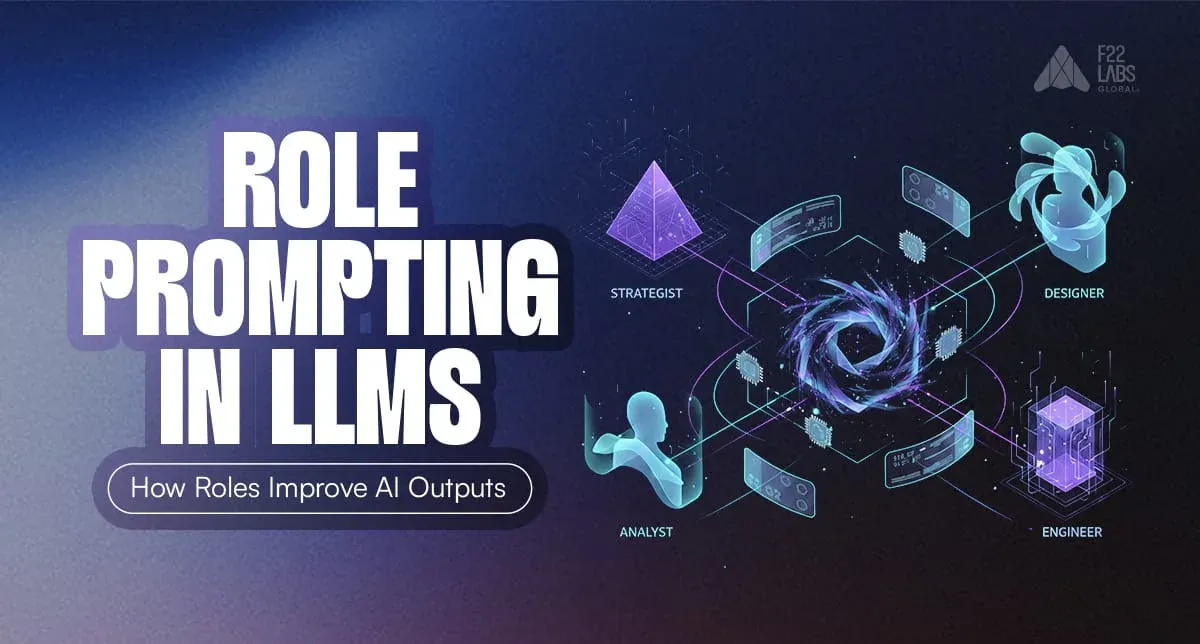
- Role prompting gives an LLM a defined perspective, such as a teacher, developer, reviewer, or support agent.
- A role can influence the response’s tone, depth, vocabulary, and structure, but it does not give the model new knowledge.
- Strong prompts combine a clear role with a specific task, relevant constraints, and an expected output format.
- Role prompting can improve consistency, but it does not guarantee factual accuracy or eliminate hallucinations.
- Roles should be specific and relevant to the task rather than exaggerated or overloaded with unnecessary traits.
- Important outputs still need supporting context, reliable data, testing, and human review.
Role prompting in LLMs is one of the simplest ways to control large language model outputs. By assigning a specific role before giving a task, you influence how the model reasons, what knowledge it prioritizes, and how it structures its response.
This prompt engineering technique is widely used in chatbots, coding assistants, tutoring systems, and enterprise AI applications where consistency and domain accuracy matter.
Research on instruction tuning shows that contextual prompts significantly improve response quality and alignment. In practice, role prompting helps reduce hallucinations, improve structure, and generate more reliable outputs.
In this guide, we’ll break down how role prompting in LLMs works and how to use it effectively.
What Is Role Prompting?
Role prompting is a prompt engineering technique where you assign a specific role or persona to a large language model before giving it a task. This acts as context, shaping how the model reasons, what knowledge it uses, and how it structures its response.
For example, asking an LLM to “explain machine learning” may give a generic answer. But asking it to “act as a college professor teaching beginners” produces a clearer, more structured explanation.
This works because LLMs are trained on role-based conversations (teachers, developers, support agents). When a role is defined, the model follows patterns associated with that persona, leading to more consistent and domain-specific outputs.
Role prompting in LLMs is especially useful when you need controlled tone, structured responses, and reliable outputs.
How Role Prompting Changes LLM Responses
Role prompting works by giving a large language model a specific role before a task. This creates context that influences how the model reasons, what it focuses on, and how it structures its response.

LLMs are trained on role-based patterns, like teachers explaining concepts or developers solving problems. When you assign a role, the model follows those patterns, producing more focused and domain-appropriate outputs.
Consider the difference between these two prompts.
Normal prompt:
Explain machine learning to a beginner.The output is often generic, mixing simple explanations with technical jargon.
Role-based prompt:
You are a patient college professor teaching intro CS. Explain machine learning to a complete beginner in simple terms.
The response becomes structured, clearer, and more instructional, similar to a real classroom explanation.
The difference is context. By defining a role, you guide tone, depth, and reasoning, resulting in more consistent and useful outputs.
Why Role Prompting Works?
Large language models are trained on role-based patterns, teachers explaining concepts, developers solving problems, and support agents assisting users. These patterns shape how different roles communicate and reason.
When you assign a role, you guide the model toward a specific behavior and knowledge style, influencing tone, structure, and reasoning.
Role prompting gives the model additional context about the expected behaviour, tone, and level of detail. This can improve consistency, but the result still depends on the model, instructions, supporting context, and generation settings.
Key Elements of Effective Role Prompts
Effective role prompts follow a simple structure that provides the model with clear context and instructions. A well-designed role prompt usually contains four key elements.

Role definition
Clearly specify the persona you want the model to adopt. For example, “You are a senior software engineer at Google” is more effective than “You are an expert.”

Walk away with actionable insights on AI adoption.
Limited seats available!

Task instruction
Describe the task in direct terms and tie it to the role. For example, “Review this code for performance issues and suggest improvements.”
Constraints and tone
Set boundaries on style, length, or format. For example, “Keep the explanation concise, use bullet points, and maintain a professional tone.”
Expected output format
Define how the response should be structured. For example, “Organize the answer into: 1. Issues, 2. Fixes, 3. Optimized code.”
A simple role prompt template looks like this:
You are [ROLE]. [TASK]. Follow these rules: [CONSTRAINTS]. Output in [FORMAT].Practical Examples: Before and After
The impact of role prompting becomes clear when you compare responses with and without an assigned role. These examples show how adding a relevant role can change the tone, detail, and structure of a response.
1. Padma Bhusan Chef
Without role:

Without a defined role, the response may provide a general list of familiar South Indian dishes without considering menu balance, regional variation, or the intended dining occasion.
With role:

When the model is asked to respond as an experienced South Indian chef, it may organise the answer as a complete menu and include regional combinations, serving order, and complementary dishes. The role improves the framing, but the recommendations should still be reviewed for authenticity and suitability.
2. Sales Officer with some real experience:
Without role:

Here, the model just acts like a generic AI assistant, so the pitch feels marketing-heavy and vague, listing features like “powerful processor” and “high-quality camera” without real world selling logic.
It sounds more like a brochure than a human conversation. no pricing awareness, no shop experience, and no clear persuasion for a ₹20,000 phone buyer.
With role:

Once you tell it “you’re a salesman with 20 years of experience”, the response suddenly feels confident, persuasive, and grounded, like someone who’s actually sold phones before.
It naturally highlights things like display size, Snapdragon performance, RAM/storage, and camera specs in a trust-building, sales-style flow, which fixes the generic, robotic tone from the no-role version.
The table below summarizes key patterns observed across multiple role-prompting examples, highlighting how roles and constraints affect output quality, consistency, and effort.
| Prompt type | Likely effect on output | Consistency | Prompting effort |
Basic task prompt | General response with limited context | Varies | Low |
Role-based prompt | Tone and perspective are more clearly defined | May improve | Low |
Role with constraints | Greater control over scope, tone, and structure | Usually more predictable | Medium |
Content Moderation
Without: Vague flags.
With: "You are a neutral Twitter safety moderator. Classify this post: harmful or ok? Explain briefly."
Precise, unbiased calls.
Customer Support
Without: Rambling help.
With: "You are a friendly Zappos rep. Help this customer with a refund. Empathetic, 3 steps max."
Polite, actionable script.
Real-World Use Cases Where Role Prompting Excels
Role prompting in LLMs is widely used in production systems where accuracy, tone control, and consistency matter. It works best in scenarios that require human-like reasoning and structured responses.
Walk away with actionable insights on AI adoption.
Limited seats available!
Some common use cases include:
- Chatbots and Virtual Assistants
Roles like “customer support agent” or “empathetic therapist” improve tone, safety, and conversational reliability. - Coding Assistants
Roles such as “senior software engineer” help the model debug code, explain logic clearly, and follow structured workflows. - Interview Preparation
Prompts like “FAANG system design interviewer” create realistic scenarios and deliver targeted, role-specific feedback. - AI Tutors and Learning Systems
Roles like “math tutor” enable step-by-step explanations and adaptive learning. - Enterprise AI Applications
Assigning roles such as “company lawyer” ensures formal tone, compliance, and domain-accurate outputs.
Across these use cases, role prompting improves consistency, reduces iteration, and makes LLM outputs more reliable.
Common Role Prompting Mistakes and Limitations
Role prompting is powerful, but it’s not foolproof. These are common mistakes that reduce output quality or consistency:
- Overloading the role
Avoid combining unrelated personas like “pirate chef astronaut.” Too many traits weaken the role and lead to unfocused responses. - Conflicting instructions
Don’t mix opposing tones like “be strict” and “be casual.” The model may ignore one, reducing consistency. - Using it for unsupported facts
Role prompting improves structure, not knowledge. It won’t fix gaps in data or generate accurate information it doesn’t have. - Assuming one prompt works forever
LLM behavior changes over time. Prompts need regular testing and refinement to stay effective.
Best Practices to Level Up
Want pro results? Many role-prompting in LLM examples show that picking the right persona is the first step toward reliable outputs.
- Pick roles wisely: Base roles on real archetypes from training data (teacher > “quantum guru”). Make them specific and believable.
- Tune generation parameters: Use a low temperature for consistency and a moderate top_p for controlled creativity
Prompt: [role stuff]
Params: temperature=0.3, top_p=0.8
- Keep role definitions short: One or two sentences are enough. Short prompts activate roles more reliably.
- Chain roles for complex tasks: “First, as an analyst: summarize the data. Then, as advisor: recommend actions.”
- Test and iterate regularly: Try prompts in playgrounds like Claude or Grok and refine based on output quality.
Conclusion
Role prompting can be used in applications where tone, audience, and output structure need to remain consistent. In generative AI development, it is often combined with clear instructions, relevant data, evaluation, and appropriate human oversight.
A role alone does not create expertise, add missing knowledge, or guarantee accuracy. For reliable use, prompts should be tested across different inputs, supported with relevant context, and reviewed whenever the output affects important decisions.
FAQ
1. What is role prompting in LLMs?
Role prompting is a prompt engineering technique where you assign a specific role or persona to a language model before giving it a task. This shapes how the model reasons, adjusts tone, and produces more consistent, domain-specific responses.
2. Does role prompting reduce hallucinations?
Yes, to an extent. Role prompting narrows the model’s scope and encourages structured reasoning, which improves coherence and reduces the chances of incorrect or fabricated outputs.
3. How is role prompting different from system prompts or instruction tuning?
Role prompting defines who the model is, influencing behavior and style. System prompts set broader rules, while instruction tuning trains the model on datasets. Role prompting works at the prompt level, making it flexible and easy to apply.

Walk away with actionable insights on AI adoption.
Limited seats available!