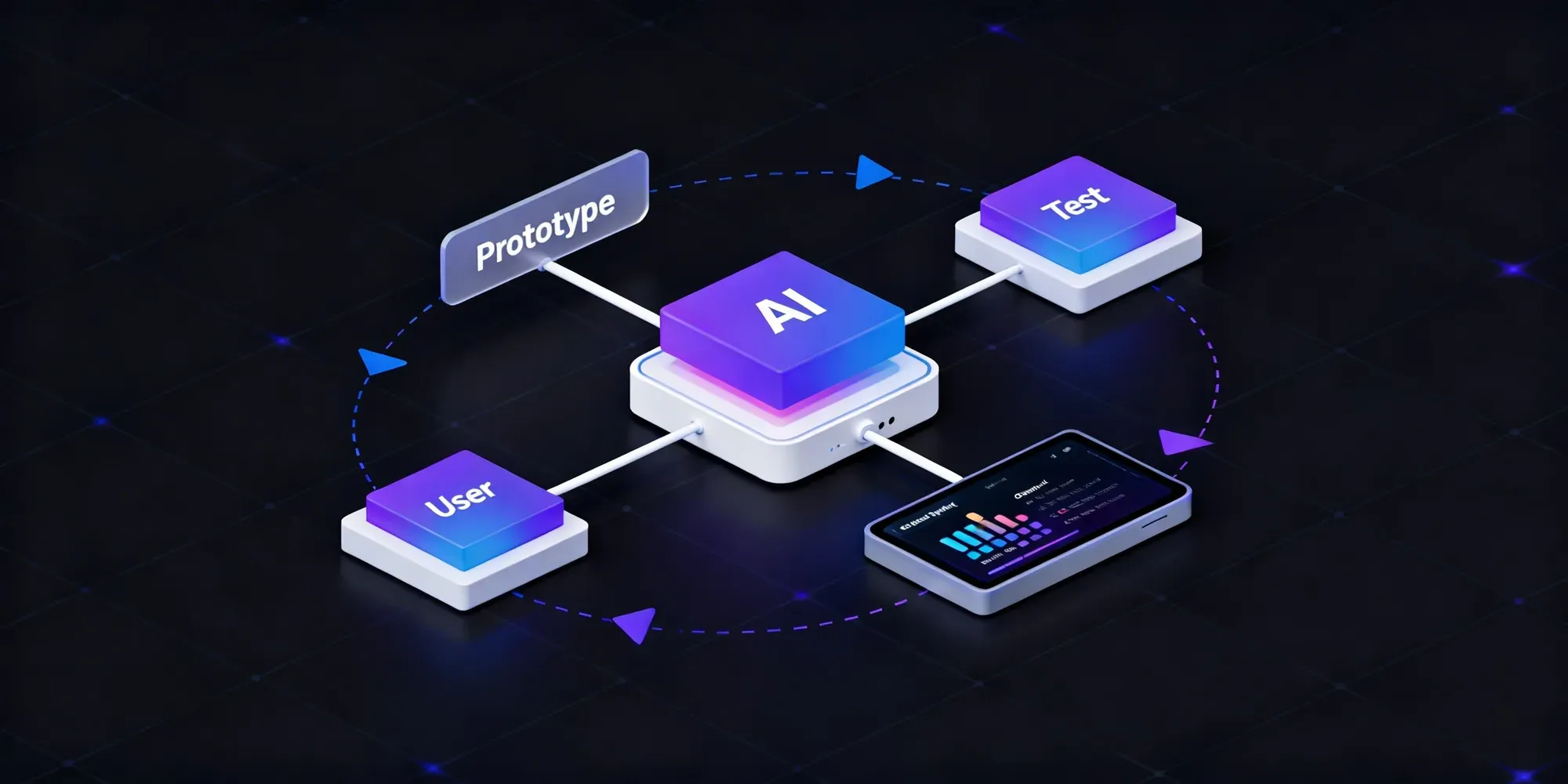
- An AI MVP validates whether AI adds real value to a problem, not just whether the product has AI features. If a rule-based system solves it, skip AI.
- 8-step process: define problem/metric → validate with AI-assisted research → design the input→AI→output flow → build one thin slice → pick a lean stack → add guardrails (validation, fallbacks, human review) → test with real users → launch small and iterate.
- Cost: $20,000–$100,000+, with AI integration ($5K–$30K) and backend ($8K–$25K) as the biggest line items.
- Real examples: Notion AI and GitHub Copilot both won by shipping one AI use case inside an existing workflow, not a new platform.
- Biggest failure mode: overbuilding before validating, not bad technology.
I’ve noticed something while building AI products: speed is no longer the problem, clarity is. Most MVPs fail not because they’re slow, but because they solve the wrong problem. In fact, around 42% of startups fail due to a lack of market need.
Building an AI MVP is not just about testing features; it’s about validating whether AI actually adds value. Can it automate something meaningful? Can it improve decisions or user experience in a way a simple system can’t?
That’s where most teams get it wrong. They either overuse AI or add it without a clear purpose, and the product looks good but doesn’t hold up in real usage.
In this guide, I’ll break down how to build an AI MVP, from choosing the right use case to validating it with real users, so you’re not just building fast, but building something that actually works.
What Is an AI MVP?
An AI MVP (Minimum Viable Product) is the simplest version of a product that uses artificial intelligence to deliver its core value. Instead of building a full system, the focus is on validating whether AI can actually solve a specific problem or improve a key workflow.
Unlike traditional MVPs, where you test features, an AI MVP tests capability. It answers questions like:
- Can AI automate this task reliably?
- Does it improve accuracy, speed, or user experience?
- Will users trust the output?
The goal isn’t perfection. It’s to prove that AI adds real value before investing in scale, data pipelines, and complex infrastructure.
Why AI Changes MVP Development?
AI changes MVP development because you’re no longer just validating features, you’re validating whether intelligence actually works in real-world conditions.
Here’s what shifts:
- You validate capability, not just features - It’s about whether AI can automate, predict, or generate value reliably.
- You move much faster - Research, prototyping, and builds can happen in hours instead of weeks.
- You deal with unpredictable outputs - AI doesn’t behave the same way every time, consistency becomes a challenge.
- You need to design for reliability early- Guardrails, testing, and fallbacks become part of the MVP itself.
- You test trust, not just usability - Users need to believe the output, not just use the feature.
I’ve seen features work perfectly in demos but fail with real users. That’s the real shift: AI doesn’t just speed things up, it makes MVPs more complex to get right.
When Should You Use AI in an MVP?
Not every MVP needs AI. I use AI only when it creates a clear advantage, not just because it’s trending.
The simplest way I think about it is this:
If a rule-based system can solve the problem, I don’t use AI.
To make this easier, here’s a quick way to decide:
| Scenario | Use AI | Why |
Handling text, images, or voice | Yes | AI works well with unstructured data |
Requires prediction or classification | Yes | Useful for decision-making problems |
Repetitive tasks at scale | Yes | Reduces manual effort and time |
Rule-based logic is enough | No | AI adds unnecessary complexity |
Needs very high accuracy | No | AI outputs can vary |
No clear use case for AI | No | Adds cost without real value |
This gives a quick directional answer. But in real scenarios, the decision depends on multiple factors working together.
Here’s a slightly broader way to evaluate it:
AI vs Non-AI Decision Framework
| Factor | Use AI | Avoid AI |
Data Type | Unstructured data, like text or images | Structured data with clear rules |
Problem Type | Prediction, generation, classification | Fixed logic workflows |
Accuracy Requirement | Some variation is acceptable | Strict accuracy required |
Scale | High volume or real-time needs | Low-volume tasks |
Complexity | Justified by value | Adds overhead without benefit |
At the MVP stage, the goal isn’t to show that you can use AI. It’s to prove that AI is the right approach for the problem you’re solving.
How to Build an AI MVP (Step-by-Step)
1. Define the Problem and Success Metric
This is where everything starts. Most MVPs fail because the problem isn’t clearly defined, not because of poor execution.
The goal here is to define a problem that is specific, measurable, and worth solving. If the problem is vague, the MVP will quickly turn into a collection of features instead of a focused solution.
At this stage, focus on:
- who the user is
- what specific problem they face
- what outcome should improve
- what metric will prove success
For example, instead of saying “improve productivity,” define something measurable like reducing task time by 50% or improving output accuracy.
This step also helps answer an important question: does this problem actually require AI? If a rule-based system can solve it, adding AI only increases complexity without adding real value.
A clearly defined problem and success metric keep the MVP focused and prevent unnecessary scope expansion.
2. Validate the Idea Using AI
Before building anything, the goal is to confirm that the problem is real and worth solving.
AI helps speed up this process, but it should be used as a support tool, not a source of truth.
At this stage, AI can be used to:
- Analyze user feedback - Cluster reviews, support tickets, or survey responses to identify repeated pain points.
- Understand the market quickly - Summarize competitor offerings and highlight gaps in existing solutions.
- Identify patterns in workflows - Spot repetitive tasks that could be automated or improved using AI.
- Test early assumptions - Generate sample inputs or simulate user scenarios to explore how the idea might behave.
The focus here is not to rely completely on AI-generated insights, but to reduce research time and move faster toward validation.
Once patterns start repeating, the next step is to confirm them with real signals, such as user conversations, existing data, or small manual tests.
If the problem shows weak demand or is already well solved, it’s better to adjust early than build an MVP that no one uses.
3. Design the AI Experience
Once the idea is validated, the next step is to design how AI actually fits into the product.
This is not just about UI. It’s about defining how input turns into output, and whether that flow creates real value.
At a basic level, every AI MVP follows a simple pattern:
| Stage | What Happens |
Input | The user provides text, image, audio, or data |
AI Processing | The model analyzes, predicts, generates, or classifies |
Output | The system returns a result that the user can act on |
The goal is to make this flow clear, simple, and useful.
While designing this, focus on:
- Clarity of input - What the user needs to provide and how structured it should be
- Quality of output -Whether the result is accurate, usable, and easy to understand
- User control - Whether users can edit, retry, or refine the output
- Failure handling - What happens when the AI gives a poor or incomplete response
A common mistake at this stage is designing ideal scenarios instead of realistic ones. The experience should reflect what the AI can reliably deliver today, not what it might do in the future.

Walk away with actionable insights on AI adoption.
Limited seats available!

A well-defined AI flow ensures the MVP is usable, testable, and ready for real-world feedback.
4. Build a Thin Slice of Core Functionality
This is where the MVP actually gets built, but the focus is not on completeness. It’s on proving one core idea end-to-end.
A thin slice means building the smallest possible version of the product that still delivers value. Not multiple features, not multiple flows, just one clear use case that works.
At this stage, the focus should be on:
- One core workflow - A single user action that leads to a meaningful outcome
- One AI use case - Avoid combining multiple AI features in the first version
- Usable output - The result should be something the user can understand and act on
- End-to-end functionality - From input to output, the flow should work without manual intervention
A simple way to think about it:
| Layer | What to Build |
Input | Basic way for users to provide data |
AI | Core logic to process the input |
Output | Clear and usable result |
Interface | Minimal UI to connect everything |
Everything else can wait. Dashboards, settings, optimizations, and edge-case handling can be added later.
If a feature does not directly help validate the core idea, it should not be part of the MVP.
A focused thin slice makes the product easier to test, faster to build, and more reliable to evaluate.
5. Choose the Right AI Tech Stack
The tech stack should support the MVP without making it heavier than it needs to be. At this stage, the goal is not to build a perfect architecture, but to choose tools that are fast to implement, reliable enough to test, and flexible enough to improve later.
A simple AI MVP stack usually includes these layers:
| Layer | Purpose | Common Options |
Model | Handles generation, prediction, or classification | GPT, Claude, open-source models |
Backend | Connects product logic, APIs, and workflows | Python, Node.js |
Storage | Stores users, inputs, outputs, and app data | PostgreSQL, Supabase, Firebase |
AI Orchestration | Manages prompts and workflows | LangChain, LlamaIndex |
Analytics and Monitoring | Tracks usage, output quality, and performance | PostHog, Mixpanel, Langfuse |
Choosing the right stack comes down to a few practical trade-offs:
- Speed vs control Hosted APIs are faster to launch, while open-source models offer more flexibility but require setup.
- Cost vs scalability API-based models are easy to start with, but costs can increase as usage grows.
- Simplicity vs customization A simpler stack helps validate faster, while complex setups allow deeper optimization later.
- Data sensitivity If the product handles private or regulated data, hosting and storage decisions become critical.
The best MVP stack is the one that helps validate the idea quickly without adding unnecessary complexity. It should be simple enough to launch, but flexible enough to evolve once the product proves real value.
6. Add Guardrails for AI Reliability
This is where an AI MVP becomes usable in the real world. A feature may work well in a demo, but once real users start interacting with it, inconsistent outputs become obvious very quickly.
Guardrails help reduce that risk. They don’t make AI perfect, but they make the product more predictable, safer, and easier to trust.
At this stage, common guardrails include:
- Output validation: the cheapest way to do this at the MVP stage isn't validating free-text output after the fact; it's constraining the model to structured output (JSON schema/function calling) up front, then validating the schema in code. Catches formatting failures with near-zero added latency, no second model call needed to judge quality.
- Fallback handling: Show a safe response or default state when the model fails, times out, or returns something unusable.
- Confidence checks Flag outputs that look uncertain or low-quality before showing them to users.
- Human review for sensitive cases: Add approval steps where the cost of a wrong output is high.
- Logging and monitoring: Track prompts, outputs, errors, and failure patterns so the system can be improved over time.
A simple way to think about it:
| Risk | Guardrail |
Wrong or vague output | Output validation |
Model failure or timeout | Fallback response |
Low-quality result | Confidence check |
High-stakes decision | Human review |
Repeated bad outputs | Logging and monitoring |
Without guardrails, an AI MVP may look impressive at first but break trust quickly. Reliability is not just about model quality, it’s about how the product handles failure.
7. Test with Real Users
Once the MVP works end-to-end;, the next step is to test it in real conditions. Internal testing is not enough, AI systems often behave very differently when exposed to real user inputs.
The goal here is not just to check if the product works, but to understand whether it actually delivers value. Can users rely on it? Does it improve their workflow in a meaningful way?
Instead of overcomplicating testing, focus on a few key signals:
| Area | What to Check |
Usability | Can users complete the task without confusion |
Output Quality | Are results accurate and helpful |
Trust | Do users feel confident using the output |
Efficiency | Is time or effort reduced |
Breakpoints | Where does the system fail |
Start with a small group of users who closely match your target audience. Even a few sessions can reveal patterns that internal testing often misses.
If users struggle to understand or trust the output, improving clarity and reliability matters more than adding new features.
8. Launch, Measure, and Iterate
Once the MVP has been tested with real users, the next step is to release it to a small, controlled group. The goal is not a full launch, but to observe how the product behaves in real usage.
At this stage, what matters is not how the product looks, but how it performs. Do users actually complete the core workflow? Do they find the output useful enough to come back?
Instead of tracking everything, focus on a few signals that indicate real value:
| Metric | What It Tells |
Adoption | Whether users are trying the core feature |
Completion Rate | Whether they can finish the workflow |
Output Quality | Whether results are useful and reliable |
Retention | Whether users return to use it again |
Feedback | Where the experience breaks or needs improvement |
The key here is iteration. Rather than making large changes, improve one part of the system at a time, whether it’s refining prompts, improving output clarity, or strengthening guardrails.
An AI MVP is not a one-time build. It improves through continuous feedback, small adjustments, and real usage patterns. The goal is to make it more reliable and valuable with each iteration, not just more complex.
AI MVP Tech Stack (Simple Breakdown)
At the MVP stage, the goal is not to build a complex AI system. It’s to use a simple, reliable stack that helps validate the idea quickly.
Most AI MVPs follow a basic architecture:
| Component | What It Does | Example Tools |
AI Model | Generates, classifies, or processes data | GPT, Claude, open-source models |
Backend | Handles APIs, logic, and workflows | Python, Node.js |
Database | Stores users, inputs, and outputs | PostgreSQL, Supabase, Firebase |
AI Layer | Manages prompts and workflows | LangChain, LlamaIndex |
Frontend | User interface and interaction | React, Next.js |
Monitoring | Tracks usage and performance | PostHog, Langfuse |
Instead of overthinking the stack, focus on what actually matters:
- Start with hosted models to move faster
- Keep the backend simple and modular
- Store only what is necessary in early stages
- Add monitoring early to track real usage
- Avoid complex infrastructure until needed
A common mistake is overengineering too early, choosing tools for scale before the product is even validated.
A simple stack is not a limitation. It’s what allows faster iteration, clearer learning, and better decision-making as the product evolves.
Common Mistakes to Avoid When Building an AI MVP
Most AI MVPs don’t fail because of technology, they fail because of wrong assumptions and poor decisions early on.
These are the mistakes that show up most often:
Starting with AI instead of the problem
Building around a model without a clear use case leads to features that look impressive but don’t solve anything meaningful.
Overbuilding too early
Adding multiple features, workflows, or AI capabilities before validating the core idea increases cost and complexity without real learning.
Using AI where it’s not needed
If a rule-based system can solve the problem, adding AI only creates unnecessary overhead.
Ignoring output reliability
Assuming the model will “just work” without guardrails often leads to inconsistent and untrustworthy results.
Skipping real user validation
Internal demos can be misleading. Real users expose gaps in usability, trust, and value very quickly.
Overengineering the tech stack
Choosing tools for scale before proving the idea slows down development and makes iteration harder.
No clear success metric
Without a measurable outcome, it becomes difficult to know whether the MVP is actually working.
Treating launch as the finish line
AI MVPs need continuous iteration. Without feedback loops, improvement stalls.
Avoiding these mistakes doesn’t guarantee success, but it significantly increases the chances of building something that actually works and scales.
Real-World Examples of AI MVPs
1. Notion AI (by Notion)
Problem
Walk away with actionable insights on AI adoption.
Limited seats available!
Users spend time writing, summarizing, and organizing content manually.
MVP Approach
Notion introduced AI directly inside its editor. Users could generate, rewrite, or summarize content within their existing workflow.
What Made It an MVP
- Single core use case: content assistance
- Built into an existing product (no new platform)
- Minimal UI changes, just added AI actions
- Focused on improving productivity, not replacing writing
Value Delivered
It reduced time spent on writing and editing, while making content workflows faster and more flexible.
2. GitHub Copilot (by GitHub)
Problem
Developers spend a significant amount of time writing repetitive code, boilerplate, and syntax.
MVP Approach
GitHub Copilot started as a simple code completion tool inside the editor. As developers typed, it suggested the next lines of code in real time.
What Made It an MVP
- Single core use case: code completion
- Integrated directly into existing workflow (IDE)
- No need for a separate interface
- Focused on improving speed, not replacing developers
Value Delivered
It reduced development time, helped with repetitive coding tasks, and improved productivity without changing how developers worked.
Again, the strength here is focus.
It didn’t try to build a full AI development platform, just one feature that developers could use immediately.
Cost to Build an AI MVP
The cost to build an AI MVP can vary widely, but most projects fall between $20,000 and $100,000+, depending on scope, complexity, and system design.
Instead of guessing a number, it’s easier to break the cost down by what you’re actually building:
AI MVP Cost Breakdown
| Component | Estimated Cost | What Drives It |
UI and Frontend | $5,000 – $15,000 | User flows, design complexity |
Backend Development | $8,000 – $25,000 | APIs, workflows, integrations |
AI Integration | $5,000 – $30,000 | Model usage, prompt design, tuning |
Infrastructure | $2,000 – $10,000 | Hosting, storage, scaling setup |
Testing and Iteration | $3,000 – $10,000 | Bug fixes, improvements, user feedback |
The biggest cost drivers are not just features, but how the system behaves:
- Real-time processing increases complexity
- Multiple user roles or workflows add development effort
- Custom AI models or fine-tuning raise both cost and time
- Scalability requirements impact infrastructure decisions
For most products, starting with a lean MVP is the smarter approach. It reduces upfront investment and allows validation before committing to a larger build; this is exactly the kind of scoping an experienced AI development company helps get right early.
A simple AI MVP can often be built faster and at lower cost by using existing models and focusing on one clear use case instead of building a full system from day one.
Conclusion
Building an AI MVP is less about speed and more about clarity. The real advantage comes from knowing what to build, why it matters, and how to validate it early.
Most teams don’t fail because of technology. They fail because they overbuild, choose the wrong use case, or introduce AI where it doesn’t create real value.
A strong AI MVP focuses on one clear problem, proves that AI can solve it reliably, and learns from real usage before scaling further.
When done right, it reduces risk, controls cost, and gives you a clear path to production, instead of guessing what to build next.
The goal is not to build fast, but to build something that proves it should exist.
Frequently Asked Questions
What is an AI MVP?
An AI MVP is the simplest version of a product that uses AI to solve one specific problem and validate whether it delivers real value before scaling.
How is an AI MVP different from a traditional MVP?
A traditional MVP tests features, while an AI MVP tests whether AI can reliably perform a task like prediction, generation, or automation in real conditions.
How long does it take to build an AI MVP?
Most AI MVPs take 4 to 12 weeks, depending on complexity, integrations, and how much of the system is built from scratch.
What is the typical cost of building an AI MVP?
The cost usually ranges between $20,000 and $100,000+, based on features, AI usage, and scalability requirements.
Do you always need AI in an MVP?
No. AI should only be used when it clearly improves outcomes. If a rule-based system can solve the problem, AI is not necessary.
What are the biggest challenges in AI MVP development?
The main challenges include unreliable outputs, lack of clear use cases, overengineering early, and difficulty in maintaining consistency at scale.
Can an AI MVP be built without training custom models?
Yes. Most AI MVPs use existing models through APIs, which reduces cost and speeds up development.
When should you scale an AI MVP?
Scaling should happen only after the MVP shows clear user value, consistent performance, and measurable success metrics.

Walk away with actionable insights on AI adoption.
Limited seats available!



