Android App Development Cost Guide 2026
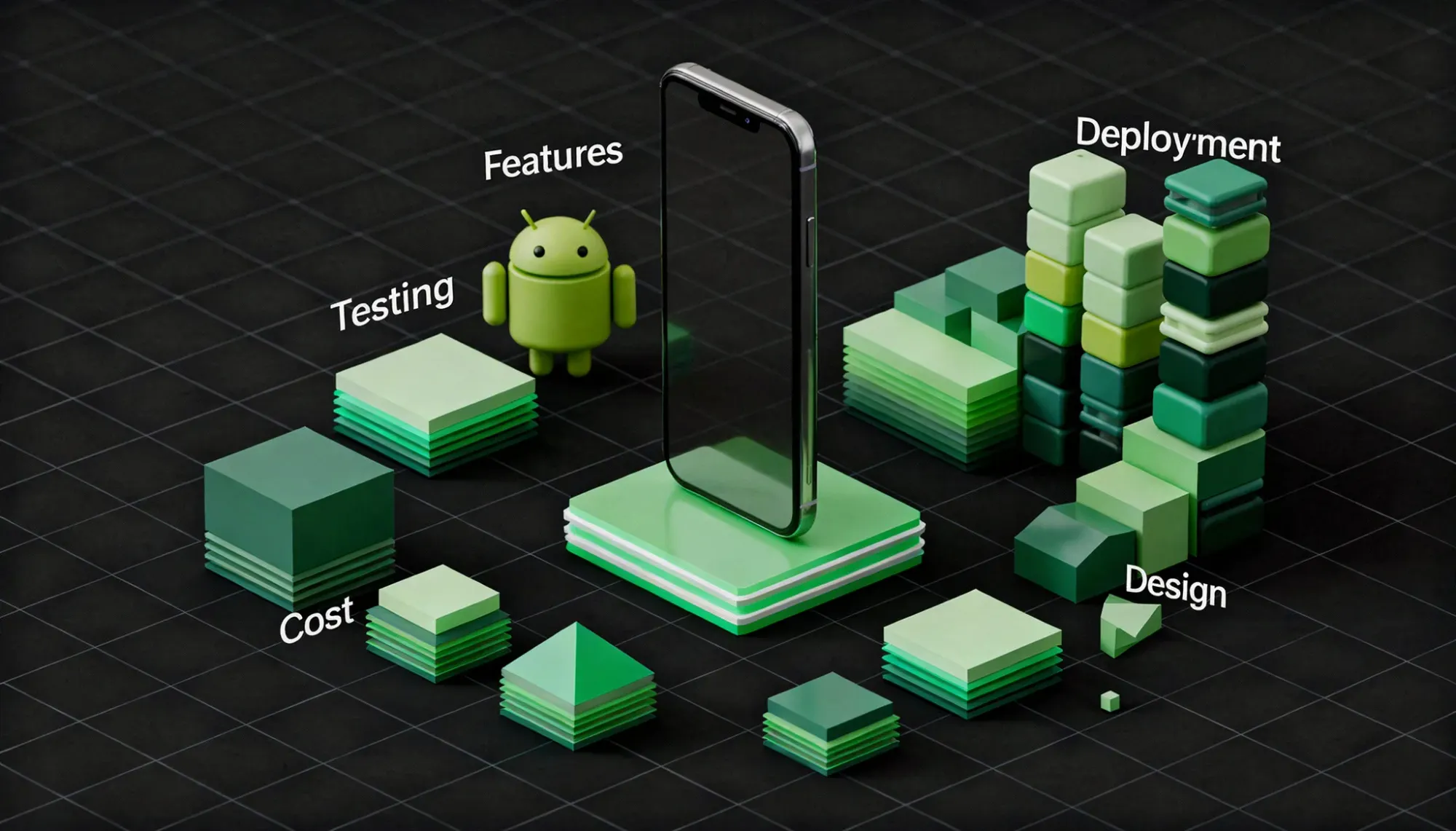
Android app development cost in 2026 typically ranges from $20,000 for a basic app to $350,000+ for complex, enterprise-level solutions. The challenge isn’t the range, it’s understanding what actually drives that cost.
If you’ve been searching for how much it costs to develop an app specifically for Android, you’ve likely come across broad estimates without clear reasoning.
This guide breaks down Android app development cost by app type, complexity, features, and development stages, based on real projects where device fragmentation, testing requirements, and backend complexity significantly impact the final cost.
You’ll also see hidden costs, regional pricing differences, and how to estimate your budget realistically.
How Much Does It Cost to Develop an Android App in 2026?
Android app development cost in 2026 typically ranges from $20,000 to $350,000+, depending on complexity, features, and development approach.
- Simple apps: $20,000 – $50,000
- Mid-level apps: $50,000 – $180,000
- Complex / enterprise apps: $180,000 – $350,000+
Android apps can sometimes cost more than iOS due to device fragmentation, multiple screen sizes, and OS version testing, which increase development and QA effort.
Android App Development Cost at a Glance
At a high level, Android app development cost in 2026 vary based on complexity, features, and team structure. Here’s a quick snapshot:
| Factor | Typical Range |
Total Cost | $20,000 – $350,000+ |
Timeline | 2 – 12+ months |
Hourly Rates | $25 – $150+ |
Maintenance (Yearly) | 15% – 25% of development cost |
Android costs can increase due to device fragmentation, multiple screen sizes, and testing across different OS versions, which require additional development and QA effort.
Android App Development Cost by App Type
Android app development cost varies significantly based on the type of app and the features it requires. Apps with real-time functionality, multiple user roles, or high scalability needs tend to cost more due to increased backend and testing effort.
| App Type | Estimated Cost | Key Features |
Utility / Basic Apps | $20,000 – $50,000 | Simple UI, limited features, minimal backend |
On-Demand Apps | $60,000 – $180,000 | Real-time tracking, payments, multi-user roles |
eCommerce Apps | $70,000 – $200,000 | Product catalog, checkout, inventory sync |
Social / Messaging Apps | $100,000 – $300,000+ | Chat, media sharing, notifications, scalability |
Fintech / Healthcare Apps | $120,000 – $350,000+ | Security, compliance, sensitive data handling |
Apps that require support across multiple devices and Android versions often involve additional testing and optimization, which can increase both development time and cost.
Android App Development Cost by Complexity
Android app development cost increases with complexity, mainly due to backend logic, integrations, scalability, and additional testing across multiple devices and OS versions.
| Complexity Level | Estimated Cost | Timeline | Key Features |
Simple (MVP) | $20,000 – $50,000 | 2 – 4 months | Basic UI, limited features, minimal backend, standard integrations |
Mid-Level | $50,000 – $180,000 | 4 – 8 months | Custom UI, APIs, payments, real-time features, multiple user roles |
Complex / Enterprise | $180,000 – $350,000+ | 8 – 12+ months | Advanced architecture, AI/ML, scalability, high security, integrations |
As complexity increases, costs rise due to backend logic, integrations, and scalability requirements, not just the number of screens, which is where most projects see the biggest cost jump, especially with added testing across devices.
Key Factors That Influence Android App Development Cost
Several factors directly impact Android development cost. Understanding these helps you estimate budgets more accurately and avoid unexpected overruns.
- App Complexity & Features - More features, workflows, and logic increase development time and cost.
- Device Fragmentation & Compatibility- Supporting multiple screen sizes, devices, and OS versions requires additional testing and optimization effort.
- UI/UX Design Quality- Custom designs, animations, and responsive layouts across devices increase both design and development effort.
- Backend Infrastructure- Simple BaaS setups cost less, while custom servers or microservices increase complexity and budget.
- Third-Party Integrations- Payments, maps, CRMs, and external APIs add development time and ongoing usage costs.
- Team Location & Hiring Model- US/UK teams cost significantly more than offshore teams for similar output.
- Native vs Cross-Platform Development- Native Android offers better control and performance, while cross-platform solutions can reduce initial cost.
- Security & Compliance Requirements- Apps handling sensitive data (fintech, healthcare) require additional security layers and audits.
- Performance Optimization- Ensuring smooth performance across low-end and high-end devices requires additional development effort.
Android App Development Cost Breakdown by Features
Each feature adds to both development time and backend complexity, directly impacting the overall Android development cost, especially when optimizing for different devices and OS versions.
| Feature | Estimated Cost Impact | What It Includes |
User Authentication | $2,000 – $8,000 | Signup/login, OTP, social logins, password recovery |
User Profiles | $3,000 – $10,000 | Profile creation, preferences, data management |
Payments & Subscriptions | $5,000 – $20,000 | Payment gateways, subscriptions, transaction handling |
Real-Time Features | $8,000 – $30,000 | Chat, live tracking, push notifications |
Third-Party Integrations | $5,000 – $25,000 | APIs like maps, CRM, analytics, social platforms |
Admin Panel | $5,000 – $20,000 | Dashboard, user management, analytics controls |
AI / ML Features | $15,000 – $100,000+ | Recommendations, chatbots, image recognition |
Security Features | $5,000 – $30,000 | Encryption, secure APIs, authentication layers |
Features like real-time systems, payments, and AI integrations typically require the most effort, especially when ensuring consistent performance across a wide range of Android devices.
Android App Development Cost Breakdown by Stages
Android app development cost is distributed across multiple stages, each contributing to the overall timeline and budget.
| Development Stage | % of Total Cost | What It Includes |
Discovery & Planning | 5% – 10% | Requirement gathering, market research, technical planning |
UI/UX Design | 15% – 20% | Wireframes, prototypes, responsive design for multiple screen sizes |
Android App Development | 35% – 45% | Frontend development, feature implementation, integrations |
Backend Development | 20% – 30% | APIs, database, server logic, cloud setup |
Testing & QA | 10% – 15% | Device testing, bug fixing, performance optimization across devices |
Deployment & Launch | 5% – 10% | Play Store submission, final checks, release |
While development takes the largest share, testing and optimization often require additional effort in Android projects due to device and OS variations, which can impact both cost and timeline.
Android Developer Hourly Rates by Region
Android developer hourly rates vary by region based on talent availability, experience level, and cost of living. These differences can significantly impact your overall development cost.
| Region | Hourly Rate (USD) | Best For |
USA & Canada | $80 – $150+ | Complex, enterprise apps, compliance-heavy projects |
UK & Western Europe | $70 – $130 | High-quality builds, GDPR-focused apps |
Eastern Europe | $40 – $80 | Strong technical expertise, balanced cost |
India | $25 – $60 | Cost-effective development, scalable teams |
Southeast Asia | $20 – $50 | Budget-friendly MVP development |
Australia | $90 – $160 | Premium projects, high-demand markets |
Hourly rates typically range from $25 to $150+ per hour, depending on expertise and region. For Android projects, costs can also increase slightly due to additional testing and optimization across multiple devices.
Hidden and Ongoing Costs of Android App Development
Beyond initial development, Android apps come with ongoing costs that are often overlooked during planning.
| Cost Item | Frequency | Estimated Cost | What It Covers |
Google Play Developer Account | One-time | $25 (one-time fee) | Required for app publishing |
Cloud Hosting & Servers | Monthly | $200 – $2,000+ | Storage, databases, scaling infrastructure |
Third-Party APIs | Monthly | $50 – $1,500+ | Payments, maps, SMS, analytics, AI services |
Maintenance & Updates | Annual | 15% – 25% of dev cost | Bug fixes, Android updates, performance improvements |
App Store Optimization (ASO) | One-time + ongoing | $2,000 – $8,000 | Keywords, screenshots, conversion optimization |
Crash Monitoring Tools | Monthly | $0 – $200 | Tools like Firebase Crashlytics, performance tracking |
Security & Compliance | Annual | $3,000 – $20,000 | Audits, data protection, regulatory compliance |
These costs are essential to keep your app stable, secure, and compatible across new Android devices and OS updates, which often require more frequent testing and optimization compared to controlled environments.
How to Reduce Android App Development Cost
Reducing Android app development cost isn’t about cutting corners, it’s about making smarter technical and product decisions.
- Start with an MVP- Build only core features first to validate your idea before scaling.
- Limit Device Scope Initially- Focus on a defined set of devices and OS versions early to reduce testing and optimization effort.
- Use Pre-Built SDKs & APIs- Avoid building features like payments, authentication, or notifications from scratch.
- Choose the Right Development Approach- Use cross-platform frameworks; you can significantly cut app development costs with Flutter if your app doesn’t require deep native capabilities.
- Outsource to Cost-Efficient Regions- Experienced offshore teams can reduce costs by 2–3× without compromising quality.
- Define Clear Requirements Early- A detailed scope reduces rework, especially important in Android projects with multiple device scenarios.
- Avoid Feature Creep- Adding features mid-development can significantly increase costs.
- Use Backend-as-a-Service (BaaS)- Platforms like Firebase reduce backend development time and infrastructure costs.
- Prioritize Performance Early- Optimizing for different devices from the start prevents costly fixes later.
Build Lean. Learn Fast.
Launch an MVP that saves money while proving your concept works.
Smart planning and prioritization can reduce your total development cost significantly without impacting quality, as unclear requirements and expanding device support are common reasons projects exceed budget.
Android vs iOS vs Cross-Platform Cost Comparison
Choosing the right platform has a direct impact on development cost, timeline, and long-term maintenance.
| Approach | Estimated Cost | Development Time | Best For | Key Trade-Off |
Android (Native) | $20,000 – $350,000+ | Moderate to high (2–12+ months) | Wide user reach, global markets | Higher testing effort across devices |
iOS (Native) | $15,000 – $300,000+ | Faster (2–12 months) | Premium users, controlled ecosystem | Limited to Apple ecosystem |
Cross-Platform (Flutter / React Native) | $25,000 – $200,000 | Faster for dual-platform apps | Startups, MVPs, budget-focused builds | Performance trade-offs in complex apps |
Android development can require more effort due to device fragmentation and testing across multiple screen sizes and OS versions, while iOS app development cost benefit from a more controlled ecosystem.
Building separate native apps for both platforms can nearly double the cost, whereas cross-platform development can reduce cost by 30–40% for many use cases.
Android App Cost Estimation Formula
The cost of developing an Android app is typically calculated based on development effort, team rates, and additional infrastructure and maintenance costs.
Total Cost = (Design Hours + Development Hours + QA Hours + Management Hours) × Hourly Rate + Infrastructure Costs + Third-Party Costs + Maintenance
What this means:
- Design Hours → UI/UX, responsive layouts for multiple screen sizes
- Development Hours → Frontend + backend implementation
- QA Hours → Testing across devices, OS versions, and performance conditions
- Management Hours → Project coordination and communication
- Hourly Rate → Depends on region and expertise
- Infrastructure Costs → Hosting, servers, cloud services
- Third-Party Costs → APIs like payments, maps, analytics
- Maintenance → Ongoing updates and compatibility fixes
Most estimates online exclude QA, device testing, and post-launch costs, which is why actual Android app costs are often higher than initial estimates.
Total Cost of Ownership (TCO) for an Android App
Development cost is only part of the total investment. Once your Android app is live, ongoing expenses become a significant part of your budget.
| Cost Component | Frequency | Estimated Cost |
Initial Development | One-time | $100,000 |
Maintenance & Updates | Yearly | $15,000 – $25,000 |
Cloud Hosting & Infrastructure | Monthly | $500 – $2,000 |
Third-Party APIs | Monthly | $200 – $1,000 |
Tools & Services | Yearly | $100 – $500 |
Yearly Running Cost (Approx)
- Low scale: ~$20,000/year
- Growing app: ~$30,000 – $50,000/year
What this means:
- Maintenance typically costs 15–25% of the initial development cost
- Ongoing costs increase as your user base and features grow
- Frequent updates for new Android versions and devices can add to maintenance efforts.
Ignoring post-launch costs is a common mistake; ongoing investment is required to keep your app stable, secure, and compatible across devices.
Real Android App Cost Examples
Understanding cost ranges is easier when mapped to real-world app types. These examples reflect how features, scalability, and device compatibility impact Android app development cost.
1. On-Demand App (Uber-like)
Estimated Cost: $90,000 – $220,000+
What drives the cost:
- Real-time location tracking
- Multiple user roles (driver & user apps)
- Payment integration
- Backend for live matching and updates
Real-time systems and multi-user architecture are major cost drivers, especially with device compatibility considerations.
2. eCommerce App (Amazon-like)
Estimated Cost: $70,000 – $200,000
What drives the cost:
- Product catalog and search
- Payment and checkout system
- Inventory and order management
- Admin dashboard
Backend logic and integrations typically impact cost more than UI complexity.
3. Social / Messaging App (WhatsApp-like)
Estimated Cost: $120,000 – $300,000+
What drives the cost:
- Real-time messaging
- Media sharing
- Push notifications
- High scalability requirements
Infrastructure and performance optimization across devices significantly increase costs.
4. AI-Powered App (SaaS / Assistant)
Estimated Cost: $130,000 – $350,000+
What drives the cost:
- AI/ML integration (LLMs, recommendations)
- Data processing and storage
- API usage costs
- Personalization features
AI features increase both development and ongoing infrastructure costs.
5. Simple MVP App
Estimated Cost: $20,000 – $50,000 (for a full breakdown of how much it costs to build an MVP, see our dedicated guide)
What drives the cost:
- Core features only
- Minimal backend (often BaaS)
- Standard UI components
Costs stay low when scope is tightly controlled and device support is limited initially.
These examples show that cost is driven less by app type and more by features like real-time systems, integrations, scalability, and the effort required to ensure consistent performance across Android devices.
What Increases Android App Development Cost the Most
Not all features impact cost equally. Some decisions significantly increase development time, complexity, and long-term expenses in Android projects.
- Device Fragmentation & Compatibility
Supporting multiple screen sizes, devices, and OS versions requires extensive testing and optimization, making this a major cost driver.
- Real-Time Features
Build Lean. Learn Fast.
Launch an MVP that saves money while proving your concept works.
Live chat, tracking, or syncing require continuous data flow and scalable infrastructure.
- Complex Backend Logic
Apps with multiple user roles, workflows, or heavy data processing require custom backend architecture.
- Third-Party Integrations
Payments, maps, CRMs, and external APIs add development effort and ongoing usage costs.
- AI & Machine Learning Features
Recommendations, chatbots, or computer vision features increase both development complexity and infrastructure costs.
- Performance Optimization Across Devices
Ensuring smooth performance on both low-end and high-end Android devices requires additional engineering effort.
- Security & Compliance Requirements
Apps handling sensitive data require encryption, audits, and regulatory compliance.
- Custom UI/UX & Animations
Advanced interactions and animations increase both design and development time.
- Scalability Requirements
Apps expecting high traffic need robust backend architecture and cloud scaling.
In most Android projects, device compatibility, real-time features, and backend complexity have a greater impact on cost than the number of screens.
How to Choose the Right Android App Development Partner
Choosing the right Android app development partner isn’t just about cost—it directly impacts your app’s performance, compatibility, and long-term scalability.
- Ensure the team has strong experience with Kotlin/Java, Android SDKs, and building apps that support multiple devices and OS versions.
- Review real projects and case studies to understand how their apps perform in real-world conditions, not just how they look.
- Look for a structured development process covering discovery, design, development, testing, and launch to ensure predictable delivery.
- Check if they have experience handling device fragmentation, including different screen sizes, resolutions, and Android versions.
- Evaluate how they communicate, clear timelines, regular updates, and milestone tracking help avoid delays and misalignment.
- Make sure they have a complete team, including developers, designers, QA engineers, and a project manager.
- Focus on long-term value rather than the lowest cost, as cheaper teams often lead to rework and higher overall expenses.
- Confirm post-launch support for updates, bug fixes, and ongoing compatibility improvements across devices.
- Ensure they follow proper security practices, especially if your app handles sensitive user data.
Choosing the right development partner goes beyond cost; they help you make better technical decisions, which often prevents costly rework and compatibility issues later.
Conclusion
Android app development cost in 2026 depends on what you’re building and how you approach it. Simple apps cost less, while complex apps require higher investment due to backend logic, integrations, and testing across multiple devices.
There’s no fixed price, but the ranges in this guide give a realistic starting point. The key is defining your scope clearly, limiting unnecessary features, and planning for device compatibility from the beginning.
With the right approach and team, you can manage costs effectively without compromising on performance or scalability.
Frequently Asked Questions
How much does it cost to develop an Android app in 2026?
Android app development typically costs between $20,000 and $350,000+, depending on complexity, features, and development approach.
Why is Android app development sometimes more expensive than iOS?
Android apps require additional effort for device fragmentation, multiple screen sizes, and OS version compatibility, increasing testing and optimization costs.
How long does it take to build an Android app?
It usually takes 2 to 12+ months, depending on app complexity, features, and the level of testing required across devices.
Can I build an Android app under $20,000?
Yes, but only for very basic apps with limited features and minimal backend functionality.
What affects Android app development cost the most?
Key factors include app complexity, real-time features, backend systems, integrations, and device compatibility requirements.
Is cross-platform development cheaper than Android native?
Yes, cross-platform can reduce costs by 30–40%, but may involve performance trade-offs for complex apps.
What is the cheapest way to build an Android app?
Start with an MVP, limit device support initially, and use pre-built APIs to reduce development time and cost.