- Define required features before comparing visual styles.
- Test themes using your actual products, images and navigation.
- Match the theme to catalogue size and product complexity.
- Review product, collection, search, cart and mobile experiences.
- Use Theme Store filters to create a manageable shortlist.
- Try paid themes before buying because purchases are generally non-refundable.
- Confirm developer support, documentation and update history.
- Check compatibility with essential applications and integrations.
- Test performance and accessibility with realistic content.
- Estimate customisation costs in addition to the theme price.
- Choose the theme requiring the least unnecessary modification.
Choosing a Shopify theme is a functional decision as well as a visual one. The theme controls how products, collections, search, navigation, content and cart interactions are presented across different devices.
However, a theme should not be blamed automatically when a store has a low conversion rate. Product demand, traffic quality, pricing, content, applications, custom code, shipping and checkout can all affect performance.
Based on our experience building more than 30 D2C Shopify stores, we recommend defining the required shopping experience before reviewing theme demos. A visually impressive demo can hide missing features that later require applications or extensive custom development.
This guide explains how to choose the best Shopify theme for your store by evaluating catalogue requirements, customer journeys, mobile usability, performance, support and long-term customisation.
Why Does Your Shopify Theme Matter?
1. It Shapes Product Discovery
The theme determines how customers interact with navigation, collection pages, filters, search suggestions and product cards. A small catalogue may need simple navigation, while a large catalogue can require structured menus and useful filters.
Review whether customers can move from the homepage or landing page to a suitable product without unnecessary steps.
2. It Presents Important Product Information
Themes differ in how they display product media, variants, size guides, specifications, delivery information, reviews and calls to action.
The important information should appear near the stage where customers need it. This does not mean placing every detail above the fold. Instead, the page should establish the product, price, primary action and essential decision information clearly.
3. It Affects the Mobile Shopping Experience
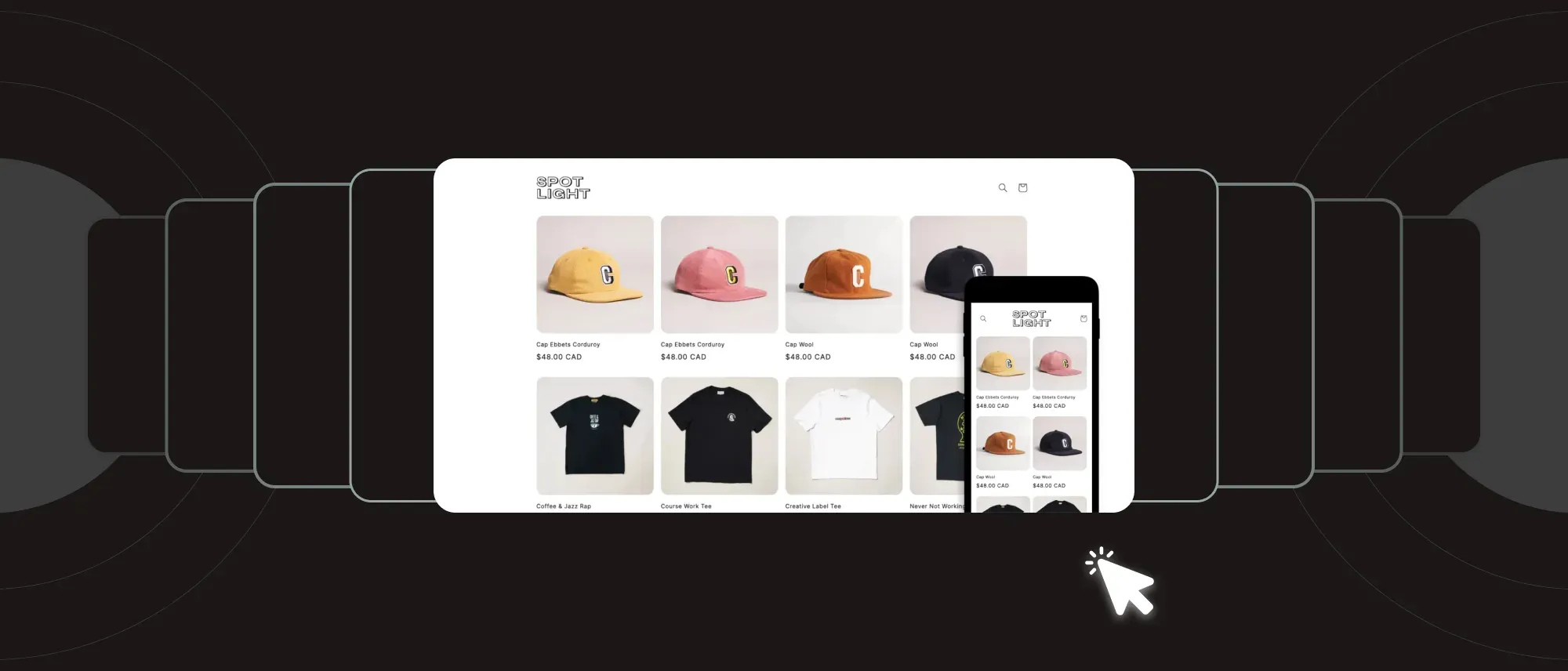
A responsive layout is only the starting point. Test navigation, search, filters, galleries, variant selectors, sticky elements, cart interactions and text readability on actual mobile devices.
Do not assume that a theme’s desktop demo represents its mobile experience.
4. It Contributes to Storefront Performance
The theme’s Liquid, CSS and JavaScript affect storefront performance, but applications, custom code, tracking scripts and media also contribute.
Test a theme with realistic products and images. A fast demonstration store containing carefully prepared content does not guarantee identical performance after applications and customisations are added.
5. It Provides Part of the SEO and Accessibility Foundation
A theme can influence semantic headings, accessible navigation, image markup, structured data and the way important content is rendered. Shopify controls other elements, including much of the platform’s URL structure.
Check that important product and collection content is available as crawlable text and that interactive elements can be used with a keyboard and assistive technology.
Things to Consider Before Choosing a Shopify Theme
Theme selection should be filtered through operational scalability and long-term performance goals.
1. Begin with the Shopify Theme Store
Themes listed in the Shopify Theme Store must meet Shopify’s theme requirements and provide documentation and developer support. This makes the Theme Store a practical starting point for most merchants.
However, Theme Store approval does not guarantee compatibility with every application, integration, or custom requirement. Confirm compatibility with the systems your store depends on.
Themes purchased outside the Shopify Theme Store vary considerably. Before using one, verify:
- The developer’s identity and support process
- Update history
- Documentation
- Shopify version compatibility
- Licence terms
- Independent reviews
- Refund policy
- Whether the theme is legally licensed for your store
Need Help With Shopify Development?
We build fast, custom Shopify stores designed to drive more sales.
Avoid copied, nulled or unlicensed themes. A theme purchased from the Shopify Theme Store is licensed to the store where it was purchased. Review Shopify’s requirements before attempting to transfer a paid theme to another store.
2. Use Industry Filters as a Starting Point
Industry categories can help narrow the Shopify Theme Store, but they should not determine the final choice. Two stores in the same industry may have completely different catalogue, merchandising and content requirements.
For example, one fashion store may need colour swatches, size guides and editorial imagery, while another may require advanced filters, quick ordering and hundreds of variants.
Use industry filters to create a shortlist, then evaluate the themes against your actual requirements.
3. Match the Theme to Your Catalogue Structure
Catalogue size affects search, navigation, collection design and product discovery.
A large catalogue may require:
- Mega-menu support
- Predictive search
- Collection filtering
- Product-card information
- Quick-add functionality
- Breadcrumb navigation
- Multiple product templates
- Clear pagination or product loading
A smaller catalogue may benefit from:
- Larger product imagery
- Editorial sections
- Product storytelling
- Bundles or complementary recommendations
- Simplified navigation
- Detailed product pages
Do not evaluate catalogue support using product count alone. Also consider the number of collections, variants, product types, and customer decision criteria.
4. Map the Customer Journey Before Choosing a Theme
List the information and actions customers require from arrival through purchase.
Consider:
- How customers discover the correct collection
- Whether they search or browse
- Which filters help narrow the choice
- What information they need before selecting a variant
- Whether products require comparison
- Whether dimensions, fit or compatibility affect the decision
- Whether customers need support before purchase
- How shipping and return information will be presented
- Whether complementary products should be recommended
Test each shortlisted theme against this journey. A missing feature may require custom development or an additional application, increasing cost and maintenance.
5. Separate Essential Features from Optional Features
Create three lists before comparing themes:
Required
Features necessary for customers to find, evaluate and purchase products.
Useful
Features that improve the experience but are not essential for launch.
Decorative
Features chosen primarily for visual effect.
Common requirements can include:
- Colour swatches
- Size guides
- Product video
- Predictive search
- Collection filters
- Quick add
- Sticky add-to-cart
- Product recommendations
- Store locator
- Age verification
- Back-in-stock notifications
- Multiple product templates
Prioritise features that prevent additional applications or extensive code changes. Avoid selecting a theme because of animations, banners or demo-store styling that does not serve the customer journey.
6. Try the Theme with Your Own Content
Shopify allows merchants to try paid Theme Store themes before purchasing. You can add a trial theme and customise it with your products, brand colours and content before deciding. Theme code cannot be edited during the trial.
Test:
- Homepage
- Header and navigation
- Collection pages
- Search
- Product pages
- Product variants
- Cart
- Blog and content pages
- Mobile layouts
- Empty and out-of-stock states
Paid themes are generally non-refundable, so complete this evaluation before buying.
7. Test Performance, Accessibility and Compatibility
Evaluate shortlisted themes with realistic content rather than an empty demonstration.
Need Help With Shopify Development?
We build fast, custom Shopify stores designed to drive more sales.
Check:
- Core Web Vitals
- Keyboard navigation
- Colour contrast
- Visible focus states
- Image alternative text support
- Heading structure
- Form labels and errors
- Mobile tap targets
- Essential application compatibility
- Markets, languages and currencies
- Analytics and tracking
- Product and variant complexity
The Shopify Theme Store has performance and accessibility requirements, but your final results will also depend on media, applications, tracking and customisation.
8. Shopify Theme Evaluation Scorecard
Score each shortlisted theme from one to five.
| Criterion | Weight |
Required features | 25% |
Product and catalogue fit | 20% |
Mobile usability | 15% |
Performance | 10% |
Accessibility | 10% |
Customisation flexibility | 10% |
Developer support and updates | 5% |
Total implementation cost | 5% |
Do not automatically select the theme with the highest visual-design score. Choose the option that meets essential requirements with the least unnecessary customisation.
Frequently Asked Questions
How do I choose the best Shopify theme?
Define required features, catalogue structure and customer journey first. Then preview shortlisted themes using real products, test mobile usability and performance, and review developer support, licensing and customisation requirements.
Are paid Shopify themes better than free themes?
Not necessarily. Shopify’s free themes can provide strong foundations for many stores. Paid themes may include specialised features or designs, but their value depends on whether those capabilities match your requirements.
Can a Shopify theme affect SEO?
Yes. A theme can influence performance, accessibility, headings, internal navigation, structured data and content rendering. However, products, content, applications, custom code and technical configuration also affect search performance.
Can changing a Shopify theme increase conversions?
A better-suited theme may reduce navigation or product-page friction, but a conversion increase is not guaranteed. Measure customer progression before and after the change while controlling other substantial modifications.
Can I try a paid Shopify theme before buying it?
Yes. Shopify allows merchants to add trial versions of paid Theme Store themes and customise them with store content before purchase, although theme-code editing is unavailable during the trial.
Should I use a theme purchased outside the Shopify Theme Store?
Only after verifying the developer, licence, documentation, update history, support and compatibility. Avoid copied or unlicensed themes, and test the theme thoroughly before applying it to a live store.
Conclusion
The best Shopify theme is not necessarily the most visually impressive or expensive option. It is the theme that supports the store’s catalogue, products, customer journey, and operational requirements with the least unnecessary modification.
Based on our experience building more than 30 D2C Shopify stores, we recommend testing themes with real content before committing to design or development. This reveals missing functionality and usability problems that polished demo stores may conceal.
If a shortlisted theme requires significant Liquid, JavaScript, or integration work, you can hire Shopify experts to assess whether customising that theme or choosing another foundation will be more maintainable.

Sahil Singh
I’m a Front-End developer with 1.3 years of experience creating user-friendly, optimized web pages. I specialize in developing features that boost conversion rates for e-commerce websites.



