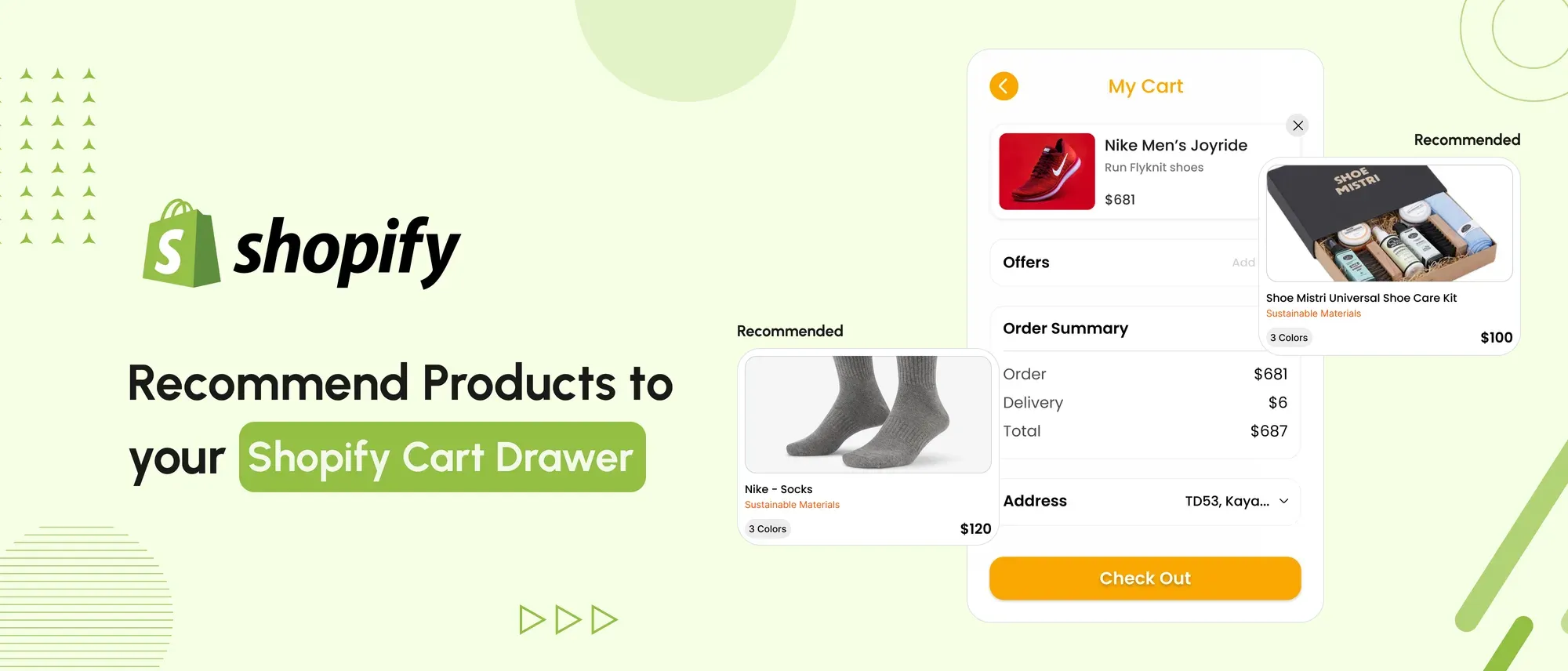
- Shopify cart drawer recommendations can be added using an app or custom theme development.
- Recommend complementary products that support what is already in the cart rather than random alternatives.
- Shopify automatically generates related recommendations, while complementary products can be configured through the Shopify Search & Discovery app.
- Custom implementations must account for product availability, variants, currencies, Shopify Markets, and cart updates.
- Never expose Slack webhook URLs, API credentials or other secrets in storefront JavaScript.
- Update the cart drawer without forcing a page reload whenever the theme supports section rendering.
- Show only a small number of relevant products so the recommendations do not obstruct checkout.
- Test recommendation clicks, additions, average order value, and completed purchases before judging performance.
- Duplicate the live theme and test the implementation on an unpublished version before publishing it.
A Shopify cart drawer is more than an order summary. It is also an opportunity to help shoppers discover complementary products before proceeding to checkout.
Based on our experience building and customising more than 30 D2C Shopify stores, the most effective cart drawer recommendations are usually simple, relevant and easy to add without leaving the cart. Examples include recommending batteries with an electronic product, a matching bottom with a top, or a refill for an item already selected.
In this guide, we explain how to add product recommendations to a Shopify cart drawer using custom Liquid and JavaScript. We also cover recommendation logic, product availability, variant selection, cart updates, security and testing.
We tested the approach in an internal demo store using manually defined product pairs. These are rule-based recommendations rather than Shopify-generated recommendations. Whether they improve average order value or conversion rate must be established through store-specific testing.
See the Cart Drawer Recommendations Demo
We created an internal Shopify demo to test how rule-based recommendations respond to different cart contents. Watch the recorded demonstration to see how the recommendation block appears and how shoppers can add a suggested variant without leaving the cart drawer.
Watch the cart drawer product recommendations demo: Loom Link
The demonstration uses test products and does not represent a client result or guaranteed conversion improvement.
How the Demonstration Works
The custom recommendation block checks the products in the Shopify cart and matches them with manually configured product pairs.
For example, when a shopper adds a particular top, the cart drawer can display a matching bottom. If neither product from a configured pair is in the cart, the demonstration can select another predefined pair.
This approach offers direct control over which products appear, but random rotation alone does not make recommendations more relevant. Product pairs should be selected using compatibility, margin, inventory, merchandising priorities, and observed customer behaviour.
Our original demonstration included a Slack notification when a recommended product was added. However, webhook URLs must never be exposed in public theme JavaScript. If Slack notifications are required, send the event through a secure server-side endpoint or Shopify app that keeps the webhook private.
How to Add Product Recommendations to a Shopify Cart Drawer
The exact implementation depends on your Shopify theme. File names, cart drawer elements and refresh methods are not identical across themes, so duplicate your live theme and test the following workflow on the unpublished copy.
Step 1: Choose Your Recommendation Method
There are three common approaches:
- Shopify-generated related products: Shopify generates recommendations based on product and sales information.
- Complementary products: Store administrators select suitable add-ons using the Shopify Search & Discovery app.
- Custom recommendation rules: Developers define product pairs or use business-specific logic based on cart contents, inventory or customer behaviour.
For cart drawer cross-selling, complementary products or carefully managed custom rules are generally more appropriate than interchangeable related products.
Step 2: Define the Product That Drives the Recommendations
A cart can contain several products, so establish which line item will be used as the recommendation source. Common options include:
- The first item added
- The most recently added item
- The highest-value item
- The product with configured complementary products
- A recommendation assembled from all cart items
Need Help With Shopify Development?
We build fast, custom Shopify stores designed to drive more sales.
The choice should remain consistent so the cart drawer does not display unpredictable products whenever quantities change.
Step 3: Retrieve Relevant Recommendations
Shopify’s Ajax Product Recommendations API can return recommendations for a particular product. For example, the following request retrieves up to three complementary recommendations for a product:
const productId = 'PRODUCT_ID';

const url =
  `${window.Shopify.routes.root}recommendations/products.json` +
  `?product_id=${productId}&limit=3&intent=complementary`;

const response = await fetch(url);
const data = await response.json();
const recommendations = data.products;
Replace PRODUCT_ID with the numeric ID of the product being used as the recommendation source. Before rendering the returned products, exclude products already in the cart and confirm that a purchasable variant is available.
Step 4: Create the Cart Drawer Recommendation Markup
Add a recommendation container to the cart drawer component used by your theme. The block should include:
- A descriptive heading such as “Complete your order”
- Product image and title
- Current price
- Availability information
- Variant selector when required
- An accessible Add button
- Loading and error states
Use actual <button> elements for controls and ensure links, selectors and buttons can be operated with a keyboard. Shopify recommends making theme controls perceivable, operable and understandable for customers using assistive technology.
Step 5: Add the Selected Variant Through Shopify’s Cart API
When a shopper selects a recommendation, send the selected variant ID and quantity to Shopify’s cart endpoint. Do not assume that the first variant is available.
Use Shopify’s locale-aware root when constructing the request:
const cartAddUrl = `${window.Shopify.routes.root}cart/add.js`;Disable the Add button while the request is running, display a clear error if the request fails and prevent duplicate submissions.
Step 6: Refresh the Cart Drawer Without Reloading the Page
After the recommended product has been added, refresh the drawer contents, subtotal, cart count and any affected free-shipping or discount messages.
Where supported by the theme, use Shopify’s section-rendering behaviour or the cart component’s existing update method. Avoid adding query parameters and reloading the complete page simply to reopen the cart drawer.
Because each theme manages cart state differently, this part must be adapted to the store’s existing cart implementation.
Step 7: Make Recommendations Editable
Avoid hard-coding product handles throughout a JavaScript file when store administrators need to change recommendations regularly.
Depending on the implementation, recommendations can be controlled through:
- Shopify Search & Discovery
- Theme section or block settings
- Product metafields
- A custom app
- A third-party cart upsell application
Shopify theme settings make configuration accessible through the theme editor rather than requiring a code deployment for every merchandising change.
Step 8: Track Performance Securely
Track meaningful events such as:
- Recommendation viewed
- Recommendation clicked
- Recommended product added
- Recommended product purchased
- Revenue generated from recommended items
Do not send Slack messages or analytics requests directly to a private webhook from storefront JavaScript. Route them through an authenticated server-side endpoint or use an analytics platform designed for storefront events.
Step 9: Test the Cart Drawer Recommendations
Test the implementation on an unpublished theme before publishing it. Check:
- Empty and populated carts
- Single-variant and multi-variant products
- Sold-out variants
- Products already in the cart
- Quantity changes and removed items
- Mobile and desktop layouts
- Keyboard and screen-reader operation
- Shopify Markets, currencies and languages
- Discounts and subscription products
- Slow or failed network requests
- Cart subtotal and cart-count updates
- Theme performance before and after implementation
Need Help With Shopify Development?
We build fast, custom Shopify stores designed to drive more sales.
If the recommendation logic or cart refresh behaviour needs to be adapted to your theme, you can hire Shopify experts to implement and test the feature.
Conclusion
Adding product recommendations to a Shopify cart drawer can help shoppers discover relevant add-ons without interrupting their journey to checkout. However, the presence of a recommendation block does not guarantee higher conversion rates or average order value.
Start with two or three complementary products, exclude unavailable and already selected items, and make adding the correct variant straightforward. Then measure recommendation views, clicks, additions, completed purchases, and revenue.
Treat Shopify cart drawer recommendations as an ongoing merchandising experiment. Keep the combinations that customers respond to and revise those that create clutter without contributing to completed orders.
Frequently Asked Questions
1. How do I add product recommendations to a Shopify cart drawer?
You can use a Shopify upsell app or create a custom implementation using Liquid, JavaScript, cart data and Shopify’s Product Recommendations API. Custom code must be adapted to your theme’s cart drawer.
2. Does Shopify automatically generate product recommendations?
Shopify automatically generates related-product recommendations. Complementary products, such as accessories or matching items, can be configured using Shopify Search & Discovery and retrieved for use in a custom storefront implementation.
3. What is the difference between an upsell and a cross-sell?
An upsell encourages the customer to choose a higher-value version of a product. A cross-sell recommends an additional, complementary product. Most Shopify cart drawer recommendations are cross-sells.
4. How many products should a Shopify cart drawer recommend?
Start with two or three relevant products. Too many recommendations can make a compact cart drawer difficult to use and distract shoppers from proceeding to checkout.
5. Can I add cart drawer recommendations without a Shopify app?
Yes. A Shopify developer can build them using Liquid, JavaScript and Shopify’s storefront APIs. Custom development provides more control but requires theme-specific implementation, testing and ongoing maintenance.
6. How should I measure Shopify cart recommendation performance?
Measure recommendation impressions, clicks, add-to-cart rate, completed purchases, revenue from recommended products, and average order value. Compare results against a control or earlier period before drawing conclusions.

Sahil Singh
I’m a Front-End developer with 1.3 years of experience creating user-friendly, optimized web pages. I specialize in developing features that boost conversion rates for e-commerce websites.



