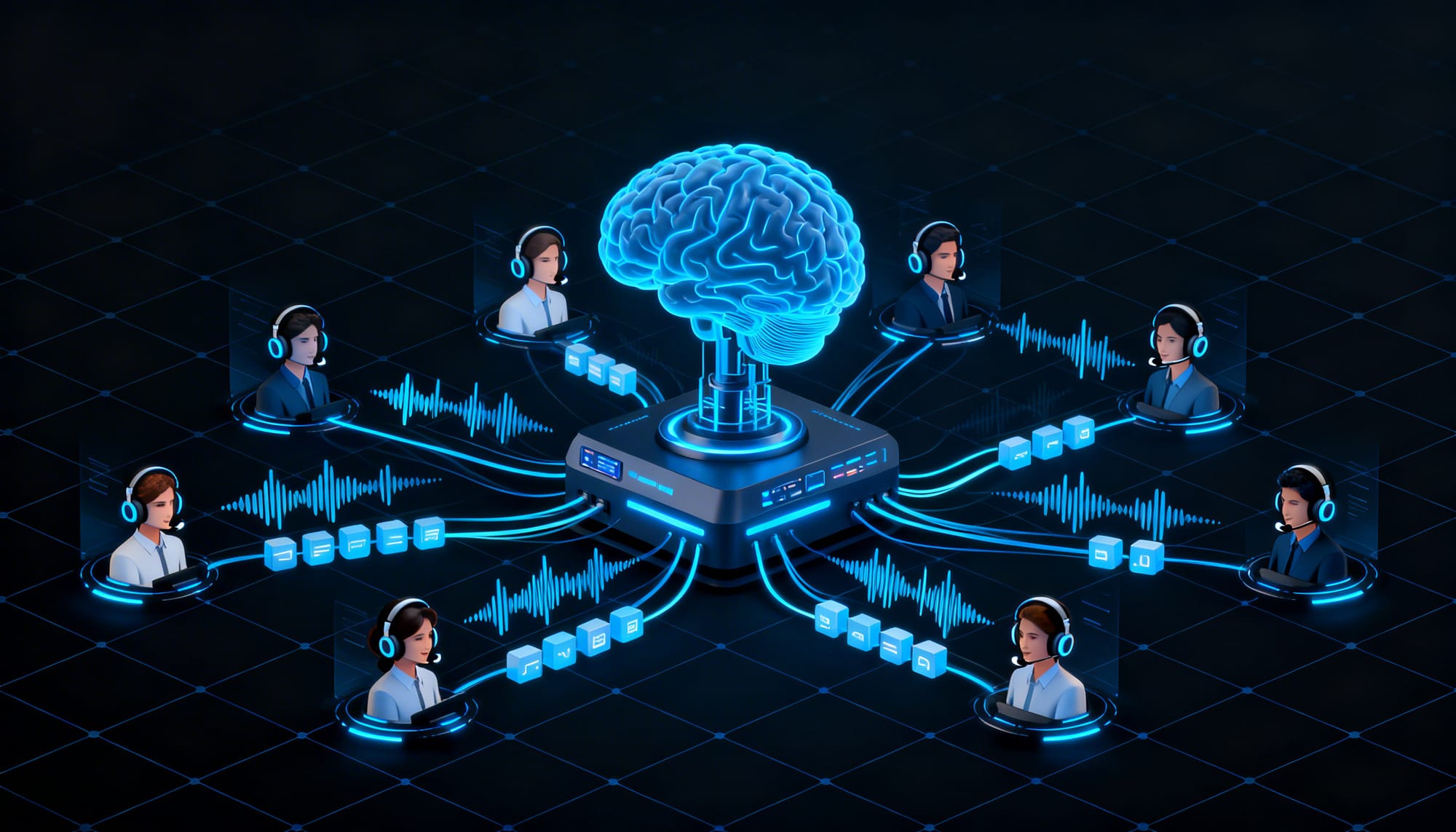
Call centers are going through one of the biggest shifts in their history, thanks to Voice AI.
Instead of forcing customers to navigate long IVR menus like “Press 1 for billing, Press 2 for support,” modern systems allow callers to speak naturally and explain their problem.
Voice AI listens to the caller, understands the intent, and responds in real time. It can handle tasks like order tracking, appointment scheduling, billing questions, and account updates without waiting for a human agent.
This doesn’t replace human agents completely. Instead, it automates a large portion of routine calls, reduces operational costs, and enables 24/7 customer support.
In this article, we’ll cover:
- How Voice AI works in call centers
- The core technology stack behind Voice AI agents
- Real-world deployments and use cases
- How to build a Voice AI call center agent
- Best practices for production deployment
Why Voice AI is replacing Traditional IVR Systems?
Traditional Interactive Voice Response (IVR) systems have been used in call centers for years, but they often create a frustrating experience for customers. Callers are forced to navigate long keypad menus like “Press 1 for billing, Press 2 for support,” just to resolve a simple request.
Voice AI changes this interaction completely. Instead of selecting menu options, callers can simply speak naturally and explain their problem. For example, a user might say “Where is my order?” or “I want to track my delivery.” The system understands the intent, retrieves the relevant information from backend systems, and responds immediately.
This conversational approach removes the friction of traditional IVR menus and makes customer interactions faster and more intuitive. As a result, many organizations are replacing legacy IVR systems with Voice AI-powered conversational interfaces that handle requests more efficiently.
Voice AI Technology Stack in Call Centres
Modern Voice AI systems rely on several technologies working together to handle conversations in real time.
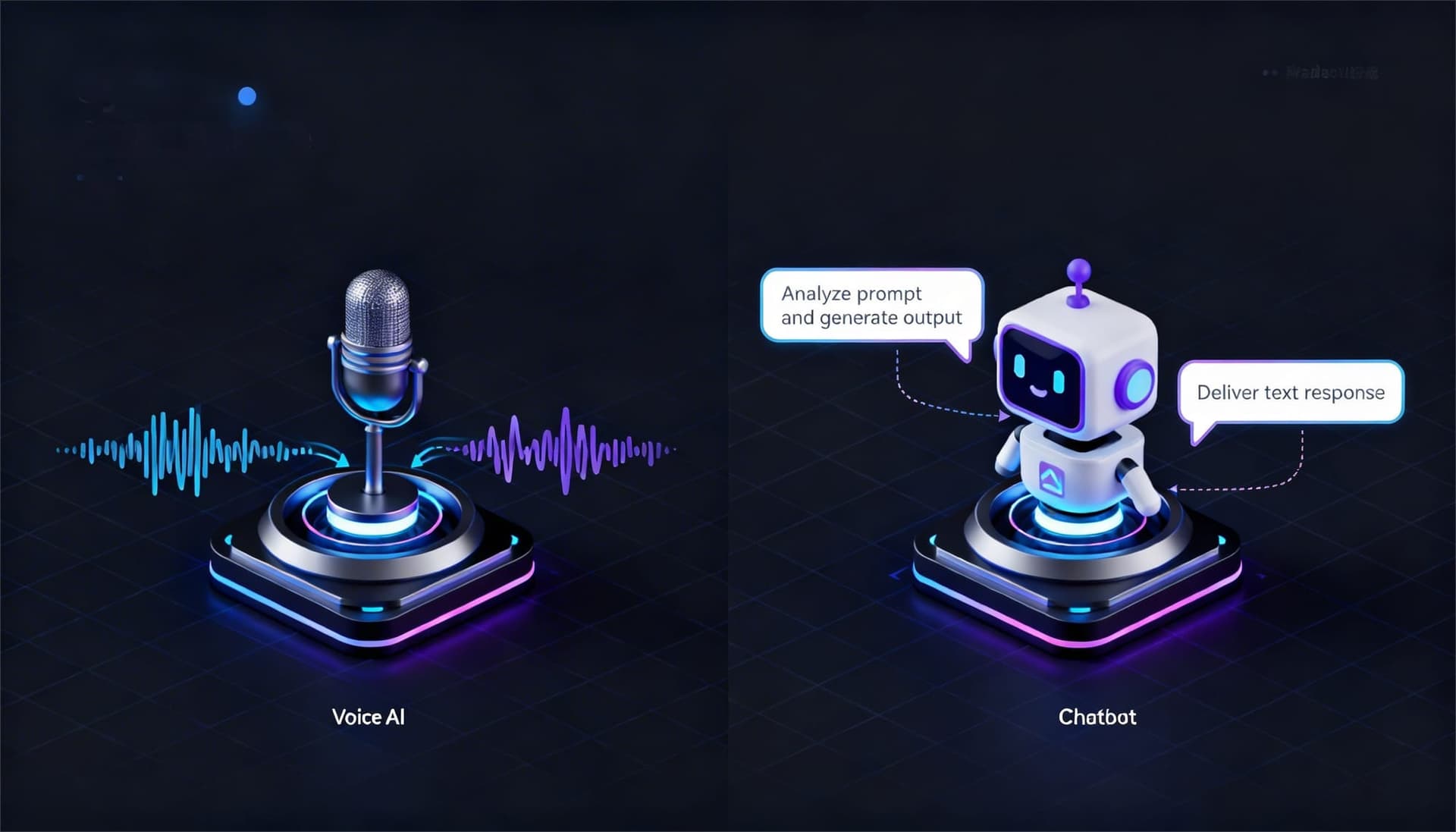
Speech-to-Text (STT / ASR) converts the caller’s voice into text within milliseconds, even with accents or background noise.
Language Models (NLU / LLMs) analyze the text to understand the caller’s intent and generate an appropriate response.
Text-to-Speech (TTS) converts the AI’s response back into natural-sounding audio so the conversation feels smooth.
CRM, RAG, and Tool Integrations allow the system to retrieve customer data, check order status, and perform actions like booking appointments or updating accounts during the call.
Real-World Voice AI Deployments
Voice AI is already delivering measurable results across large enterprises.
BarmeniaGothaer (Germany) deployed the Mina voice agent on Parloa’s platform to manage call routing across more than 50 destinations, reducing switchboard workload by 90%.
HSE replaced its traditional DTMF hotline with EASY AI, which now handles up to 3 million calls per year, managing hundreds of conversations simultaneously while also achieving a 10% cross-sell rate.
E.ON implemented the OneVoice system for tasks such as meter readings, billing inquiries, and outage reports, allowing the company to resolve nearly half of its inbound customer calls automatically.
Key Voice AI Use Cases for Call Centres in 2026
Enterprises are seeing the highest ROI from Voice AI in high-volume support scenarios.
Appointment scheduling and confirmations – Common in healthcare, salons, and public services where customers frequently book or modify appointments.
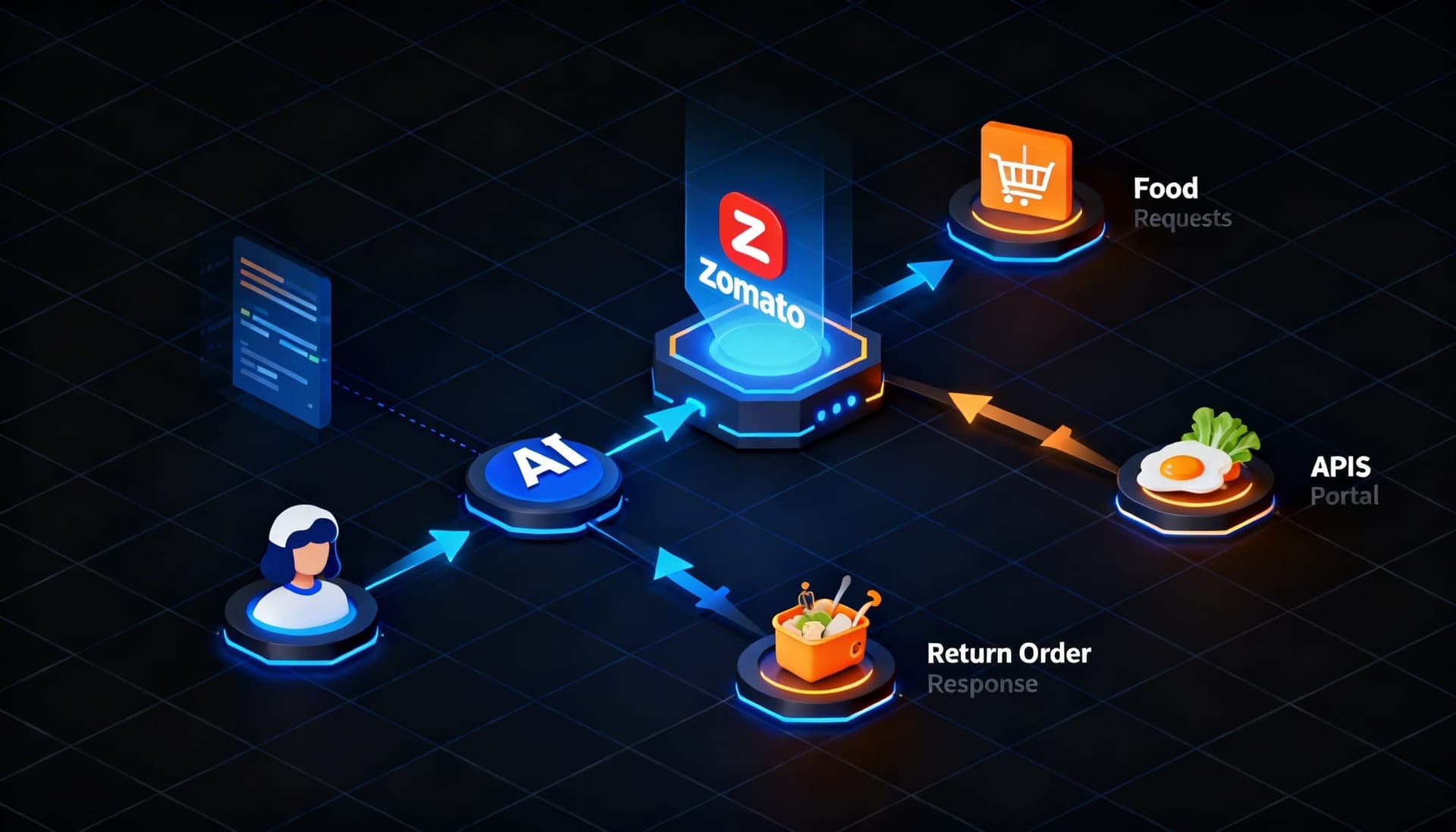
Order tracking and returns – Widely used in retail and e-commerce to handle WISMO (Where Is My Order) requests and return inquiries.
Debt collection and payment reminders – Financial services use Voice AI to automate payment follow-ups and reminders.
Account authentication and updates – Banks, telecom companies, and utilities use Voice AI to verify users and update account information.
Outbound notifications and reminders – Businesses use Voice AI to send delivery alerts, appointment reminders, and proactive updates.

Walk away with actionable insights on AI adoption.
Limited seats available!

Real-time agent assist – Voice AI can also support human agents by surfacing knowledge base answers, compliance hints, and call summaries during conversations.
Building a Voice AI Call Center Agent (Twilio + LiveKit + Python)
A production-ready Voice AI agent can be built using a modern stack that combines telephony, real-time audio processing, and AI models. Typically, Twilio handles the phone infrastructure, LiveKit manages real-time audio streaming, Deepgram provides speech-to-text, OpenAI powers the language model, and Cartesia or ElevenLabs generate the voice response.
Before writing code, the basic call flow works like this:
- A customer dials your Twilio phone number.
- Twilio routes the call through an Elastic SIP Trunk to the LiveKit SIP endpoint.
- LiveKit authenticates the call and places the caller into a room using a dispatch rule.
- A Python voice agent joins the room, listens to the caller, generates a response, and speaks back in real time.
Step 1: Set Up Accounts & Install Tools
Install Twilio CLI
npm install -g twilio-cliInstall LiveKit CLI (macOS/Linux)
curl -sSL https://get.livekit.io/cli | bashPython dependencies
pip install livekit-agents livekit-plugins-openai \ livekit-plugins-deepgram livekit-plugins-cartesia \ livekit-plugins-silero python-dotenvStep 2: Configure Twilio SIP Trunk
To route incoming phone calls to your Voice AI agent, you need to create a Twilio Elastic SIP trunk and connect it to your LiveKit SIP endpoint.
# Create a Twilio Elastic SIP Trunk
twilio api:core:sip:trunks:create \
--friendly-name "VoiceAI-Trunk" \
--domain-name "voiceai-trunk.pstn.twilio.com"
# Add origination URI (LiveKit SIP endpoint)
# Replace <YOUR_LIVEKIT_SIP_URI> from your LiveKit project settings
twilio api:core:sip:trunks:origination-urls:create \
--trunk-sid <TWILIO_TRUNK_SID> \
--sip-url "sip:<YOUR_LIVEKIT_SIP_URI>" \
--weight 1 --priority 1 --enabled true --friendly-name "LiveKit"
# Associate your purchased Twilio phone number with the trunk
twilio api:core:sip:trunks:phone-numbers:create \
--trunk-sid <TWILIO_TRUNK_SID> \
--phone-number-sid <TWILIO_PHONE_SID>
Step 3: Create LiveKit Inbound Trunk & Dispatch Rule
Next, configure LiveKit to receive calls from Twilio.
You’ll create an inbound SIP trunk and a dispatch rule that routes each incoming call to a room where the Voice AI agent can join.
inbound-trunk.json
cat > inbound-trunk.json << 'EOF' { "name": "Twilio Inbound", "numbers": ["+1XXXXXXXXXX"], "krisp_enabled": true } EOF livekit-cli create-sip-inbound-trunk --request inbound-trunk.json
dispatch-rule.json: routes all inbound calls to a room for the AI agent
cat > dispatch-rule.json << 'EOF' { "name": "Default Dispatch", "rule": { "dispatchRuleIndividual": { "roomPrefix": "call-" } } } EOF livekit-cli create-sip-dispatch-rule --request dispatch-rule.json
Step 4: The Python Voice AI Agent
Next, create the Python voice agent that joins the LiveKit room and handles the conversation.This agent listens to the caller, converts speech to text, generates a response using an LLM, and speaks the reply back using text-to-speech.
# main.py: A call center voice AI agent using LiveKit Agents framework
import asyncio
from dotenv import load_dotenv
from livekit.agents import AutoSubscribe, JobContext, WorkerOptions, cli, llm
from livekit.agents.voice_assistant import VoiceAssistant
from livekit.plugins import cartesia, deepgram, openai, silero
load_dotenv()

# System prompt -- define your call center agent persona here
SYSTEM_PROMPT = """
You are Aria, a friendly AI customer support agent for TechCorp.
You help customers with:
- Order tracking and returns
- Account billing questions
- Technical troubleshooting (Tier 1)
- Scheduling callbacks with human agents
Always be concise -- callers are on the phone, not reading a wall of text.
Ask for an order number or account ID early if relevant.
If the issue is complex or emotional, offer a warm transfer to a human agent.
"""

async def entrypoint(ctx: JobContext):
    # Connect to the LiveKit room created for this inbound call
    await ctx.connect(auto_subscribe=AutoSubscribe.AUDIO_ONLY)
    # Initialize the chat context with your system prompt
    initial_ctx = llm.ChatContext().append(
        role="system",
        text=SYSTEM_PROMPT
    )

    # Build the voice assistant pipeline
    assistant = VoiceAssistant(
        vad=silero.VAD.load(), # Voice Activity Detection
        stt=deepgram.STT(model="nova-2"), # Speech-to-Text
        llm=openai.LLM(model="gpt-4o-mini"), # Language Model
        tts=cartesia.TTS(voice="sonic-english"), # Text-to-Speech
        chat_ctx=initial_ctx,
    )

    # Greet the caller as soon as they connect
    assistant.start(ctx.room)
    await asyncio.sleep(0.5)
    await assistant.say(
        "Hi, you've reached TechCorp support. I'm Aria, your AI assistant. "
        "How can I help you today?",
        allow_interruptions=True
    )

    # Keep the agent alive for the duration of the call
    await asyncio.sleep(3600)

if __name__ == "__main__":
    cli.run_app(
        WorkerOptions(entrypoint_fnc=entrypoint)
    )
Step 5: Configure Environment Variables and Run the Agent
Finally, configure the environment variables required for LiveKit, STT, LLM, and TTS services. These API keys allow the Voice AI agent to connect to the necessary infrastructure.
Create a .env file:
.env file
LIVEKIT_URL=wss://your-project.livekit.cloud LIVEKIT_API_KEY=your_livekit_api_key LIVEKIT_API_SECRET=your_livekit_api_secret DEEPGRAM_API_KEY=your_deepgram_api_key OPENAI_API_KEY=your_openai_api_key CARTESIA_API_KEY=your_cartesia_api_key
Run in dev mode, agent connects to LiveKit and waits for calls
python main.py devOnce that’s up and running, any call to your Twilio number passes right through to LiveKit, and your Python agent picks up instantly to hold a real conversation.Adding Agentic Capabilities (Tool Calls) The true power of Voice AI isn't just chatting; it's getting actual work done. You can easily hook up your agent with OpenAI function calling so it can perform live backend actions right in the middle of a call:
from livekit.plugins import openai
from livekit.agents import llm

# Define tools the AI can call during a conversation
fnc_ctx = llm.FunctionContext()

@fnc_ctx.ai_callable(description="Look up order status by order ID")
async def get_order_status(order_id: str) -> str:
    # Replace with your real API/DB call
    result = await your_orders_api.get(order_id)
    return f"Order {order_id} is {result.status}, expected {result.eta}"

@fnc_ctx.ai_callable(description="Schedule a callback with a human agent")
async def schedule_callback(customer_phone: str, reason: str) -> str:
    await your_crm.create_callback_ticket(customer_phone, reason)
    return "I've scheduled a callback for you within 2 hours."

# Pass fnc_ctx to VoiceAssistant
assistant = VoiceAssistant(
    vad=silero.VAD.load(),
    stt=deepgram.STT(model="nova-2"),
    llm=openai.LLM(model="gpt-4o-mini"),
    tts=cartesia.TTS(voice="sonic-english"),
    fnc_ctx=fnc_ctx, # <-- plug in tools here
    chat_ctx=initial_ctx,
)
Now, the AI autonomously fires off get_order_status() or schedule_callback() whenever it senses the caller needs it, no extra prompting needed on your end.
Production Considerations for Voice AI Call Centers
Before deploying a Voice AI agent in production, a few technical factors are critical to ensure reliability, performance, and compliance.
Latency targets
Voice conversations must feel real-time. The full STT → LLM → TTS round-trip should ideally stay under 1 second, otherwise the interaction starts to feel slow and unnatural.
Barge-in support
Callers often interrupt while the AI is speaking. The system must detect this and immediately stop playback so the user can continue talking without friction.
Walk away with actionable insights on AI adoption.
Limited seats available!
PII redaction
Sensitive information such as credit card numbers or account IDs should be automatically masked in transcripts before logging. This is important for PCI-DSS and GDPR compliance.
Warm handoff to human agents
If a conversation needs escalation, the AI should transfer the call to a human agent along with a summary of the interaction, so the customer doesn’t need to repeat their issue.
Speech recognition accuracy (WER)
Monitoring Word Error Rate (WER) is important for call center quality. Many systems target below 5% WER by adding custom vocabulary for brand names, products, and regional pronunciations.
The Human + AI Hybrid Model
Voice AI is not designed to replace human agents completely. Instead, it handles high-volume Tier-1 calls such as FAQs, order tracking, balance checks, and appointment confirmations.
By automating routine conversations, human AI agents can focus on complex, emotional, or high-value interactions that require judgment and empathy.
Many enterprises are already adopting this hybrid approach. Companies like E.ON and HSE use Voice AI to manage repetitive requests while human agents handle escalations. This model reduces operational costs, improves resolution time, and increases overall customer satisfaction.
Frequently Asked Questions
1. What is Voice AI in call centers?
Voice AI is a technology that allows call centers to automate conversations using speech recognition, AI models, and text-to-speech systems. It can understand spoken requests and respond in real time.
2. Can Voice AI replace human call center agents?
No. Voice AI is mainly used to handle repetitive Tier-1 queries such as FAQs, order tracking, or appointment scheduling. Human agents still handle complex or sensitive conversations.
3. What technologies power Voice AI call centers?
Most Voice AI systems use a stack that includes Speech-to-Text (STT), large language models (LLMs), Text-to-Speech (TTS), and backend integrations such as CRM or databases.
4. How fast should a Voice AI response be?
For natural conversations, the total response time from speech recognition to audio response should ideally stay under one second.
5. What are the main benefits of using Voice AI in call centers?
Voice AI helps businesses reduce call handling costs, automate repetitive requests, provide 24/7 support, and improve response times for customers.
Conclusion
Voice AI is changing how modern call centers handle customer conversations. Instead of forcing callers through long IVR menus, businesses can now allow customers to speak naturally and get quick answers to common requests like order tracking, billing questions, or appointment scheduling.
The most effective setup combines Voice AI and human agents. Voice AI handles high-volume routine calls, while human agents focus on complex or sensitive issues that require judgment and empathy. This hybrid model helps companies reduce support costs, resolve requests faster, and deliver a better customer experience overall.

Krishna Purwar
You can find me exploring niche topics, learning quirky things and enjoying 0 n 1s until qbits are not here-
Walk away with actionable insights on AI adoption.
Limited seats available!