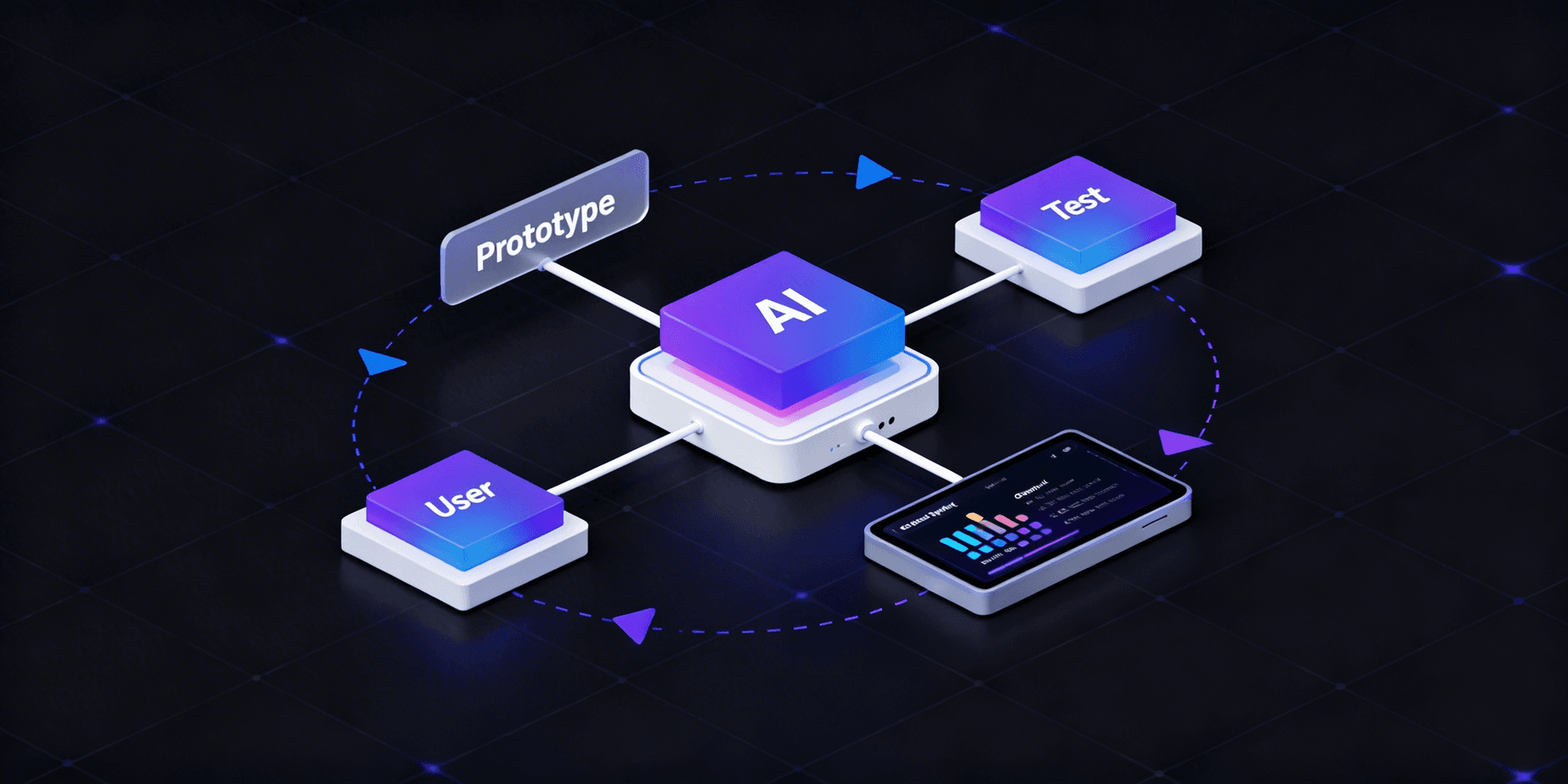
Claude didn’t get smarter because the model changed. It got smarter because you can now teach it how you work.
Claude Skills let you package your workflows, coding standards, and domain knowledge into reusable instructions that Claude automatically applies when relevant. Instead of repeating the same guidance in every chat, how to structure code, review security, or follow team conventions, Skills turn those instructions into persistent, discoverable context.
In this guide, you’ll learn how Claude Skills work, how to create them, and how to use them to customize AI workflows for personal projects and teams, so your AI behaves less like a generic assistant and more like an engineer who understands your playbook.
Why AI Coding Assistants Forget How Your Team Works?
When working with AI coding assistants like Cursor AI, teams quickly fall into a familiar pattern: repeating the same instructions in every session, following our code style, using this testing framework, and applying these security rules.
Because most AI assistants are stateless, each new conversation starts with no memory of how your team builds software. Context doesn’t carry over between tasks or projects, even when the standards rarely change.
The result is wasted time and inconsistent output. One response follows your conventions, the next quietly drifts away from them. Over time, developers spend more effort correcting AI output than benefiting from it.
Meanwhile, your team’s best practices live in internal docs, style guides, and onboarding wikis that the AI never sees. The assistant understands code, but not the way your organization writes, reviews, and ships it.
Skills: Reusable AI Instructions
Claude Code Skills turn your instructions into reusable, structured knowledge that Claude can automatically apply while you work. Instead of repeatedly prompting the AI with the same guidance, Skills lets you define workflows, coding standards, and domain context once and reuse them across tasks and projects.
Unlike traditional slash commands that must be invoked manually, Skills are discovered automatically. Claude evaluates your request, determines which Skills are relevant, and applies them without explicit prompting, making the interaction feel natural and consistent.
Each Skill lives in its own directory and is defined by a SKILL.md file that includes:
- Name and description – Clearly states what the Skill does and when it should be used
- Instructions – Step-by-step processes, rules, or domain-specific guidance
- Supporting files – Templates, examples, or scripts that Claude can reference as needed
This structure turns static documentation into active, context-aware instructions that guide Claude’s behavior in real time.
Three Levels of Claude Skills
Claude Code Skills can be defined at different levels, depending on how broadly you want them applied. This allows you to balance personal preferences with team and ecosystem-wide standards.

- Personal Skills (~/.claude/skills/) Available across all your projects. Ideal for personal coding styles, preferred workflows, and habits you want Claude to follow everywhere.
- Project Skills (.claude/skills/) Scoped to a specific repository. Best for team conventions, architectural rules, and review standards that should live in version control and apply consistently for everyone working on the codebase.
- Plugin Skills are distributed as part of plugins. Designed for reuse across the wider community, enabling shared best practices and specialized workflows at scale.
When multiple Skills share the same name, project-level Skills automatically override personal ones. This ensures team-defined standards always take precedence, while still allowing individual customization outside shared projects.
How Claude Skills Work
Claude Skills are applied through an automatic discovery system, so you don’t need to remember commands or manually invoke them. When you ask Claude for help, it evaluates your request and determines which Skills are relevant.
Behind the scenes, Claude follows a simple process:
- Scans all available Skill directories
- Reads each Skill’s description
- Matches descriptions against the task and context
- Automatically loads the most relevant Skills
For example, if you ask, “Review this API endpoint for security issues,” Claude automatically detects and applies your security-audit Skill, without you needing to mention it explicitly.
Because discovery is driven by descriptions, the description field is the most important part of a Skill. It must clearly explain both what the Skill does and when it should be used. Well-written descriptions are what make Skills reliable, discoverable, and consistently applied.
Real-World Example: Code Style Enforcer
A common use case for Skills is enforcing consistent coding standards across reviews and implementations. Instead of reminding Claude how your team writes code in every session, you can define those rules once and let Claude apply them automatically.
Below is a simple code style enforcement Skill:
text
name: code-style-guide
description: Use when reviewing code for style consistency or when explicitly asked about code style guidelines. Enforces team coding standards.
---
Code Style Guidelines:
1. **Naming Conventions**
   - Variables: camelCase (e.g., `userName`, `isActive`)
   - Constants: UPPER_SNAKE_CASE (e.g., `MAX_RETRIES`)
   - Classes: PascalCase (e.g., `UserController`)
2. **Function Guidelines**
   - Max 50 lines per function
   - Single responsibility principle
   - Descriptive names (verb + noun)
3. **Error Handling**
   - Always use try/catch for async operations
   - Custom error classes for domain errors
   - Log errors before re-throwing
Save this file as:
~/.claude/skills/code-style-guide/SKILL.mdOnce created, Claude automatically references these rules whenever you write new code or ask for a code review, without you needing to mention the Skill explicitly. The result is more consistent output, fewer review comments, and less time spent correcting avoidable style issues.

Walk away with actionable insights on AI adoption.
Limited seats available!

Advanced Features
Tool Restrictions
Claude Skills support several advanced capabilities that make them powerful enough for real production workflows, security-sensitive tasks, and large codebases.
Tool Restrictions
You can restrict which tools a Skill is allowed to use by defining an allowed-tools field. This is especially useful for read-only tasks such as security audits, compliance checks, or code analysis.
text
name: security-audit
description: Use when auditing code for security vulnerabilities
allowed-tools: Read, Grep, Glob
---
With these restrictions in place, Claude can inspect files and search the codebase, but cannot modify any code. This creates a safer review process and reduces the risk of accidental changes during audits.
Dynamic Context Injection
Skills support command substitution, allowing you to inject live, up-to-date data directly into the Skill before Claude processes it.
For example, to summarize the current pull request:
text
name: pr-summary
description: Summarize changes in a pull request
---
## Pull request context
- PR diff: !`gh pr diff`
- PR comments: !`gh pr view --comments`
Summarize this pull request...
Commands prefixed with ! are executed first, and their output is injected into the Skill as context. Claude then works with real-time data, not stale snapshots.
Supporting Files
More complex Skills can include additional files such as templates, examples, or helper scripts:
text
component-generator/
├── SKILL.md
├── templates/
│   ├── component-template.tsx
│   └── test-template.tsx
└── examples/
    └── sample-component.tsx
Claude loads these files progressively and only when needed, keeping the initial Skill lightweight while still providing deep, contextual support when the task requires it.
Skills vs Agents: Complementary Powers
Skills and the /agents feature solve different problems, and work best when used together.
Skills define what Claude should know and how it should behave. They capture reusable instructions, workflows, and domain knowledge.
Agents define how Claude should execute a task. They provide specialized execution environments, isolation, and focus for complex or long-running work.
In other words, Skills supply the playbook, while agents handle the execution.
You can even create Skills that automatically run inside isolated subagents. For example, a Skill designed for deep research can spin up a dedicated agent to work independently:
text
name: deep-research
description: Research a topic thoroughly
context: fork
agent: Explore
---
When this Skill is triggered, Claude automatically launches an Explore agent in a forked context. The research happens in isolation, without polluting your main conversation, and the results are returned when ready.
This combination lets you encode what good work looks like in Skills, while delegating how the work gets done to the most appropriate agent.
Team Workflow Integration
The real power of Claude Skills appears when project-level Skills are committed to version control. Instead of living in personal setups or scattered documentation, your team’s workflows become part of the repository itself.
Here’s an example of a shared deployment checklist: Skill:
bash
# Create team skill
mkdir -p .claude/skills/deployment-checklist
cat > .claude/skills/deployment-checklist/SKILL.md << EOF
---
name: deployment-checklist
description: Use before deploying to production
---
Pre-deployment checklist:
1. Run full test suite
2. Check environment variables
3. Review database migrations
4. Verify API keys are updated
EOF
# Share with team
git add .claude/skills/
git commit -m "Add deployment checklist skill"
git push
Once committed, every team member automatically gains access to this Skill when they pull the repository. There’s no setup drift, no manual onboarding, and no reliance on outdated documentation.
Your team’s collective knowledge, processes, standards, and safeguards become embedded directly in the codebase and consistently applied by Claude for everyone.
Best Practices
Write excellent descriptions: Include both what the skill does and when to use it. This is the most important factor for automatic discovery
Keep skills focused: One skill, one purpose. Multiple focused skills beat one "do everything" skill
Provide concrete examples: Include code samples and templates in your skill content or supporting files
Test discovery: After creating a skill, test with natural language requests to ensure Claude finds it correctly
Version control project skills: Commit .claude/skills/ for team consistency
Walk away with actionable insights on AI adoption.
Limited seats available!
Getting Started
You can create your first Claude Skill in under two minutes.
bash
# Create skill directory
mkdir -p ~/.claude/skills/explain-code
# Write the skill
cat > ~/.claude/skills/explain-code/SKILL.md << EOF
---
name: explain-code
description: Explains code with visual diagrams and analogies. Use when explaining how code works.
---
When explaining code, always include:
1. Start with an analogy comparing the code to everyday life
2. Draw an ASCII diagram showing flow or structure
3. Walk through the code step-by-step
4. Highlight common gotchas or misconceptions
EOF
Once saved, simply ask Claude: “How does this authentication function work?”
Claude automatically detects the intent and applies your explanation framework—no manual prompting required.
From this point on, Claude doesn’t just answer questions. It explains code the way you want it explained, every time.
Why This Matters?
Skills transform Claude Code from a helpful assistant into a customized AI engineer, one that understands your workflows, standards, and domain context. Instead of losing institutional knowledge in documentation and onboarding sessions, you embed it directly into how your AI operates.
The result is more consistent output, faster collaboration, and an assistant that improves alongside your team.
FAQs
1. What are Claude Skills?
Claude Skills are reusable instruction sets that let you define workflows, coding standards, and domain rules Claude applies automatically when relevant.
2. How are Claude Skills different from prompts?
Prompts are temporary and session-based, while Skills persist across tasks and are automatically discovered and applied by Claude.
3. Where are Claude Skills stored?
Claude Skills are stored as SKILL.md files inside .claude/skills/ directories at personal, project, or plugin levels.
4. How does Claude decide which Skill to use?
Claude scans Skill descriptions, matches them to task intent, and automatically loads the most relevant Skills.
5. Can Claude Skills be shared across teams?
Yes. Project-level Skills committed to version control apply consistently to all team members using the repository.
6. Can Claude Skills restrict tool usage?
Yes. Skills can define allowed tools, enabling safe, read-only workflows for audits, reviews, and compliance checks.
7. How are Claude Skills different from agents?
Skills define what Claude should know and follow, while agents define how Claude executes tasks in isolated environments.
8. Are Claude Skills suitable for production workflows?
Yes. Skills support structured instructions, tool restrictions, dynamic context injection, and version control, making them production-ready.
Conclusion
Claude Skills fundamentally change how you work with AI. Instead of treating every interaction as a fresh start, Skills lets you carry forward your workflows, standards, and domain knowledge automatically and consistently.
By encoding best practices into reusable instructions, you reduce repetition, eliminate drift, and align AI output with how your team actually builds software. Skills handle what good work looks like, while agents handle how the work gets done, creating a system that scales from individual developers to entire organizations.
The result isn’t just better AI responses, it’s a more reliable, context-aware development partner that improves over time. With Skills, Claude stops guessing and starts working from your playbook.

Krishna Purwar
You can find me exploring niche topics, learning quirky things and enjoying 0 n 1s until qbits are not here-
Walk away with actionable insights on AI adoption.
Limited seats available!