How to Build a No-Code MVP in 2026: Step-by-Step Guide
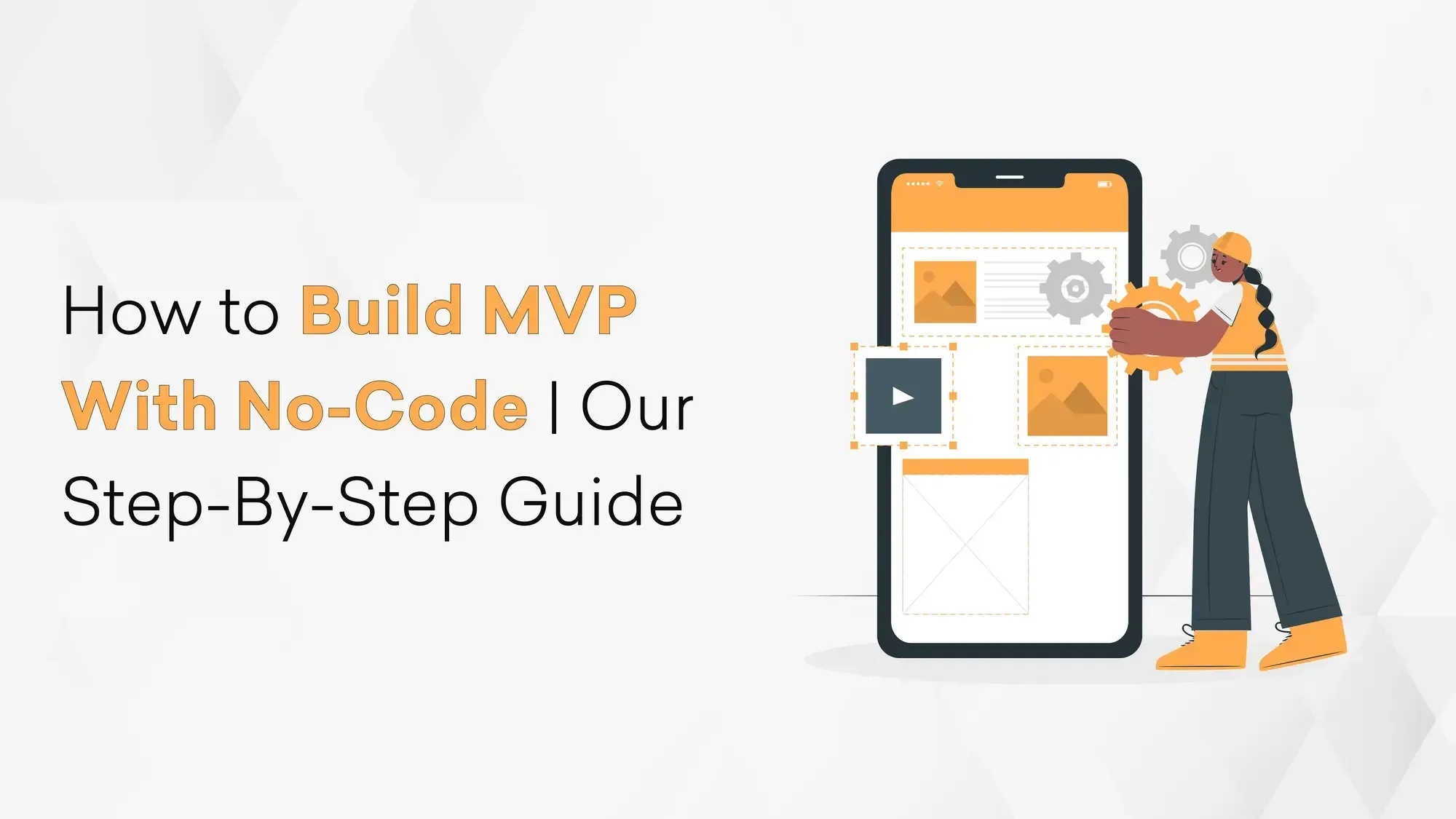
Most startups don't fail because they couldn't build. They fail because they built the wrong thing.
An MVP, a Minimum Viable Product, exists specifically to prevent that. It's the smallest version of your product that lets real users experience the core value and give you honest feedback before you invest heavily in building out the full vision.
No-code tools make building that MVP dramatically faster and cheaper. According to Kissflow's low-code research, no-code development can cut development time by up to 90% compared to traditional methods.
But fast and cheap only matter if you're building the right thing. This guide walks you through the complete process, from idea to launched MVP, using no-code tools, with the real decisions and trade-offs along the way.
What Is a No-Code MVP?
A no-code MVP is a working, testable version of your product built entirely using visual development platforms, no programming required. It looks and functions like a real product, but instead of being built with thousands of lines of code, it's assembled using drag-and-drop interfaces, pre-built components, and visual logic builders.
The goal isn't to ship perfect software. It's to answer one critical question as fast as possible: do real users want this, and will they use it?
No-code makes that question cheaper to answer. If the answer is yes, you build further. If it's no, you've saved months and a significant budget finding out.
Real No-Code MVPs That Proved the Model
Before getting into the process, it's worth grounding this in what's actually been built:
Product Hunt - Started as an email list with no custom code, was manually curated by Ryan Hoover, and grew into one of tech's most influential platforms, eventually acquired by AngelList.
Makerpad, built by Ben Tossell, became a leading no-code education platform with thousands of members, built and operated entirely without a development team before being acquired by Zapier.
Kollecto, an art advisory platform built by Tara Reed, delivered personalized art recommendations to paying customers with zero code.
None of these started as technically sophisticated products. They started as validated ideas that happened to work.
Step 1: Clarify the Problem Before Touching Any Tool
The most common no-code MVP mistake isn't choosing the wrong tool; it's starting to build before the problem is clear enough.
Before opening any platform, answer these three questions:
Who specifically has this problem? Not "small businesses" or "people who like fitness." A specific person: "a solo personal trainer who manages 10–20 clients and currently tracks everything in WhatsApp and a Google Sheet."
What's the painful part of their current situation? Not "it's inefficient." What specifically: "They lose track of which clients need to be followed up with, and clients forget their plans between sessions."
What's the minimum thing that would make their situation meaningfully better? This is your MVP feature set. One job, done well.
Tools like Miro or Whimsical are helpful for mapping this out collaboratively with a team. Resist the urge to brainstorm features at this stage, which comes after you've defined the problem with precision.
Step 2: Define Only the Core Features
An MVP is not a product with fewer features. It's a product with the right features, the ones that deliver the core value and nothing else.
Apply this filter to every feature you're tempted to include: "Can a user experience the core value of this product without this feature?" If yes, cut it.
A useful framework here is the lean startup approach: define your riskiest assumption, the one thing that, if wrong, kills the idea, and build the smallest thing that tests it. Everything else is a distraction until that assumption is validated.
For feature and scope management, Airtable and Trello work well for tracking what's in scope, what's deferred, and what needs testing. Keeping this list visible prevents scope creep during the build.
For different product types, the MVP structure varies:
- Concierge MVP: You manually deliver the service before automating it (great for service-heavy ideas)
- Landing Page MVP: A page describing the product with a waitlist sign-up, validates demand before building anything
- Wizard of Oz MVP: The front-end looks automated, but humans are doing the work behind the scenes
- Functional MVP: A working but stripped-down version of the actual product
For most no-code builds, you're targeting the functional MVP, something real users can interact with and derive genuine value from.
Step 3: Wireframe the User Flow
Before designing anything, map the journey a user takes from first arriving to completing their goal.
Build Lean. Learn Fast.
Launch an MVP that saves money while proving your concept works.
This isn't visual design, it's logic design. You're answering: what screens exist, what can users do on each screen, and what happens when they take an action?
Figma is the standard tool for this and has a generous free tier. Balsamiq is faster if you prefer rough sketches over polished wireframes. Paperwork too.
At this stage, every screen should have a clear purpose. If you can't articulate why a screen exists, it probably shouldn't. The wireframe becomes your blueprint; you'll reference it constantly during the build to avoid drifting from the intended user experience.
Step 4: Choose the Right No-Code Platform
This is where most guides get it wrong by recommending the most popular platform rather than the right one for your specific use case. Here's how to match:
For web apps and SaaS products → Bubble
Bubble is the most capable no-code platform for web applications. It has a full built-in database, user authentication, workflow logic, and API connections.
The learning curve is steeper than other tools, but if you're building a product that will have user accounts, data relationships, and complex interactions, Bubble is the right choice. Pricing from $29/month.
For mobile apps → Adalo or Glide
Adalo is purpose-built for mobile apps with a component marketplace covering payments, chat, and push notifications. Glide is faster to set up and works well if your data already lives in Google Sheets or Airtable, ideal for internal tools and simple consumer apps. Adalo from $45/month; Glide from $49/month.
For websites and content platforms → Webflow
If your MVP is primarily a marketing site, content platform, or landing page with a CMS, Webflow is the best option. It gives you full design control without code, and the output is professional-grade. Pricing from $18/month.
For internal tools and dashboards → Retool or Appsmith
If your MVP is an internal tool, a dashboard for your team, an admin panel, or a data management interface, these platforms are built for exactly that. They connect directly to databases and APIs with minimal setup. Retool is free for small teams; Appsmith is open-source and free.
For automation and workflow → Zapier or Make
Not every MVP needs a visual front-end. If the core value is automating a workflow, connecting two systems, triggering actions based on events, processing form submissions, Zapier (from $20/month) or Make (from $9/month) may be all you need.
One practical tip: Before committing to a platform, spend 2–3 hours on its free tier building a rough version of your core screen. How it feels to use is as important as its feature list.
Step 5: Build in the Right Order
The order you build matters. Building in the wrong sequence creates rework and delays.
Start with the database, not the UI.
Define your data model first: what records does your app store, what fields does each record have, and how do they relate to each other? A task management app has Users, Projects, and Tasks.
A booking platform has Users, Services, and Appointments. Getting this right before building screens means your UI will map naturally to your data, rather than forcing you to restructure the database every time you add a screen.
Build the core journey end-to-end before building anything else.
Your MVP has one critical path, the sequence of actions a user takes to experience the core value.
Build that path completely before adding any secondary features, error states, or edge cases. A partially working core journey is more valuable for testing than a complete secondary feature.
Add logic incrementally.
Start with the happy path. What happens when everything works correctly? Then add error handling and validation. Then edge cases. This keeps the build manageable and the logic readable when you need to troubleshoot.
Test at each stage, not just at the end.
Share your progress with 1–2 target users at each stage. You'll catch misalignments between your assumptions and their expectations far earlier, when fixing them is still cheap.
Step 6: AI-Powered No-Code in 2026
One development worth knowing about: a new category of AI-native tools has emerged that goes beyond traditional no-code platforms.
v0 by Vercel, Lovable, and Bolt.new lets you describe what you want to build in plain language and generate a working prototype in minutes. "Build a customer onboarding form that saves responses to a database and sends a confirmation email," and the platform builds it.
For early-stage exploration and rapid wireframe validation, these tools are genuinely faster than traditional no-code platforms. The trade-off is less control over structure and logic — they're better for generating starting points than for building production-ready systems.
A practical approach: use AI tools to generate an initial prototype quickly, validate the concept with users, then rebuild on a more structured platform like Bubble or Webflow for the version you'll actually scale.
Step 7: Test With Real Users
Launching to real users is not the end of the process; it's the beginning of the most important part.
The goal of an MVP is to gather evidence, not to impress. Set up structured feedback loops before launch:
In-app feedback: Tools like Typeform embedded directly in the product make it easy for users to share reactions in context.
Build Lean. Learn Fast.
Launch an MVP that saves money while proving your concept works.
User interviews: Schedule 30-minute calls with 5–10 early users. Watching someone use your product and asking "What were you expecting to happen there?" is worth more than any survey.
Behavioral analytics: Hotjar and Microsoft Clarity (both free) show you where users click, where they drop off, and what confuses them, without you having to ask.
Define your success metrics before launch. What does "this worked" look like? A specific retention rate, a number of completed actions, a conversion percentage? Without pre-defined metrics, you'll interpret results however they're most comfortable, which defeats the purpose of testing.
What Does a No-Code MVP Actually Cost?
Cost depends heavily on the platform and scope, but here's a realistic breakdown:
| Item | Typical Cost |
No-code platform subscription | $0–$200/month |
Automation tools (Zapier/Make) | $0–$50/month |
Design tools (Figma) | $0–$15/month |
Domain and hosting | $10–$20/month |
No-code specialist (if hiring) | $3,000–$15,000 one-time |
Total monthly (DIY) | $50–$300/month |
Total monthly (with specialist) | $300–$500/month after setup |
Compare this to a custom-built MVP, which typically costs $25,000–$100,000 and takes 3–6 months. No-code delivers 80% of that value in a fraction of the time and budget, which is exactly why it's the right choice for validation.
When to Graduate From No-Code to Custom Development?
No-code is not a permanent architecture for a scaling product. Knowing when to move is as important as knowing when to start.
It's time to move to custom development when:
- Your platform's limitations are blocking features that users are asking for
- Performance is degrading as your user base grows
- You need integrations with systems your no-code tool can't connect to
- You're handling sensitive data (financial, health, legal) that requires a custom security architecture
- Investor or enterprise due diligence requires you to own your infrastructure
- The monthly cost of scaling on no-code exceeds the cost of building custom
The transition isn't a failure; it's a graduation. The no-code MVP did its job: it proved the idea was worth building properly. Everything your team learned about user behavior, the core flow, and what actually matters now becomes the specification for a custom build that will scale.
At F22 Labs, we regularly help founders make this transition, taking a validated no-code MVP and rebuilding it on a scalable tech stack without losing what made the original work.
Frequently Asked Questions
How long does it take to build a no-code MVP?
For a focused scope, expect 2–6 weeks working part-time. A full-time push on a simple product can get to a testable version in under a week. Complexity, more screens, more data relationships, more integrations, add time linearly.
Can a no-code MVP handle real users?
Yes, for early-stage volumes. Most platforms are designed to handle hundreds to thousands of users without performance issues. At a significant scale (tens of thousands of active users), you'll start hitting platform limits, which is typically also when it makes sense to migrate to custom development.
Do I need any technical skills to build a no-code MVP?
Comfort with browser-based tools and basic spreadsheet logic is helpful. You don't need programming knowledge. The steeper the learning curve (Bubble is harder than Glide), the more it helps to spend time with tutorials or hire a no-code specialist for the initial setup.
What if my idea doesn't work?
That's the point. A no-code MVP that fails fast and cheaply is a success, you've saved the cost of building something that doesn't work. Use what you learned to refine the problem definition and try again with the next iteration.
Should I build the MVP myself or hire someone?
If you have 4–6 weeks and the willingness to learn the platform, doing it yourself is viable and valuable. You'll understand your product deeply. If speed is critical or the scope is complex, hiring a no-code specialist or a studio with MVP experience will get you to users faster.
Final Thoughts
No-code is one of the most powerful tools available to a founder in 2026, not because it replaces good product thinking, but because it removes the cost of acting on it.
You can now test an idea with real users, in a real product, for a few hundred dollars and a few weeks of work. The question is no longer whether it's possible. The question is whether you're willing to find out early if your idea works, rather than finding out late after spending everything on building it.
If you want help structuring your MVP strategy, whether to build it yourself, which tools to use, or when to bring in a development team, F22 Labs provides MVP development services along with a free 1-hour consultation to help you make that decision clearly and avoid unnecessary development costs early on.