How to Build an App Without Code in 2026: The Complete Guide
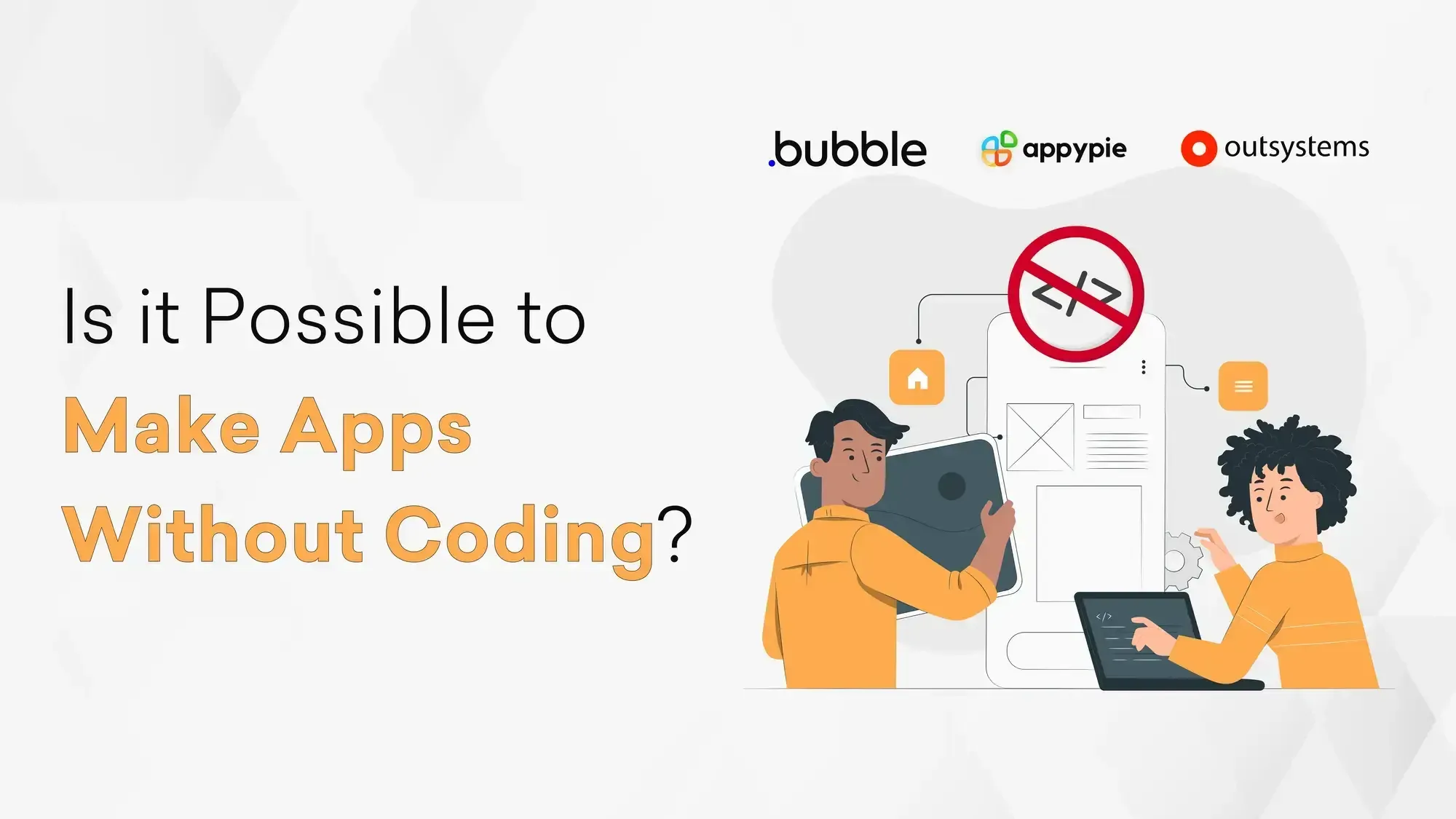
In 2026, asking "Can I build an app without code?" is the wrong question. The right question is: "Is no-code the fastest path to validating this idea?" And for a surprisingly large number of cases, the answer is yes.
According to Kissflow's low-code research, no-code and low-code platforms can reduce development time by 50%–90%. That reduction isn't just convenience; it directly impacts validation speed, cost efficiency, and competitive advantage.
This guide covers everything you need to make that call, what no-code actually means, how today's AI-powered platforms work, a side-by-side comparison of the best tools, real cost breakdowns, and the honest truth about where no-code falls short.
What Does "No-Code App Development" Mean?
No-code development means building functional software applications using visual, drag-and-drop interfaces instead of written programming languages. You define logic, connect data sources, and design UI without touching HTML, JavaScript, Python, or any other code.
Most no-code platforms work through three layers:
A visual design canvas - you drag and position elements like forms, buttons, lists, and charts onto a screen layout, similar to designing a slide in PowerPoint.
A logic builder - you define rules visually: "When the user clicks submit, send this data to the database and show a confirmation message." These are the same conditional actions a developer would write as code, just expressed graphically.
A data layer - most no-code platforms include a built-in database or integrate with external sources like Airtable, Google Sheets, Supabase, or your existing APIs.
The result runs in a browser, as a mobile app, or as an internal web tool — fully functional, deployable, and in many cases indistinguishable from custom-built software.
No-Code vs. Low-Code vs. Traditional Development: What's the Difference?
These three terms get used interchangeably, but they describe meaningfully different approaches. Here's a clear breakdown:
| No-Code | Low-Code | Traditional Development | |
Who builds it | Business users, founders, non-developers | Developers + business users | Professional developers |
Coding required | None | Minimal (some scripting) | Extensive |
Time to launch | Days to weeks | Weeks to months | Months to years |
Cost | $0–$500/month (platform fees) | $5K–$50K+ | $30K–$300K+ |
Customization | Moderate | High | Unlimited |
Scalability | Limited to medium | Medium to high | Unlimited |
Best for | MVPs, internal tools, prototypes | Growing products, integrations | Complex, scalable, long-term products |
If you're validating an idea or building an internal workflow tool, no-code is almost always faster and cheaper.
If you're building a product that needs to scale to millions of users, handle complex real-time data, or integrate deeply with external systems, traditional or low-code development eventually becomes necessary.
The Best No-Code App Development Platforms in 2026
The no-code landscape has expanded significantly. Here's a practical comparison of the platforms worth your time:
1. Bubble
Best for: Web apps, SaaS MVPs, marketplaces
Bubble remains the most powerful purely no-code platform for web applications. It offers a full database, user authentication, API connections, and a responsive design, all without code.
The learning curve is steeper than simpler tools, but the output is closest to a custom-built web app. If you're building a two-sided marketplace, a SaaS dashboard, or a community platform, Bubble is typically the starting point.
Pricing: Free tier available; paid plans from $29/month.
2. Webflow
Best for: Marketing websites, content-heavy sites, landing pages
Webflow is an agentic web marketing platform for visually designed websites, combining full creative control with CMS capabilities and built-in AEO/SEO tools. Designers and marketers can shape layouts and interactions without a developer dependency, making it a strong fit for brand-forward sites and content-led experiences. It is less suited to complex app logic, so teams building marketplaces or data-heavy SaaS products may need a more application-focused platform.
Pricing: Free tier available; paid plans from $18/month.
3. Glide
Best for: Mobile apps from spreadsheets, internal tools
Glide turns Google Sheets or Airtable data into fully functional mobile apps in minutes. It's remarkably fast for simple use cases, field service tools, inventory trackers, and customer portals. The constraint is that your logic is tied to spreadsheet-like data structures, which limits complexity.
Pricing: Free tier available; paid plans from $49/month.
5. Adalo
Best for: Native-feeling mobile apps
Build Lean. Learn Fast.
Launch an MVP that saves money while proving your concept works.
Adalo is purpose-built for building mobile apps. It offers a component marketplace with pre-built payment, chat, and notification functionality. If your target audience is primarily on mobile and your use case is relatively straightforward, Adalo provides a clean, app-store-ready output.
Pricing: Free tier available; paid plans from $45/month.
6. Retool / Appsmith
Best for: Internal tools, admin panels, data dashboards
Retool and Appsmith are designed for teams that need to build internal software fast, dashboards that pull from your production database, admin interfaces for customer support, or data management tools.
Retool is more polished and enterprise-friendly; Appsmith is open-source and self-hostable. Both require slightly more technical thinking than consumer-facing no-code tools.
Pricing: Retool is free for small teams; Appsmith is a free open-source tool.
7. Make / Zapier
Best for: Workflow automation, connecting apps
Make (formerly Integromat) and Zapier aren't app builders in the traditional sense; they're automation platforms. But for a surprising number of "app" needs (automating data between tools, triggering notifications, processing form submissions), they can do the job without any visual app layer at all.
Pricing: Zapier free tier available; paid plans from $20/month. Make free tier available; paid plans from $9/month.
How to Build a No-Code App: Step-by-Step
Here's a practical process that works whether you're building a simple tool or a full MVP:
Step 1: Define the core problem, not the features
Before touching any platform, write one sentence: "This app helps [person] do [specific thing] instead of [current painful alternative]." Every decision after this flows from that sentence. Resist the urge to build a feature list before this is clear.
Step 2: Sketch the user flow, not the design
Map out what a user does from opening the app to completing their goal. Use paper, Whimsical, or Figma for this. You're not designing visuals yet; you're identifying the data your app needs to capture and the actions it needs to perform.
Step 3: Choose the right platform for your use case
Use the table above as a guide. The most common mistake is choosing a platform based on popularity rather than fit. Bubble is powerful but overkill for a simple mobile data-collection tool. Glide is fast but won't support complex relational logic.
Step 4: Build the data model first
Before designing any screens, set up your database structure. What records does your app store? What fields does each record have? How do records relate to each other? Getting this right first prevents rebuilding screens later.
Step 5: Build the minimum path, not all paths
Build only the core user journey first, the single path from start to completion that delivers value. Skip edge cases, error states, and secondary features until the core flow works and has been tested with real users.
Step 6: Test with real users before polishing
Share the app with 5–10 target users before investing time in visual polish. The goal is to validate whether the core flow solves the problem, not whether it looks finished. Feedback at this stage is cheap; feedback after a full build is expensive.
Step 7: Iterate, then decide whether to scale with no-code or graduate to custom development
If the app gains traction, you'll eventually hit the limits of your no-code platform. That's a good problem to have.
At that point, a development partner can rebuild the validated experience in a scalable tech stack, without wasting time speculating about what users want.
What Does Building an App Without Code Actually Cost?
One of the biggest advantages of no-code is cost, but the numbers deserve clarity:
Platform subscription
Most serious no-code platforms charge $30–$200/month. Enterprise tiers go higher. Budget for this as an ongoing operational cost, not a one-time expense.
Design and setup time
If you're doing it yourself, expect 2–6 weeks for a basic MVP, depending on complexity. If you hire a no-code specialist, budget $3,000–$15,000 for a complete build.
Integrations
Connecting your app to payment processors, CRMs, or external APIs may require paid automation tools like Zapier ($20–$200/month) or Make ($9–$29/month).
Scaling costs
No-code platforms charge more as usage grows. A platform that costs $50/month at 100 users may cost $500/month at 10,000. Factor this into your unit economics early.
Compared to custom development
A comparable custom-built MVP from a professional development studio typically costs $25,000–$100,000 and takes 3–6 months.
No-code can deliver 80% of that value in a fraction of the time and cost, which makes it the right choice for validation, and the wrong choice for scale.
When No-Code Works and When It Doesn't
No-code is not a universal solution. Being clear about its limits is as important as understanding its strengths.
Build Lean. Learn Fast.
Launch an MVP that saves money while proving your concept works.
No-code is the right choice when:
- You're validating a new idea and need to test with real users quickly
- You're building internal tools (dashboards, admin panels, workflow automations) that don't need to scale
- Your development budget is limited, and the use case is straightforward
- You need to move faster than a traditional development cycle allows
- You're a non-technical founder who needs something working before raising investment or hiring a team
No-code is not the right choice when:
- Your product requires real-time performance at scale (thousands of concurrent users, millisecond response times)
- You need deep integrations with complex enterprise systems that lack standard APIs
- Your app involves sensitive data (medical, financial, legal) that demands custom security architecture
- You're building machine learning features, complex algorithms, or proprietary business logic
- You need full ownership of your infrastructure for compliance, IP, or vendor independence reasons
The honest truth: No-code is excellent for getting to "working and validated." It is not a permanent architecture for "scaled and production-grade." The best strategy is to use no-code to prove your idea, then bring in professional development when the idea has proven itself worth building properly.
Frequently Asked Questions
What is no-code app development?
No-code app development is the process of building applications using visual interfaces, drag-and-drop builders, and workflow tools instead of writing code manually.
Can I build an app without coding in 2026?
Yes. Platforms like Bubble, Glide, Adalo, and Webflow allow users to build web and mobile applications without programming knowledge.
What is the best no-code platform for app development?
It depends on the use case. Bubble works well for SaaS products, Glide for internal tools, Adalo for mobile apps, and Webflow for content-focused websites.
How much does it cost to build an app without code?
Most no-code platforms cost between $30–$200 per month, while hiring specialists for a no-code MVP may range from $3,000–$15,000. Custom development is usually more expensive.
Is no-code better than traditional development?
No-code is usually faster and cheaper for MVPs, prototypes, and internal tools. Traditional development is better for large-scale applications, complex logic, and long-term scalability.
Can no-code apps scale?
No-code apps can support early growth and validation, but larger products often move to custom development as requirements become more complex.
When should I choose no-code over custom development?
Choose no-code when validating ideas, building internal tools, testing MVPs, or launching quickly with limited budgets.
Can startups build MVPs using no-code tools?
Yes. Many startups use no-code tools to launch MVPs faster, validate user demand, and reduce initial development costs before investing in full product development.
What are the limitations of no-code platforms?
No-code platforms may struggle with advanced integrations, real-time systems, complex algorithms, large user volumes, and infrastructure ownership.
Can no-code apps integrate with APIs and external tools?
Yes. Most modern no-code platforms support integrations with APIs, CRMs, databases, payment systems, and automation tools like Zapier and Make.
Final Thoughts
No-code has genuinely lowered the barrier to building software. A founder with a clear idea, the right platform, and a focused scope can go from concept to working MVP in a matter of weeks, without a developer, without a large budget, and without guessing what users want.
But the most valuable thing no-code does isn't save money. It compresses the feedback loop. You learn faster, spend less on the wrong features, and arrive at product-market fit with real evidence instead of assumptions.
If you're planning to build your next idea and want help deciding whether no-code, low-code, or custom development is the right path, F22 Labs offers MVP development services along with a free 1-hour consultation to help you structure your MVP strategy and choose the right approach from day one.