Why React Native and Flutter Outperform Kotlin and Swift
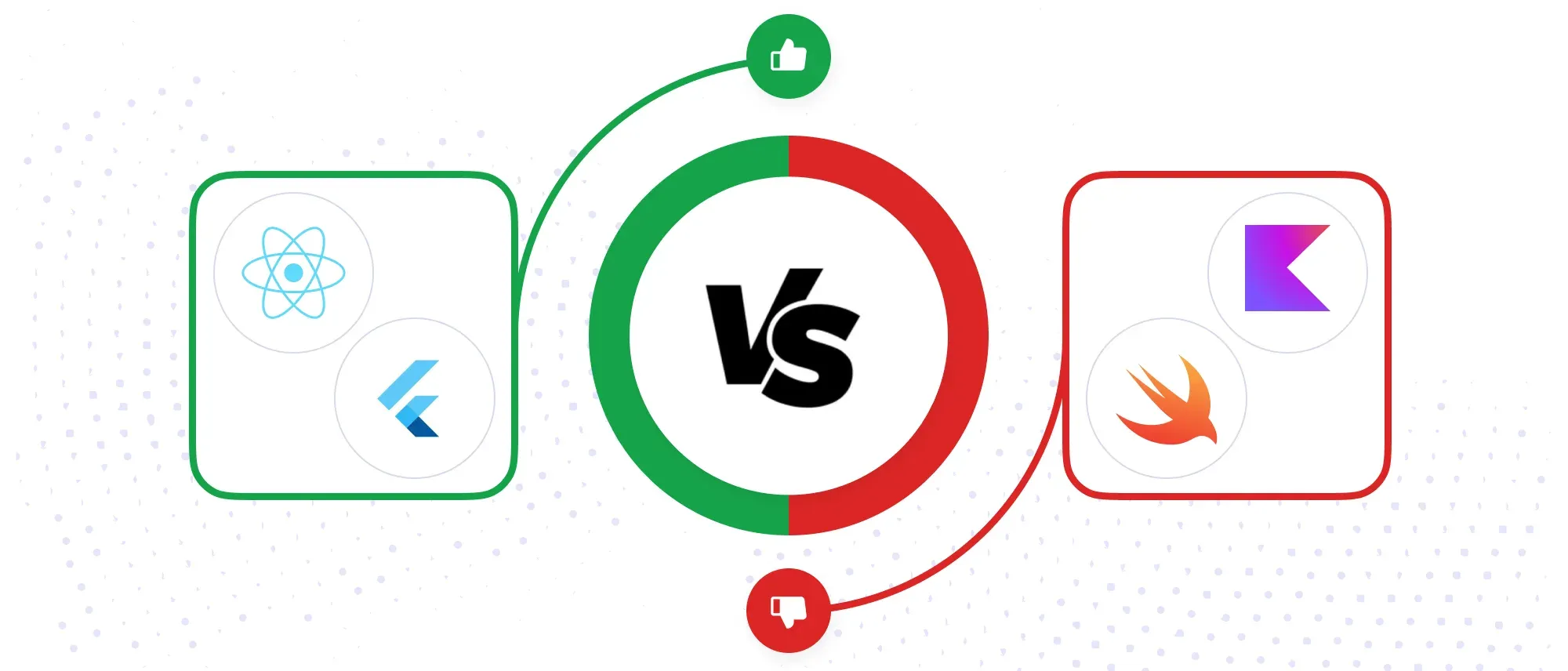
React Native and Flutter do not automatically produce faster apps than Kotlin or Swift. Their advantage appears elsewhere: one product team can deliver, test and maintain Android and iOS features without implementing the same product twice.
That advantage is significant for API-driven products whose workflows are largely shared across platforms. It becomes smaller when an app depends heavily on new operating-system APIs, background execution, specialised hardware or distinctly different Android and iOS experiences.
This comparison explains where React Native and Flutter outperform native development in real delivery work, where the promised savings disappear and when Kotlin or Swift remains the better engineering choice.
- React Native and Flutter usually win on delivery speed, feature parity and team efficiency, not guaranteed runtime performance.
- A shared codebase reduces duplicate implementation, but Android and iOS still require separate testing and release work.
- React Native suits teams with React and TypeScript experience; Flutter offers greater control over a consistent custom interface.
- Native development is stronger when the product depends deeply on platform APIs or demands the smallest possible abstraction layer.
- Measure performance in release builds on representative devices. Development-mode behaviour is not a reliable benchmark.
Cross-Platform Is Not the Same as Hybrid
React Native and Flutter are often called hybrid frameworks, but that label is misleading. Traditional hybrid apps commonly render a web application inside a native WebView. React Native renders through native platform components, while Flutter draws its own widget system through its rendering engine.
Both frameworks can call Kotlin, Java, Swift or Objective-C when a feature requires native code. The relevant question is therefore not whether native code can be used, but how much platform-specific work the product will require after choosing a shared framework.
Kotlin is also no longer limited to Android: Kotlin Multiplatform can share code with iOS while retaining native interfaces. In this article, “native development” refers to maintaining separate Kotlin Android and Swift iOS applications.
1. One Team Can Deliver Both Mobile Apps
With separate Kotlin and Swift applications, a feature may require two implementations, two sets of reviews and coordination between platform teams. React Native and Flutter allow most screens, state management, networking and business rules to live in one project.
The saving is not a simple 50%. Build configuration, permissions, notifications, signing, store submissions and platform behaviour still need individual attention. The shared-codebase model works best when the product behaves similarly on Android and iOS. If each platform needs different flows, the team spends more time adding conditional logic and the maintenance advantage narrows.
2. Features Reach Android and iOS Users Together
Cross-platform teams usually implement a product change once and prepare both platform releases from the same branch. That reduces the chance of Android receiving a feature weeks before iOS or the two versions interpreting the same requirement differently.
This is especially useful for products with frequent releases, experiments or contractual feature deadlines. Shared code does not remove platform QA, however. Navigation, keyboards, permissions, deep links, push notifications, accessibility and background behaviour must still be checked on both operating systems and across supported device versions.
3. Product Iteration Is Faster During Development
React Native's Fast Refresh and Flutter's hot reload shorten the edit-run-check loop. Developers can adjust a screen or state transition without waiting for a full native rebuild after every change. This matters during UI refinement, debugging and early product validation, where a team may make dozens of small changes in a day.
These tools improve development speed, not production performance. Hot reload runs in a development environment, while release builds use different compilation and optimization paths. We treat it as a workflow advantage and benchmark the final app separately.
Let’s Build Your React Native App Together!
We build powerful React Native apps that run smoothly on iOS and Android — fast, reliable, and ready to scale.
4. A Shared Codebase Reduces Platform Drift
Two native apps can begin with identical requirements and gradually diverge. A validation rule is updated on Android but missed on iOS; an analytics event uses a different name; one platform retains an older empty state. These are small differences, but they create support, data and QA problems over time.
Sharing business rules and UI flows reduces that drift. It does not eliminate maintenance: framework upgrades, native SDK changes and third-party packages can still affect each platform differently. The practical benefit is that the product has one primary implementation, with platform exceptions made deliberately rather than accidentally.
5. Hiring Can Be More Flexible, Depending on the Framework
React Native can be a practical extension for teams already strong in React and TypeScript. Those developers still need to learn mobile navigation, app lifecycles, permissions, native build systems and performance profiling, but they do not have to learn an entirely new UI model before contributing.
Flutter requires Dart, so it does not automatically offer a larger hiring pool than Kotlin or Swift. Its benefit is different: one Flutter engineer can work across the shared Android and iOS application. Hiring efficiency therefore depends on the team's existing skills, the local talent market and how much native integration the product needs.
6. Modern Architectures Handle Most Product Interfaces Well
React Native's current architecture uses Fabric for rendering and TurboModules for typed native integrations. Codegen creates platform interfaces, and the framework no longer depends on the old asynchronous bridge for new-architecture components. This reduces a historical source of overhead, but poorly structured JavaScript, excessive re-renders or heavy work on the wrong thread can still cause visible lag.
Flutter takes a different approach. Release builds compile Dart to machine code, and Flutter renders its own widget tree through its engine. That gives teams consistent control over layout and animation across devices. It can also increase the work required to reproduce platform behaviour precisely or integrate native views. Neither framework removes the need for profiling on lower-end devices.
7. Maintenance Can Cost Less, but Only with Dependency Discipline
A bug in shared networking, state or validation logic can often be fixed once for both platforms. The same applies to many accessibility improvements, analytics changes and design-system updates. This is where the long-term saving can exceed the benefit seen during the initial build.
The risk moves into the dependency layer. An abandoned package, an incompatible native SDK or a major framework upgrade can block both applications at once. Before adopting a library, we check its maintenance activity, native dependencies and compatibility with current Android and iOS toolchains. A smaller, well-understood dependency set is usually cheaper than a large collection of convenience packages.
Where Kotlin and Swift Are the Better Choice
Native development is preferable when direct platform control matters more than shared delivery. Typical examples include:
- Products built around newly released Android or iOS capabilities that cross-platform libraries do not yet expose.
- Apps with extensive background execution, widgets, system extensions, Bluetooth, media pipelines or specialised hardware integration.
- Existing native products with mature Kotlin and Swift teams where a rewrite would add risk without changing the product outcome.
- Experiences intentionally designed to behave very differently on Android and iOS.
- Latency-sensitive features where the team needs the shortest execution path and platform-native profiling tools.
“Custom UI” alone is not a reason to reject Flutter; custom rendering is one of its strengths. Gaming and video editing also require a more specific architecture discussion than simply choosing Kotlin or Swift, since specialised engines and native C or C++ code may be involved.
React Native vs Flutter vs Native Development
| Project condition | Strong starting point | Reason |
| React and TypeScript team building a standard product app | React Native | Reuses team skills while retaining access to native modules |
| Highly branded interface that should look consistent everywhere | Flutter | Controls rendering through its own widget and engine layers |
| Deep platform integration or OS-first features | Kotlin and Swift | Provides direct access to platform APIs and tooling |
| Existing native app adding selected shared features | React Native, Flutter add-to-app or Kotlin Multiplatform | Allows incremental sharing without a complete rewrite |
| Android and iOS products with substantially different workflows | Kotlin and Swift | Avoids filling a shared codebase with platform branches |
This table is a starting point, not a substitute for a technical spike. A small proof of concept around the hardest feature, rather than the easiest screen—usually reveals the real integration and performance cost.
Security Depends on the Implementation
React Native, Flutter, Kotlin and Swift can all use platform security controls, but none makes an application secure by default. Authentication, authorization, certificate handling, data storage, logging and secret management still require deliberate design.
Sensitive tokens should use Keychain on iOS and Keystore-backed storage on Android through maintained libraries or native integrations. Secrets embedded in any mobile binary can be extracted, regardless of the framework. Security decisions should be reviewed at the API and platform layers, not reduced to a framework comparison.
Frequently Asked Questions
Are React Native and Flutter slower than native apps?
Not necessarily. Many product interfaces perform well in both frameworks, but performance depends on rendering, state updates, native integrations and device class. Compare release builds on representative hardware before deciding.
Let’s Build Your React Native App Together!
We build powerful React Native apps that run smoothly on iOS and Android — fast, reliable, and ready to scale.
Can React Native and Flutter access native APIs?
Yes. React Native uses native modules and components, while Flutter uses plugins, platform channels and FFI where appropriate. Unsupported APIs may require the team to write and maintain native code.
Does one codebase remove the need for separate mobile QA?
No. Shared logic reduces duplicate testing, but both platforms still require coverage for permissions, navigation, lifecycle behaviour, notifications, accessibility, device sizes and store releases.
Do cross-platform apps look native?
React Native renders native platform components. Flutter renders its own widgets and provides Material and Cupertino libraries. Either can deliver a polished interface, but teams must deliberately account for platform conventions.
Are cross-platform apps harder to approve in app stores?
The framework itself is not the deciding factor. Apple and Google evaluate whether the submitted app follows their functionality, privacy, security, content and user-experience requirements.
Can an existing native app adopt React Native or Flutter gradually?
Yes. Both can be embedded into existing native applications for selected screens or features. The team should measure engine startup, navigation, binary size and communication with the host app before expanding adoption.
Conclusion
React Native and Flutter outperform Kotlin and Swift when the main constraint is delivering a largely shared product to two platforms with one team. They reduce duplicate implementation, keep features aligned and make frequent product iteration easier.
Native development remains stronger when the application is defined by platform-specific behaviour, deep system access or unusually strict latency requirements. The responsible choice comes from estimating the platform-specific surface area and testing the hardest technical requirement—not from assuming either shared or native development is always faster.