Flutter Architecture Patterns: BLoC, Provider, Riverpod, and More
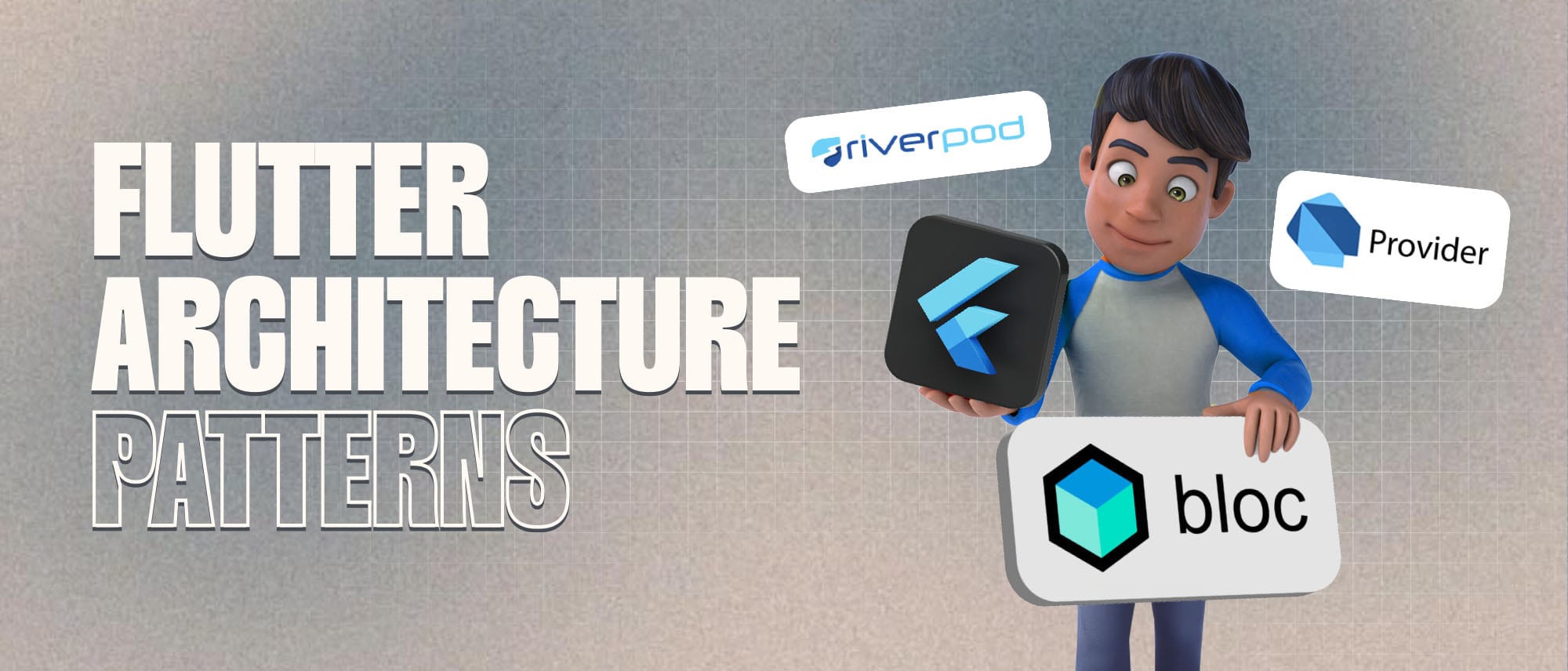
Flutter, Google’s innovative UI toolkit, has rapidly become a preferred choice for building cross-platform mobile apps. However, once an app grows beyond a few screens, architecture stops being an abstract concept and starts affecting day-to-day development decisions. I’m writing this because choosing the right Flutter architecture pattern early can prevent refactoring pain later and keep your codebase predictable as it scales.
Whether you're building your first Flutter app or managing a growing production codebase, the architecture pattern you choose directly impacts maintainability, performance, and long-term scalability. This guide breaks down the most practical Flutter architecture patterns, BLoC, Provider, Riverpod, and more, so you can make that decision with clarity.
What is an Architecture Pattern in Flutter?
In simple terms, an architecture pattern defines how responsibilities are divided across your Flutter app. It determines how data flows, how UI reacts to state changes, and how business logic stays isolated from presentation. A well-chosen pattern reduces tight coupling between widgets and logic, making the app easier to evolve without introducing regressions.
Here’s why architecture matters in Flutter:
Scalability: Enables feature growth without rewriting existing flows.
Maintainability: Keeps business logic predictable and easy to reason about.
Performance: Prevents unnecessary widget rebuilds through controlled state updates.
Now, let's discuss popular Flutter architecture patterns one by one.

1. BLoC (Business Logic Component)
The BLoC (Business Logic Component) pattern enforces a strict separation between UI and business logic using events and state streams. This structure is particularly effective when application behaviour becomes complex and state transitions need to be explicit, predictable, and testable.
Why BLoC?
- Reactive programming: Clearly separates UI from business logic.
- Testability: Highly testable, promoting a TDD approach.
- Scalability: Perfect for complex applications.
Quick Example of BLoC:
// event.dart
abstract class CounterEvent {}
class Increment extends CounterEvent {}

// bloc.dart
class CounterBloc extends Bloc<CounterEvent, int> {
  CounterBloc() : super(0) {
    on<Increment>((event, emit) => emit(state + 1));
  }
}

// widget.dart
BlocBuilder<CounterBloc, int>(
  builder: (context, count) {
    return Text('Count: $count');
  },
)
2. Provider
Provider, officially recommended in Flutter’s ecosystem, offers a straightforward way to expose and consume state across the widget tree. It works best when state requirements are limited and architectural overhead needs to stay minimal.
Why Provider?
- Ease of use: Minimal setup and easy mental model
- Low boilerplate: Reduces repetitive state wiring
- Controlled rebuilds: Updates only dependent widgets
Let’s Build Your Flutter App Together!
Work with our expert team to turn your app idea into a fast, stunning Flutter product.
Quick Example of Provider:
// counter_model.dart
class Counter with ChangeNotifier {
  int _count = 0;
  int get count => _count;

  void increment() {
    _count++;
    notifyListeners();
  }
}

// usage in widget
Consumer<Counter>(
  builder: (context, counter, _) {
    return Text('${counter.count}');
  },
)
3. Riverpod
Riverpod is designed to address Provider’s architectural limitations by removing widget-tree dependency and improving state isolation. It offers a cleaner API for managing complex dependencies while maintaining strong testability guarantees.
Why Riverpod?
- Scalability: Handles growing provider graphs with clarity
- Dependency management: Explicit and predictable injection
- Testability: Providers can be mocked without UI involvement
Quick Example of Riverpod:
final counterProvider = StateProvider<int>((ref) => 0);

// In your widget:
Consumer(
  builder: (context, ref, _) {
    final count = ref.watch(counterProvider);
    return Text('Count: $count');
  },
)
4. GetX
GetX focuses on reducing architectural friction by combining state management, routing, and dependency injection into a single lightweight solution. It prioritizes development speed over strict separation.
Why GetX?
- Minimal syntax: Very low boilerplate
- Performance: Lightweight reactive updates
- All-in-one utility: Routing, DI, and state management
Quick Example of GetX:
// controller.dart
class CounterController extends GetxController {
  var count = 0.obs;
  increment() => count++;
}

// widget.dart
Obx(() => Text('Count: ${controller.count.value}'))
Choosing the Right Architecture: A Quick Comparison
| Pattern | Complexity | Learning Curve | Best For |
BLoC | High | Steep | Complex, large projects |
Provider | Low | Gentle | Small-medium projects |
Riverpod | Medium | Moderate | Medium-large projects |
GetX | Low-Medium | Gentle | Small-medium projects |
Which Architecture is Right for You?
There is no one-size-fits-all architecture in Flutter. The right choice depends on how much complexity your app needs to absorb today, and how much it may need to handle tomorrow. Choose based on:
- Your project size: For large projects, consider BLoC or Riverpod. For smaller, rapid development, Provider or GetX might suffice.
- Your familiarity and comfort: Choose what your team can comfortably manage.
- Performance requirements: High-performance apps often benefit from BLoC or Riverpod’s fine-grained control.
FAQs
Which Flutter architecture pattern is best for large apps?
BLoC and Riverpod are better suited for large Flutter applications due to explicit state handling, predictable data flow, and strong testability.
Let’s Build Your Flutter App Together!
Work with our expert team to turn your app idea into a fast, stunning Flutter product.
Is Provider enough for production apps?
Provider works well for small to medium apps with simple state needs, but it may become harder to manage as state complexity increases.
Why do developers move from Provider to Riverpod?
Riverpod removes widget-tree dependency, improves testability, and offers clearer dependency management, making it more scalable.
Is GetX suitable for enterprise Flutter apps?
GetX can be used in production, but teams should be cautious about long-term maintainability due to its flexible but less strict structure.
Can I mix architecture patterns in Flutter?
Yes, but mixing patterns should be intentional. Inconsistent architecture often leads to confusion rather than flexibility.
Conclusion
Choosing the right Flutter architecture pattern is less about following trends and more about aligning structure with real project needs. Patterns like BLoC, Provider, and Riverpod exist to solve different scaling problems, and selecting one thoughtfully keeps your application maintainable as it grows. Proper state management patterns, like BLoC, Provider, or Riverpod, keep your app maintainable, efficient, and easier to debug long-term.
No single architecture pattern fits every scenario perfectly. Evaluate your project's complexity, your team’s expertise, and future scalability needs before deciding to ensure you're making the best choice for your specific scenario.
Finally, staying updated on community insights and developments ensures your Flutter app not only thrives today but remains adaptable for tomorrow's challenges.

Taha
Flutter Dev @ F22 Labs, solving mobile app challenges with a cup of coffee and a passion for crafting elegant solutions. Let's build something amazing together!